Clubs, meetups and community groups
A community group lists events, signs up volunteers and talks on a board.
Sports clubs and youth leagues
The committee and coaches work in one Magpie team. Players and parents use the forms, match pages and shop you publish.
Get started free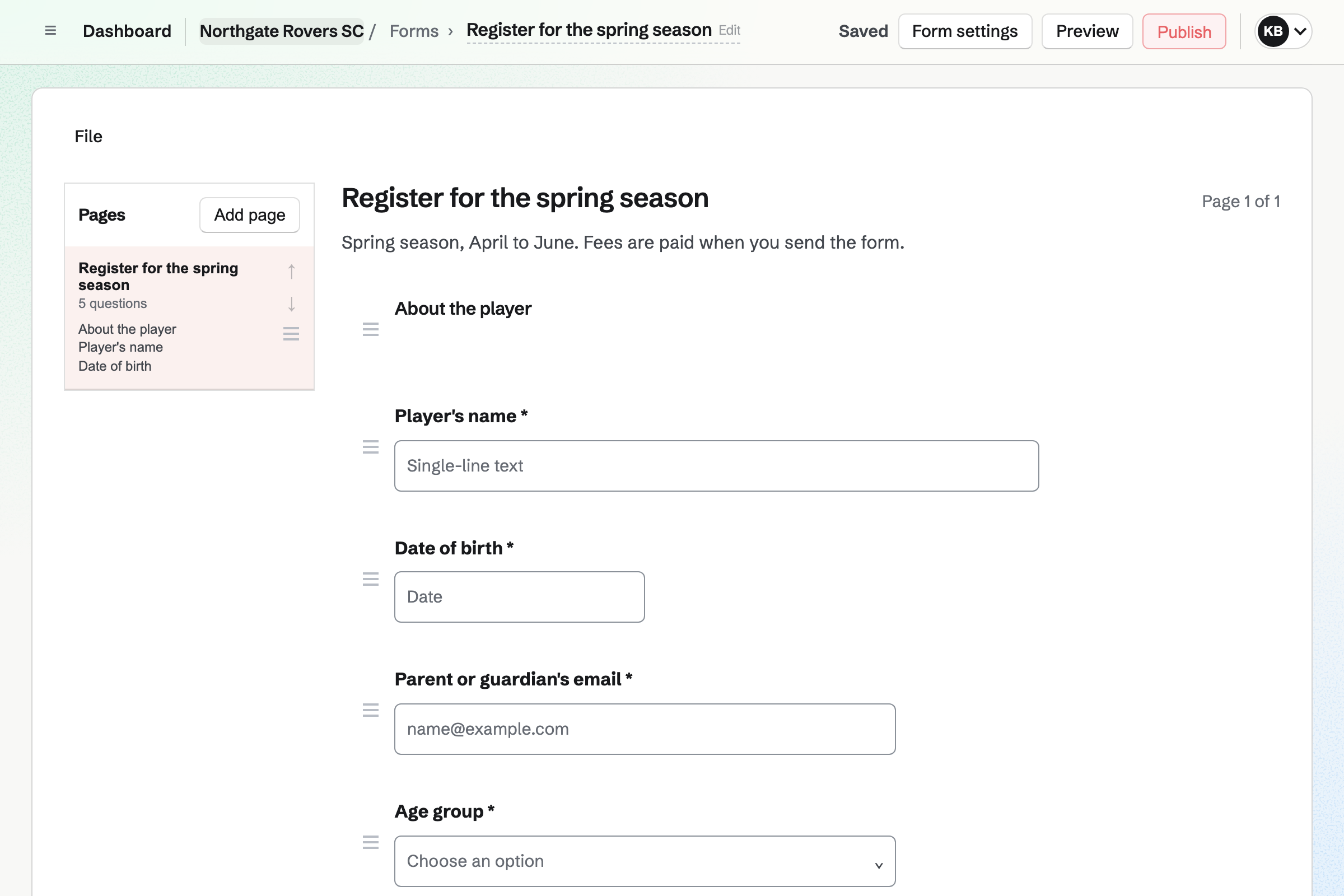
Forms builds the registration form, with the questions you choose, such as the player's age group. Every response comes into one list you can export.
A form can require a payment, the same amount for every response. Parents pay by card, into the club's own Stripe account.
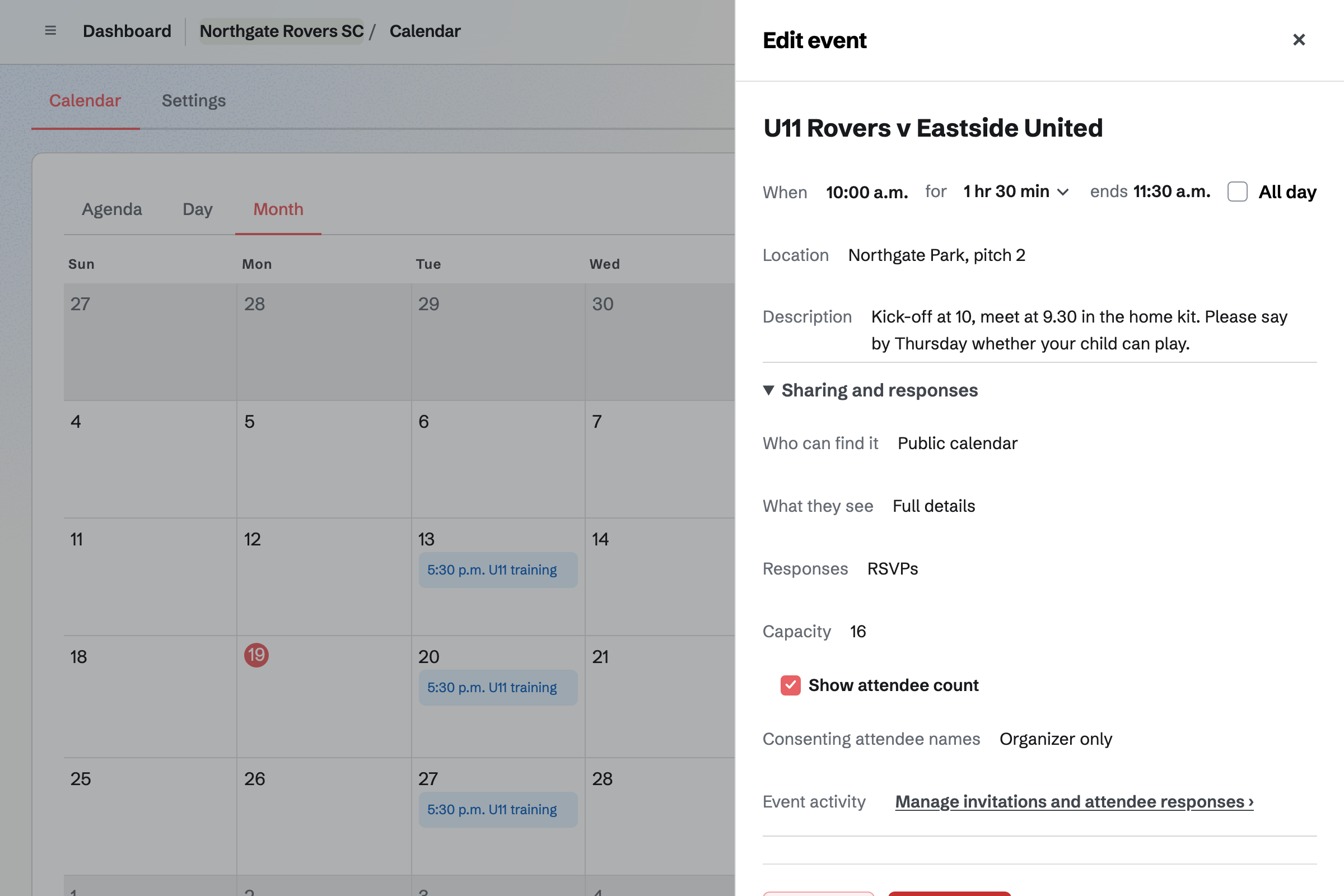
Calendar holds fixtures and training. Each event can be on the club's public calendar, with its time and location.
Parents reply Going or Not going, up to a squad size you set. You see every reply. Each session is its own event, added for each date.
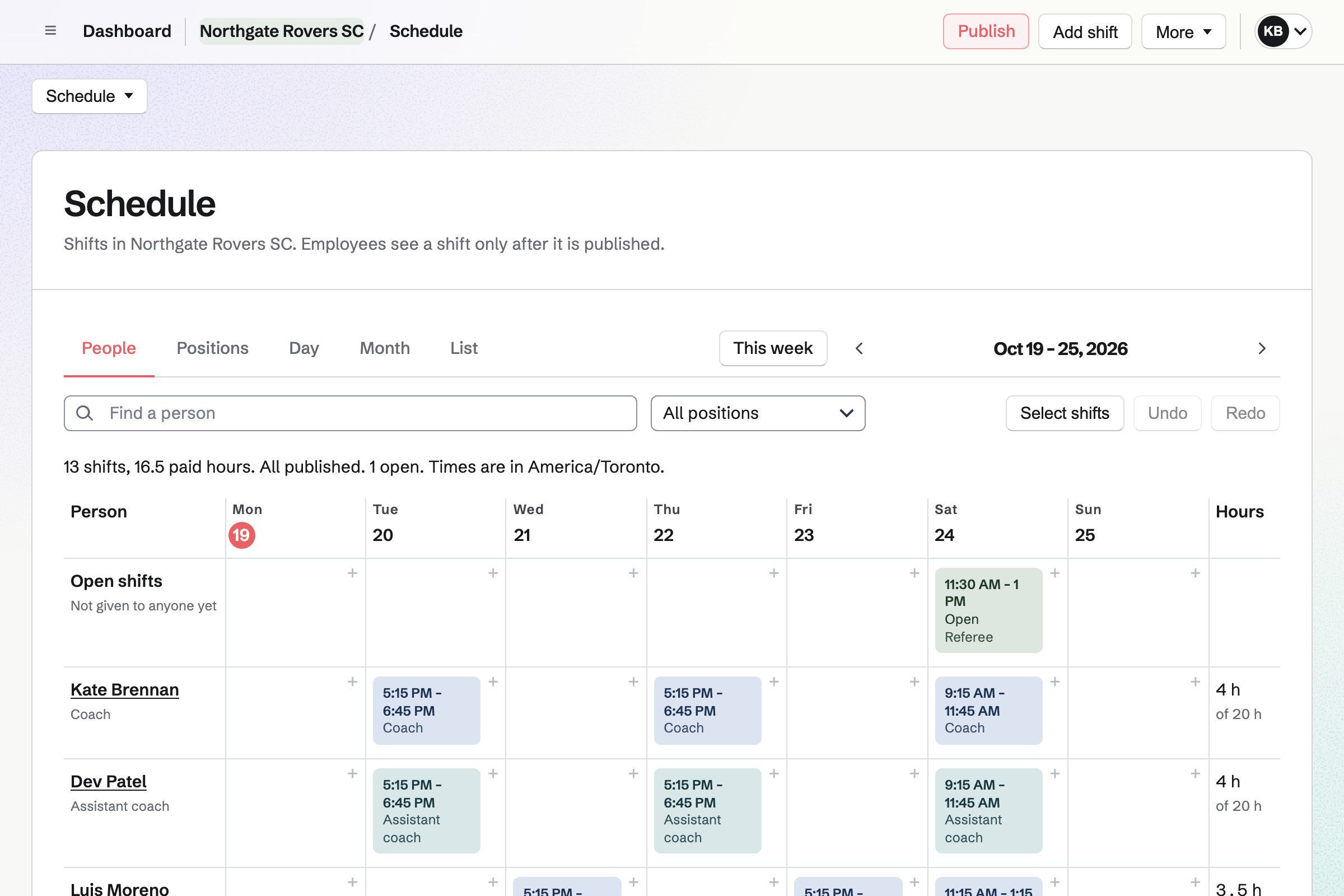
Staff Scheduling plans the week by role, such as coach, referee and grounds. Each volunteer you invite sees their own sessions, and can ask for a swap.
An open slot shows a session that still needs someone. A qualification, such as a coaching badge, can carry its expiry date.
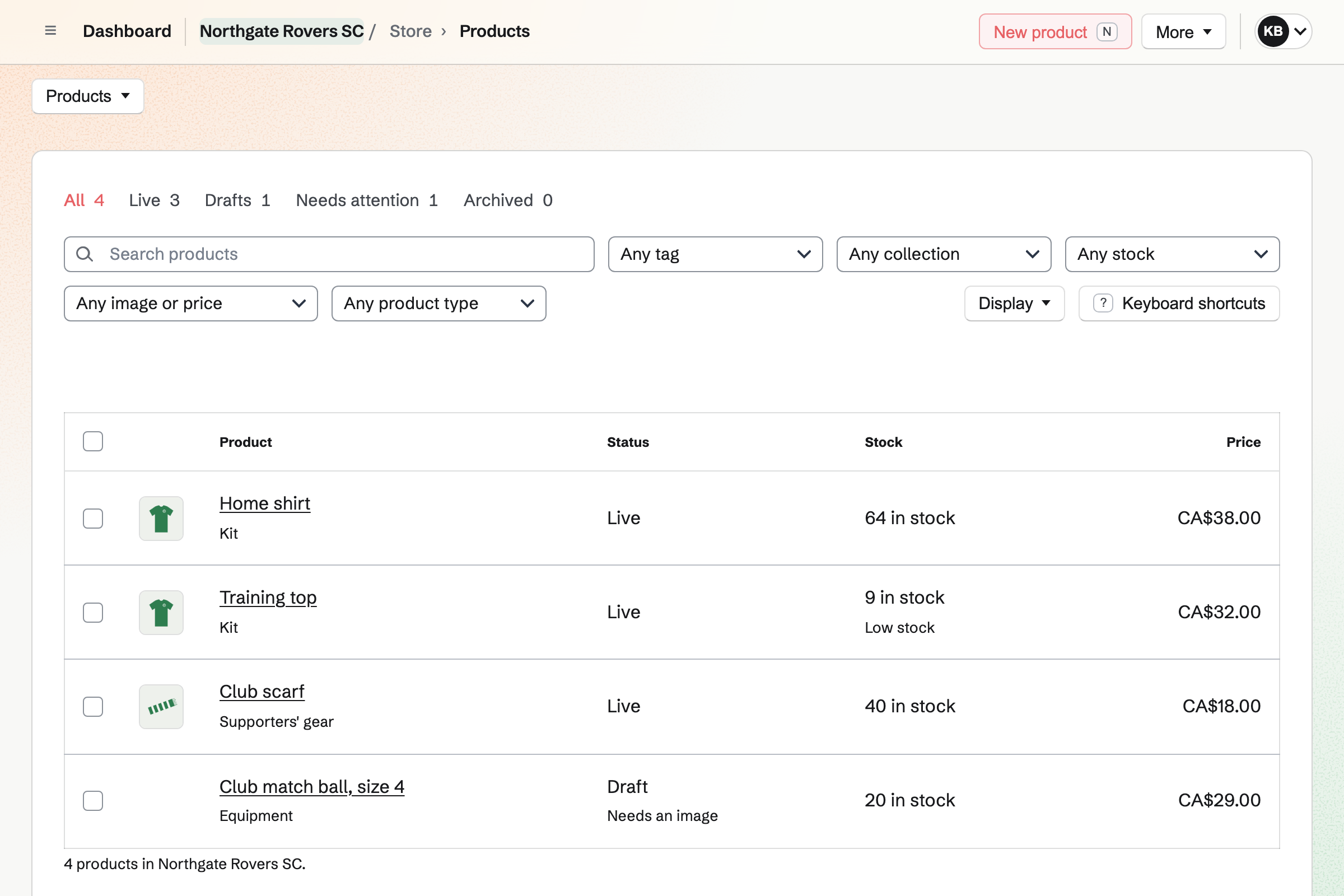
Store is the club's online shop. A shirt has a size for each option, with its own stock. Parents can collect an order at the club, or have it delivered.
Buyers pay by card into the club's Stripe account, with no Magpie fee.
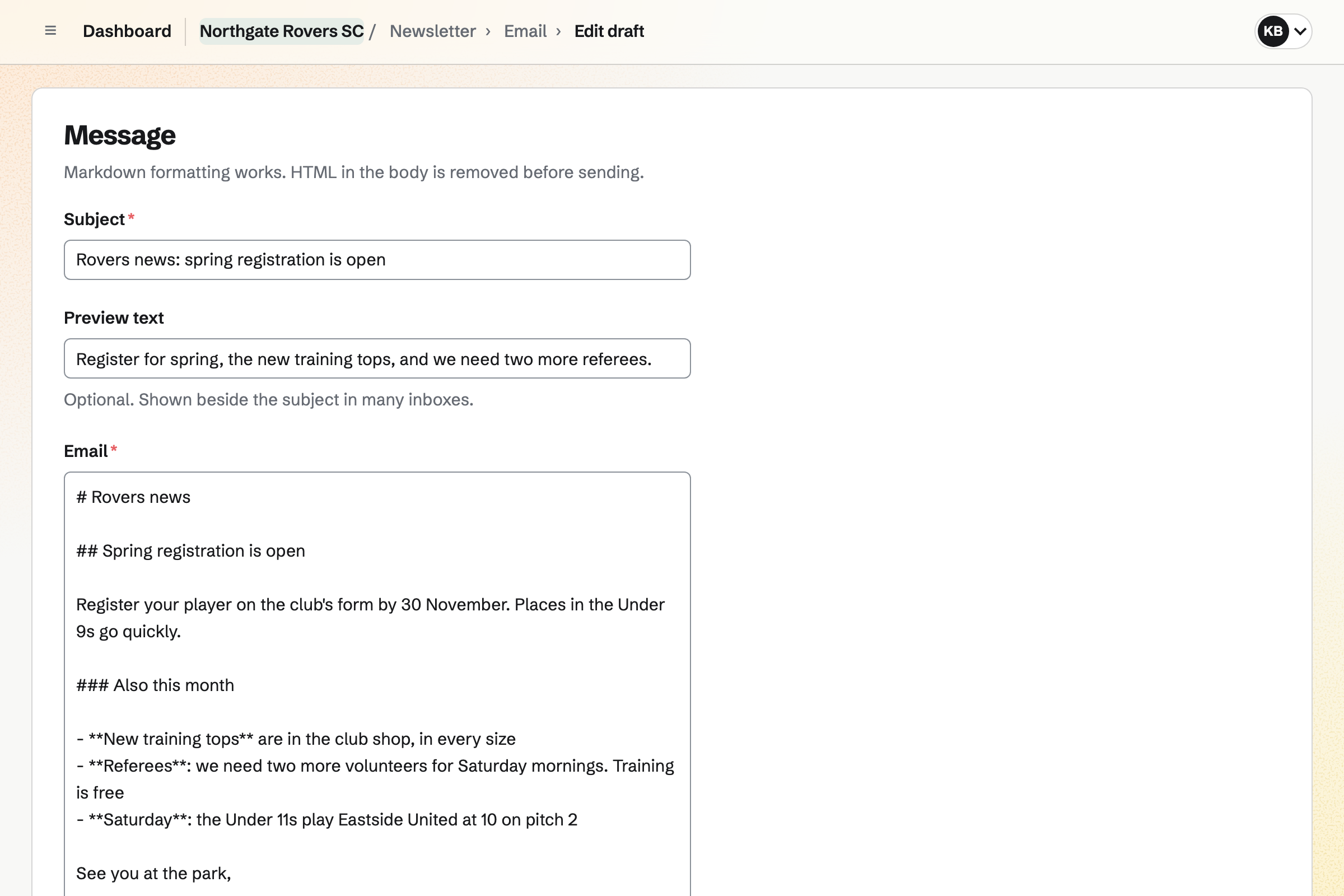
Newsletter keeps the club's mailing list, with double opt-in on its sign-up page. You write each issue, send yourself a test and schedule it.
Checkout in the club shop can ask buyers to join the list.
Resource Booking holds each pitch and court with its open hours and rules. Members of your team book them, and a booking can need an admin's approval.
Other people's bookings show as Busy. A report shows how much each pitch is used.
Parents register their players and pay the fee.
Coaches and referees see their sessions on the rota.
Players buy their shirts from the club shop.
Each match has its own page, and parents say who can play.
The referee slot is filled, and the club news reports the result.
You invite the committee and coaches. Help: Create and manage a team.
You connect the club's Stripe account for fees and kit. Help: Connect Stripe to receive money.
You start from Registration and add the fee. Help: Build, publish, and share a form.
You add each match with replies on. Help: Create public and private calendar events.
A club fits the Team plan. Each coach or volunteer you invite to see their sessions joins the team. Each takes a member place.
Players and parents who register, reply or buy kit are not added to the team. Magpie's fee on a paid form is 1%, and it adds no fee to shop sales. Prices are on the Pricing page.
A community group lists events, signs up volunteers and talks on a board.
A gym runs classes, members and the front desk.
A nonprofit takes monthly support and runs its programmes.
Yes. The registration form takes the fee as it is sent, the same amount for every response. Every registration comes into one list you can export.
Yes. Each match has its own page, where parents reply Going or Not going. Replies stop at the squad size you set.
Yes. Each match can be on the public calendar, with its time and location. Events do not repeat, so each session is added for its date.
Yes. Each coach you invite sees their own published sessions. They can ask for a swap or say they cannot do one.
Yes. An open slot shows the session that still needs a referee. Someone who can referee can take it.
Yes. A shirt has an option for each size, with its own stock. Parents can collect the order at the club.
Yes. Asset Tracker lends nets, goals and bibs to a member or a contact. Each loan has a due date. Overdue items have their own list.
Create a Magpie account and make a team for the club.