Painters and fine artists
An artist sells work, takes commissions and runs a mailing list.
Small museums and galleries
The staff and the trustees work in one Magpie team. Visitors and Friends use the event pages, the Friends page and the shop you publish.
Get started free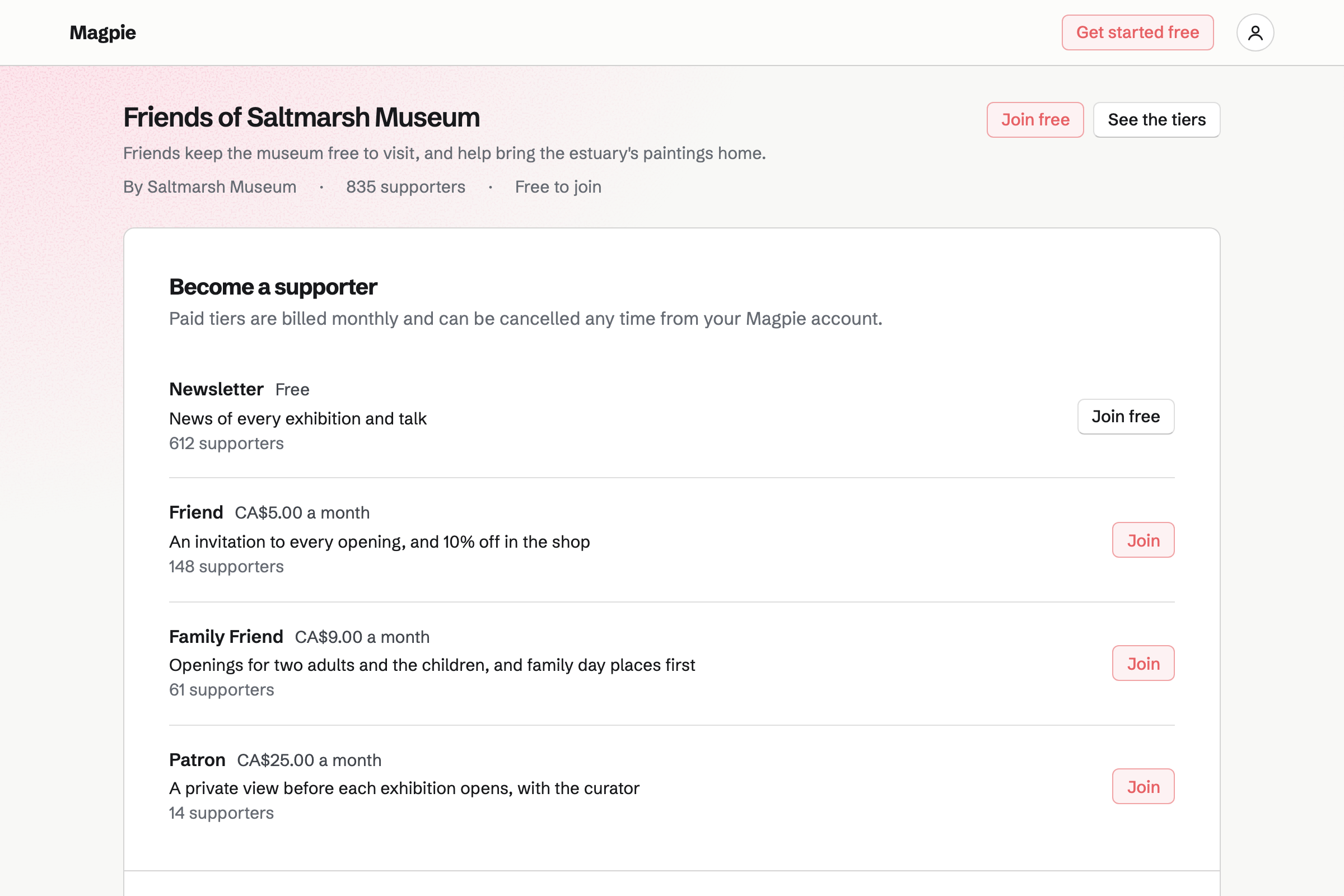
Supporters gives your Friends scheme a public page, with a free tier and monthly paid tiers. Payments go to your own Stripe account.
Posts can go to everyone, to paying Friends or to chosen tiers. A post can hold photos, a video or a poll.
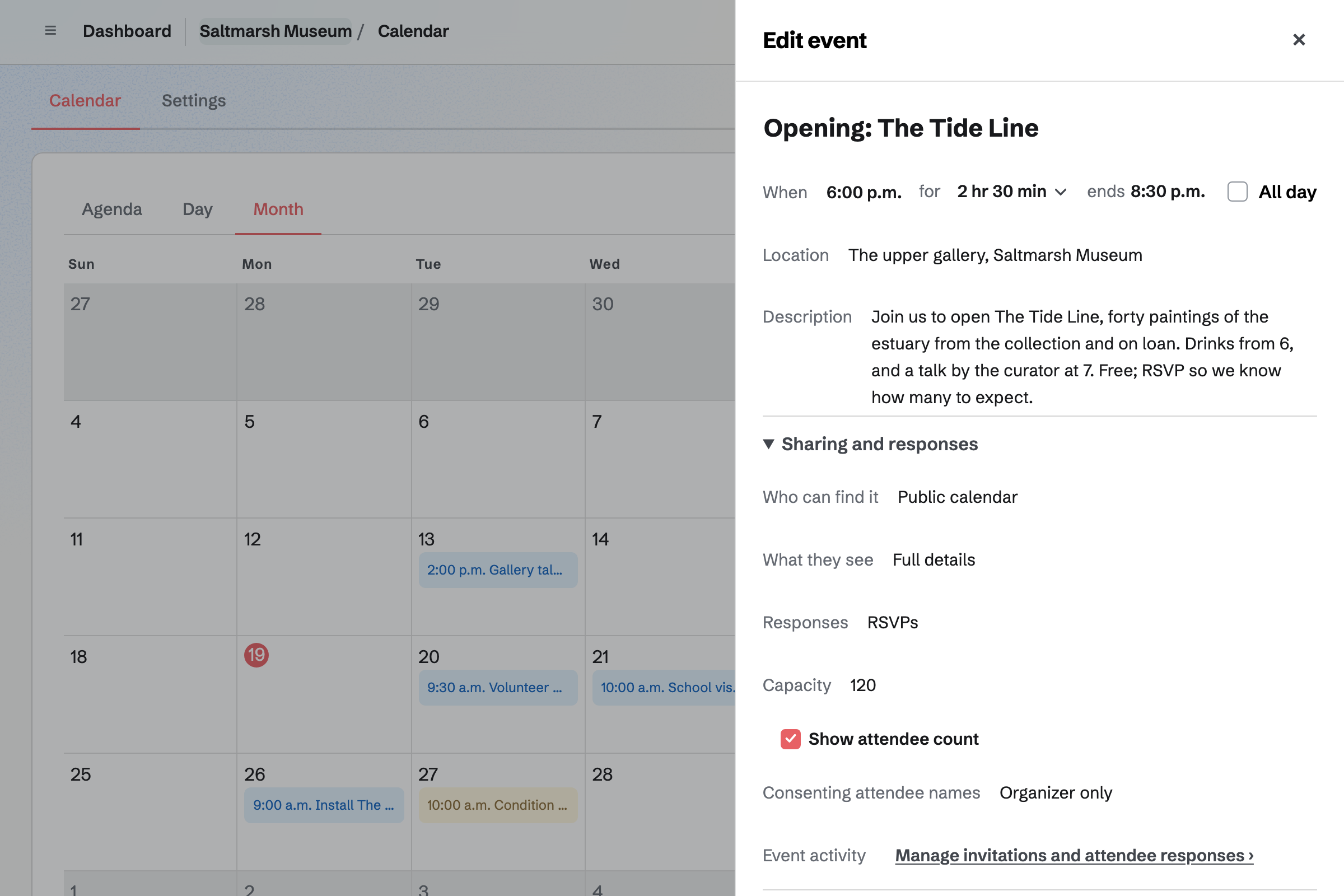
Calendar lists each private view, talk and family day on your public calendar. People choose Going, and RSVPs stop at the capacity you set.
The event's page can show how many are going. You can invite Friends by email, or by a link with a set number of uses.
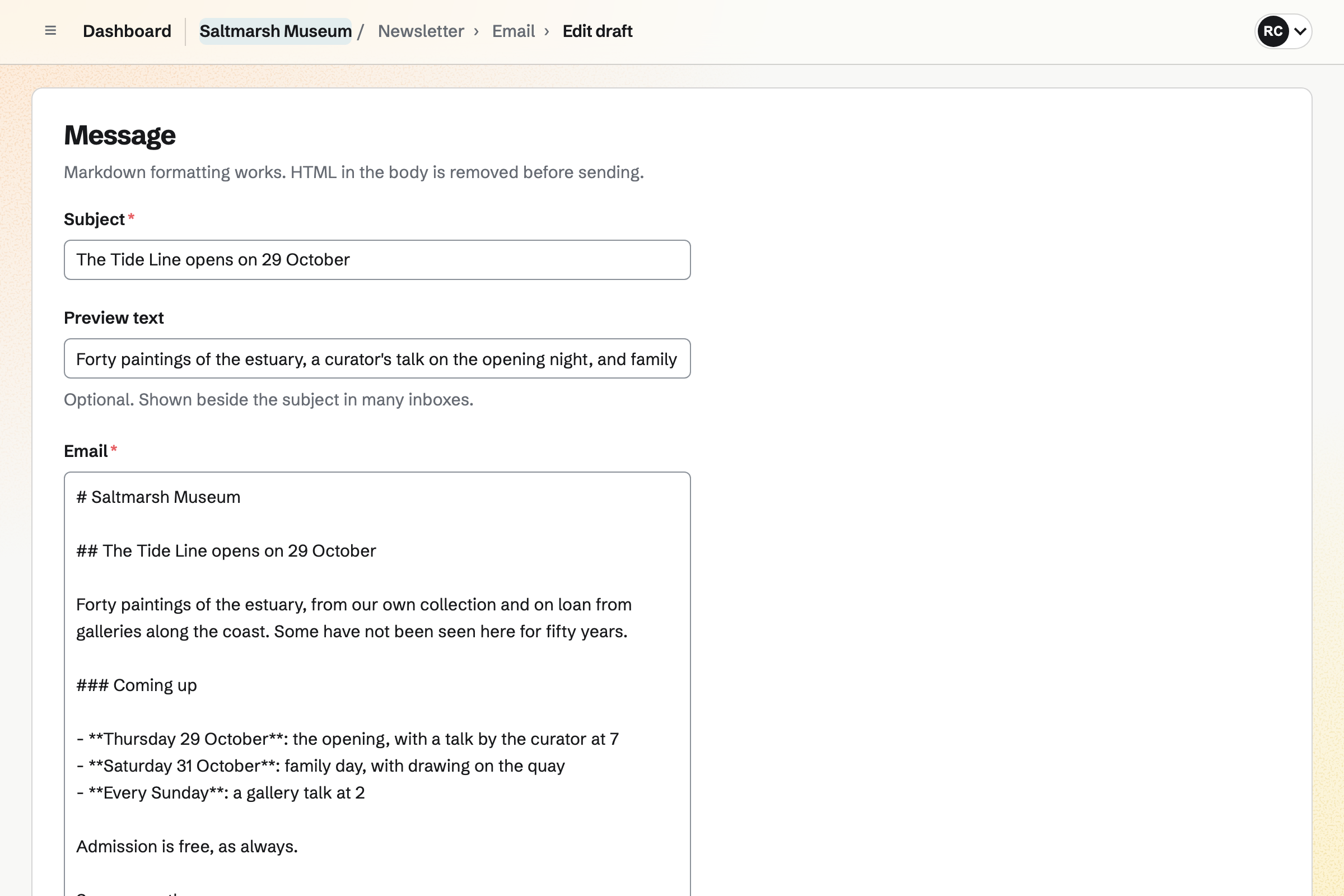
Newsletter keeps your mailing list, with double opt-in on its sign-up page. You can bring the list over from Mailchimp or a CSV file.
You write each issue, send yourself a test and schedule it. A sent issue has a web copy, which can start a social media post.
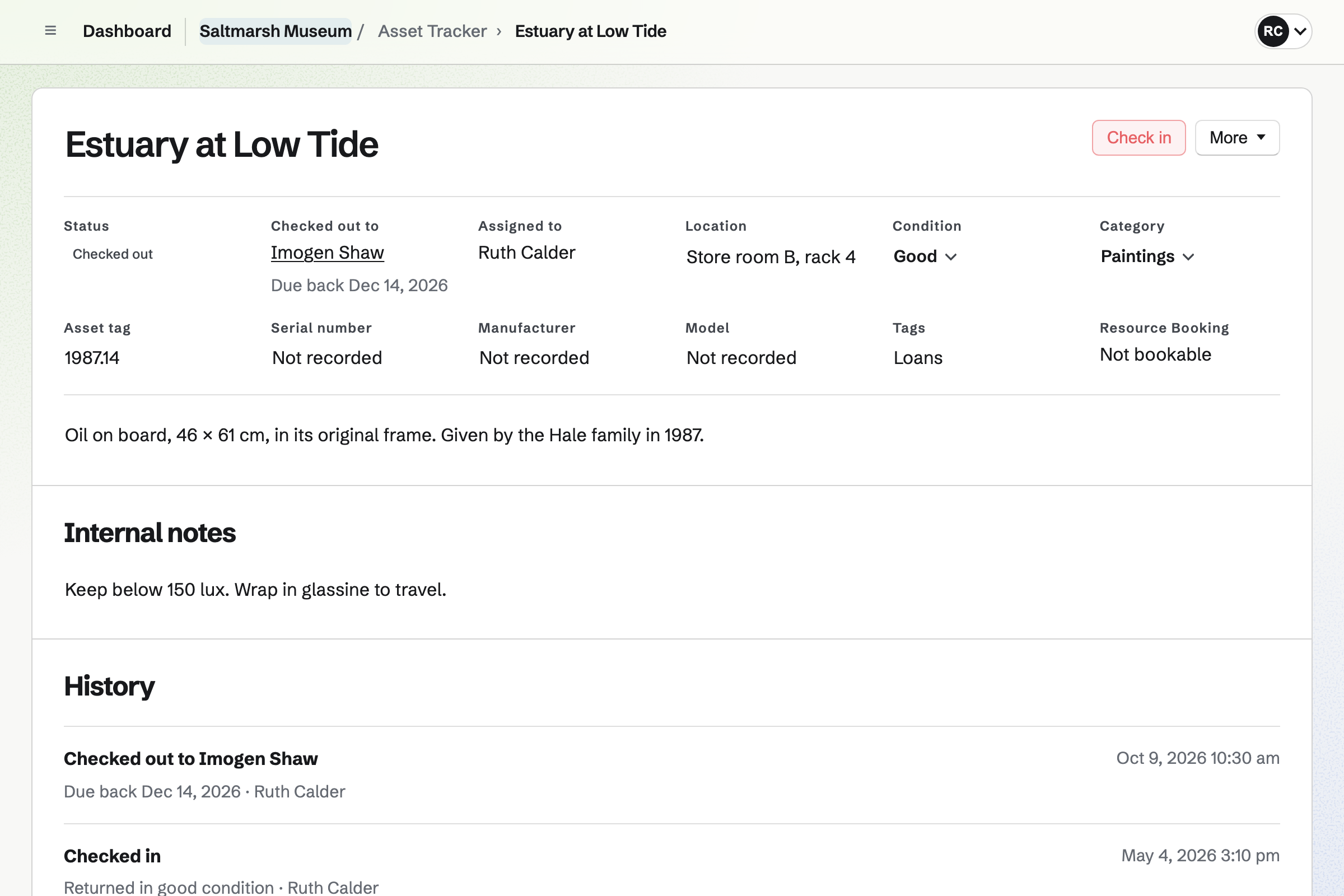
Asset Tracker keeps each object with its number, location, condition and photos. A painting lent to another gallery is checked out to it, with a due date.
Each record keeps its history, from each move to each loan. Checking an object back in records its condition.
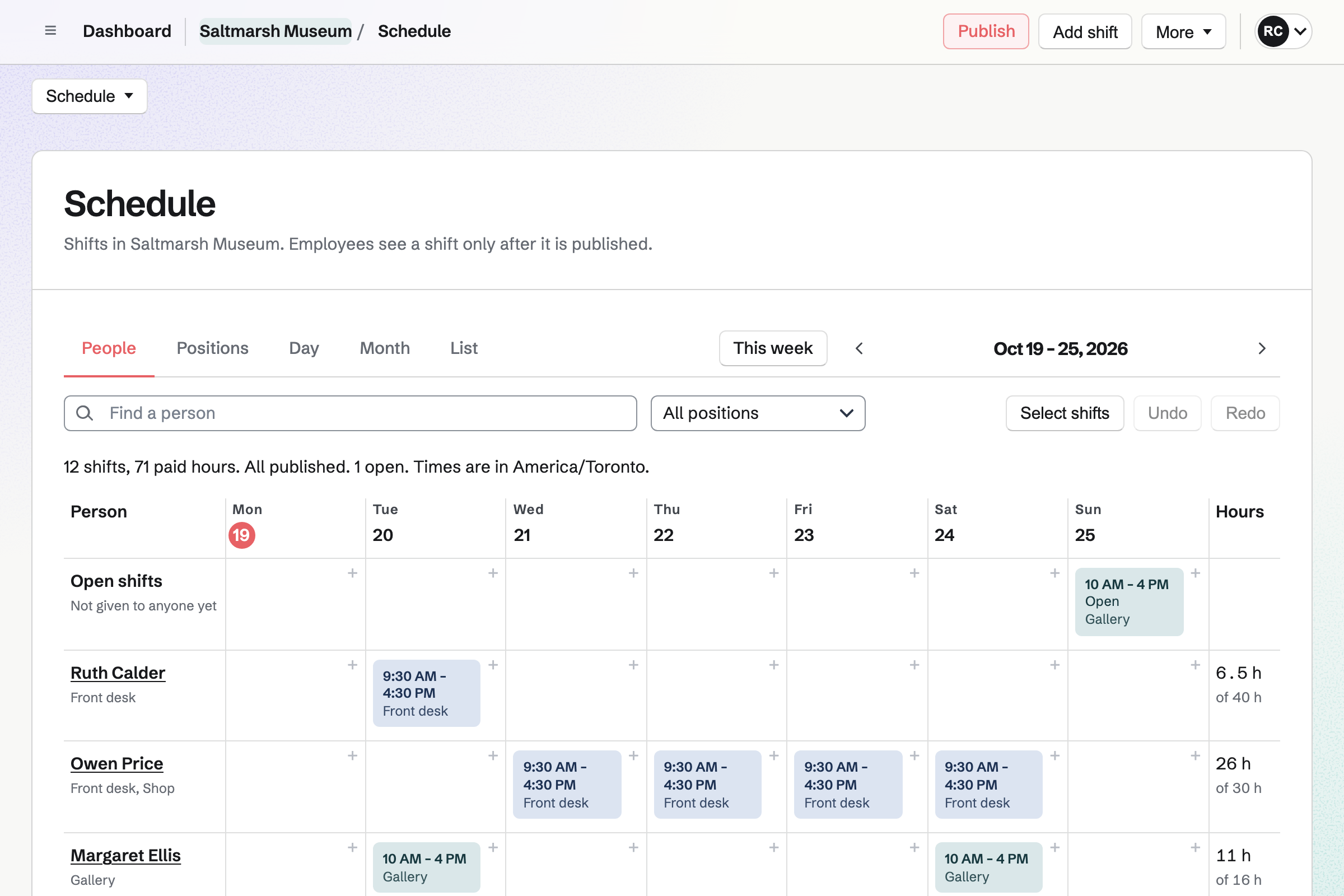
Staff Scheduling plans the week, with positions such as front desk, gallery and shop. Each person you invite sees their own shifts.
An open shift waits for someone to take it. People can swap shifts, or say when they cannot come.
Store is the museum's online shop, for catalogues, prints and postcards. Magpie adds no fee to shop sales.
A sale at the desk is recorded as a new order, with how it was paid. Its items leave the same stock as the online shop's.
Each borrowed painting is recorded as it arrives.
The private view goes on your calendar, and Friends RSVP.
Your list hears the dates and the talks.
The front desk and the galleries are covered on the rota.
Each loan is checked in, with its condition.
Friends can then pay monthly by card. Help: Connect Stripe to receive money.
You set the tiers and what each one gives. Help: Set up Supporters.
You can import it from a CSV file. Help: Track individual assets.
You set its capacity and turn on RSVPs. Help: Create public and private calendar events.
A museum fits the Team plan, with each person who sees their shifts a member. Visitors and Friends are not added to it.
Magpie's fee on supporters' payments is 3%, and it adds no fee to shop sales. Stripe's processing fee is taken from each card payment. Prices are on the Pricing page.
An artist sells work, takes commissions and runs a mailing list.
A theatre company, choir or band runs rehearsals and sells tickets.
A nonprofit takes monthly support and runs its programmes.
Yes. Your Friends page has a free tier and monthly paid tiers, paid by card through Stripe. Friends change their card or cancel themselves.
Yes. A post can go to everyone, to paying Friends, or to chosen tiers only. It can hold photos, a video or a poll.
Yes. The event's page takes Going or Not going, up to the capacity you set. Its page then says it is full.
Yes. Each object has a location, a condition and photos, with every change in its history. A list shows what is out on loan, and what is overdue.
Yes. The object is checked out to that museum as a contact, with a due date. Checking it back in records its condition.
Yes. Assets can be imported from a CSV file, and exported the same way.
Yes. Each person you invite sees their own shifts once the rota is published. They can swap a shift or say when they cannot come.
Yes. The online shop sells them. A sale at the desk is recorded as a new order. Both take from the same stock.
Yes. QR Codes makes a code that opens a page on your website. You download it to print on the label.
Create a Magpie account and make a team for the museum.