Clubs, meetups and community groups
A community group lists events, signs up volunteers and talks on a board.
Residents' and homeowners' associations
The committee works in one Magpie team. Residents can join it as guests, for the board, the meetings and the room.
Get started free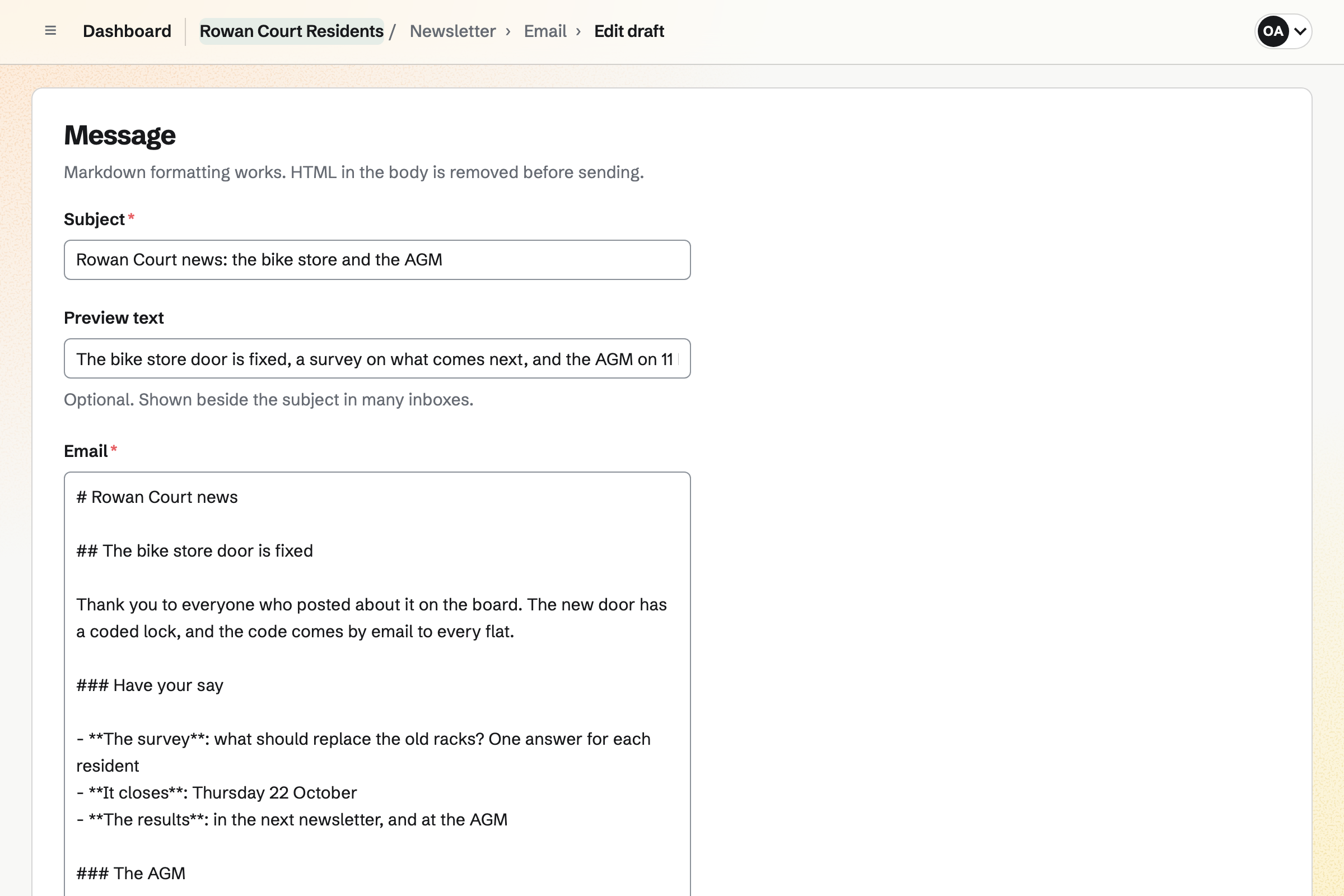
Message Boards gives the association a board, such as one for the building. Residents post, reply under each post and vote, so the useful ones come up.
A board can be private to the association, or public for anyone to read. You and the board's creator can remove a post.
Newsletter keeps the mailing list, with double opt-in on its sign-up page. A list can be brought in from a CSV file.
You write each issue, send yourself a test and schedule it. A sent issue has a web copy, so it can go on the board too.
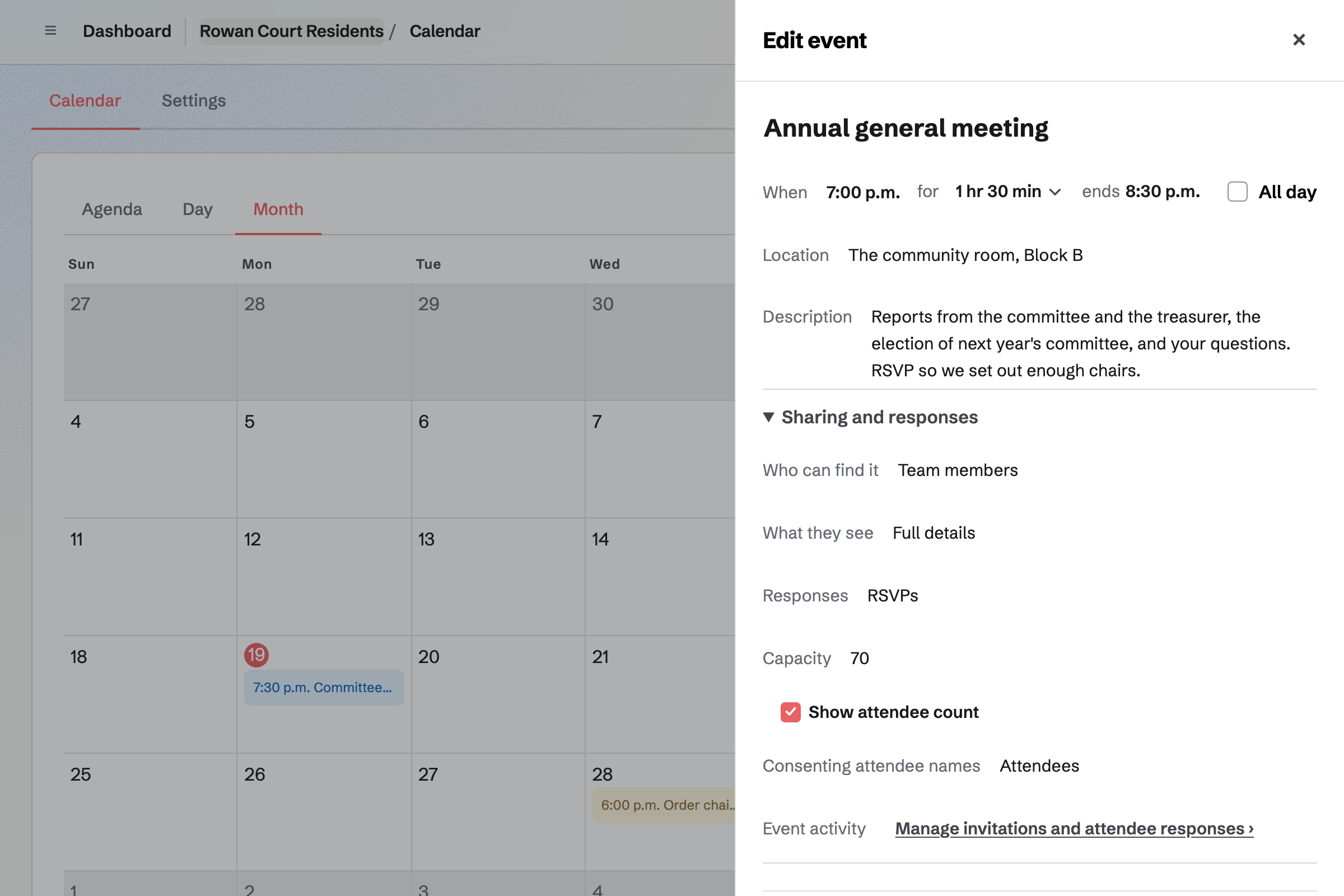
Calendar holds committee meetings, the AGM and the summer fair. Residents reply Going or Not going, so you know how many chairs to set out.
A meeting can be for residents only, or on a public calendar. You can invite people by email or by a link.
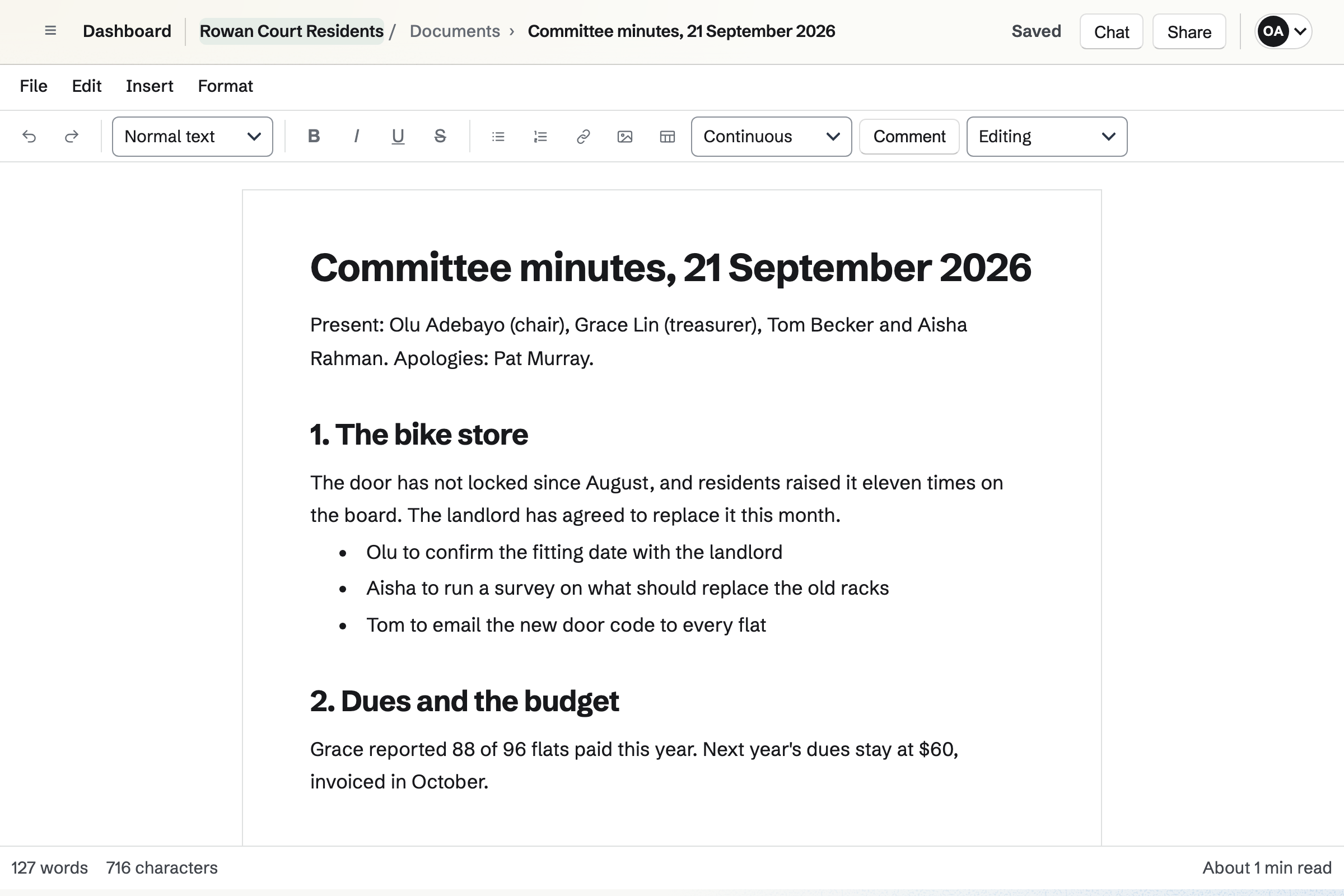
Documents holds the minutes, with headings, tables and actions. The committee can comment and suggest changes before they are agreed.
A link lets any resident read them without signing in. Each set of minutes downloads as a PDF.
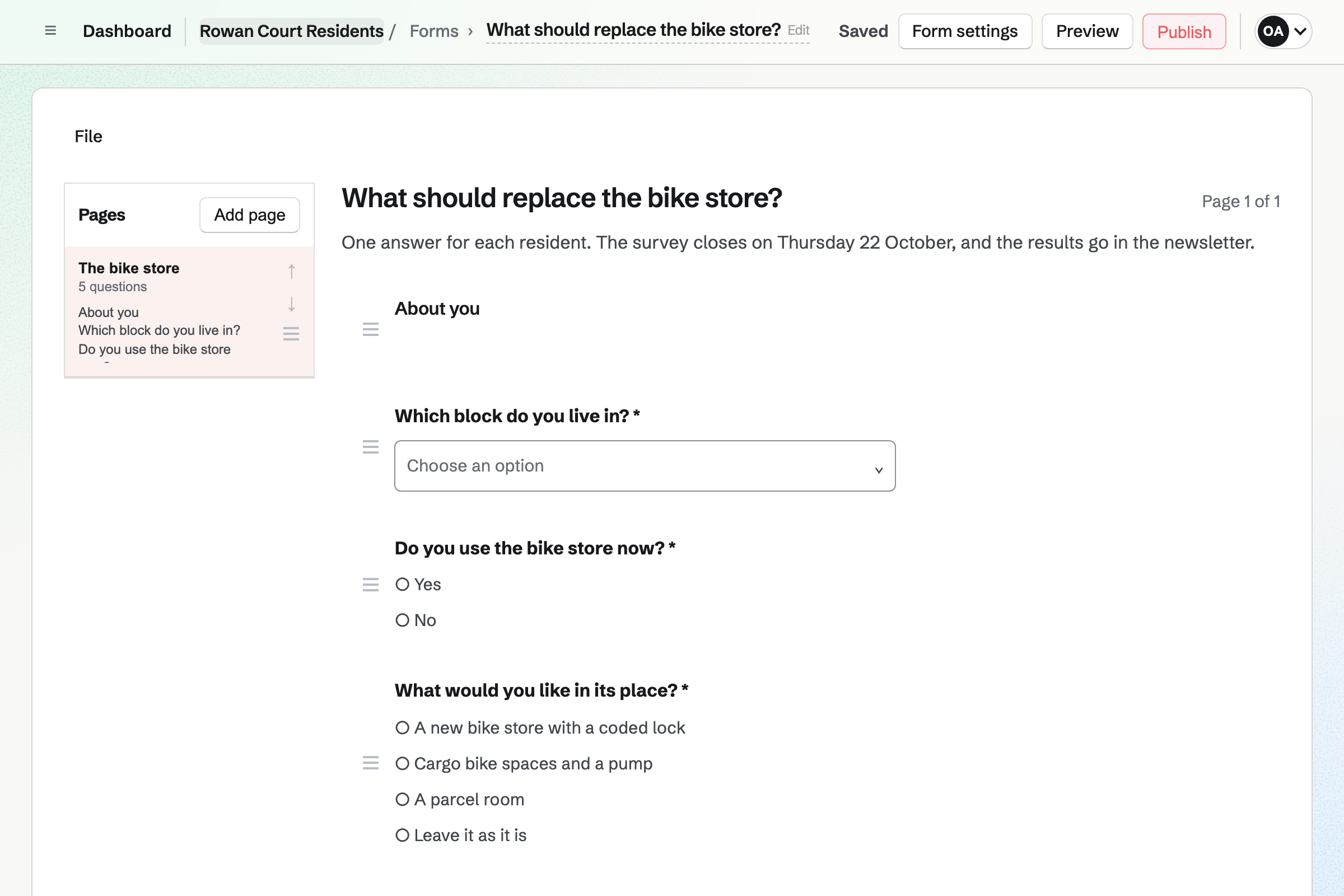
Forms builds a survey, such as one on the new bike store. With sign-in required, each person can answer once.
The results show each question's answers together. Every response can be exported as a CSV file.
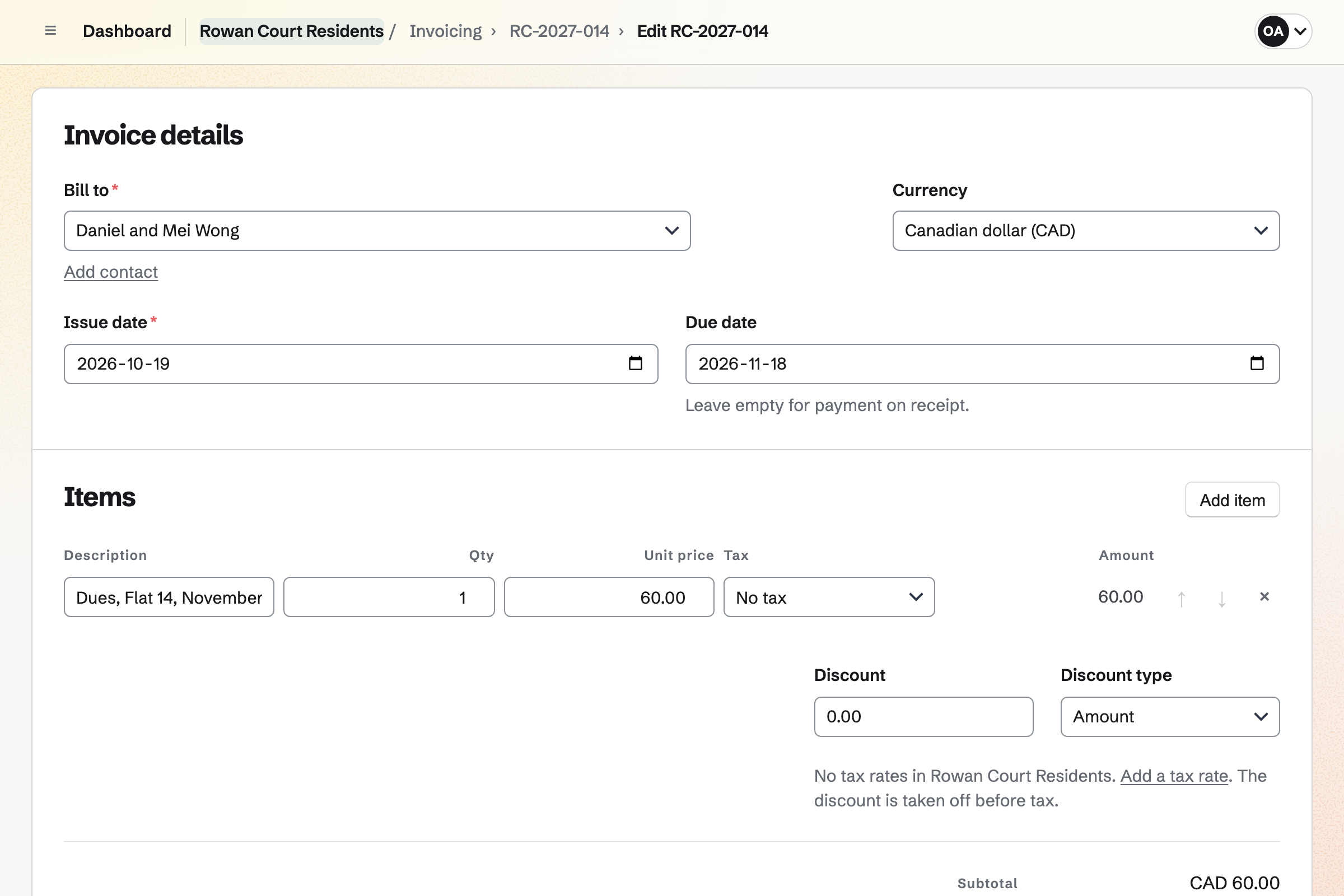
Invoicing bills each household's dues as a recurring invoice, emailed on the same day each year. Households pay by card from the email.
A payment by bank transfer can be recorded too. Magpie adds no fee to invoice payments.
A resident posts about the broken bike store door.
Residents say what they want in its place.
The committee meets, and residents RSVP.
The decision goes in the minutes, shared by link.
The newsletter says when the work starts.
You start it private to the association. Help: Create and use message boards.
You give them the board, Calendar and the room. Help: Guests on a team.
You bring in the list you already have. Help: Manage and import newsletter subscribers.
Households can then pay dues by card. Help: Connect Stripe to receive money.
The committee fits the Team plan, with each committee member a member. Residents join as guests, with only the areas you give them.
A guest takes no place, and a paid plan has room for 100. Magpie adds no fee to invoice payments. Prices are on the Pricing page.
A community group lists events, signs up volunteers and talks on a board.
A property manager handles repairs, rent and tenants.
A nonprofit takes monthly support and runs its programmes.
Yes. A message board holds posts, replies and votes. It can be private to the association, or public for anyone to read.
Yes. A form can require sign-in and take one response per person. Its results show the answers to each question together.
Yes. The meeting's page takes Going or Not going. You see every reply, with the person's email address.
Yes. A document can be shared by a link anyone can read. It can also be printed or downloaded as a PDF.
Yes. A recurring invoice is issued and emailed to each household every year. They pay by card from the email, or you record a bank transfer.
Yes. Residents who are guests with Resource Booking can book it. A booking can wait for your approval, and the room's rules are checked.
Yes. An expense can be marked reimbursable, and grouped on a report for approval. You record when it was paid back.
Yes. Accounting keeps them, with dues payments posted automatically. Bank statements can be imported and reconciled.
Create a Magpie account and make a team for the committee.