Teachers and small schools
A teacher or a small school shares lessons and keeps parents informed.
PTAs and school parent groups
The committee works in one Magpie team. Parents use the forms, the shop, the board and the newsletter you publish.
Get started free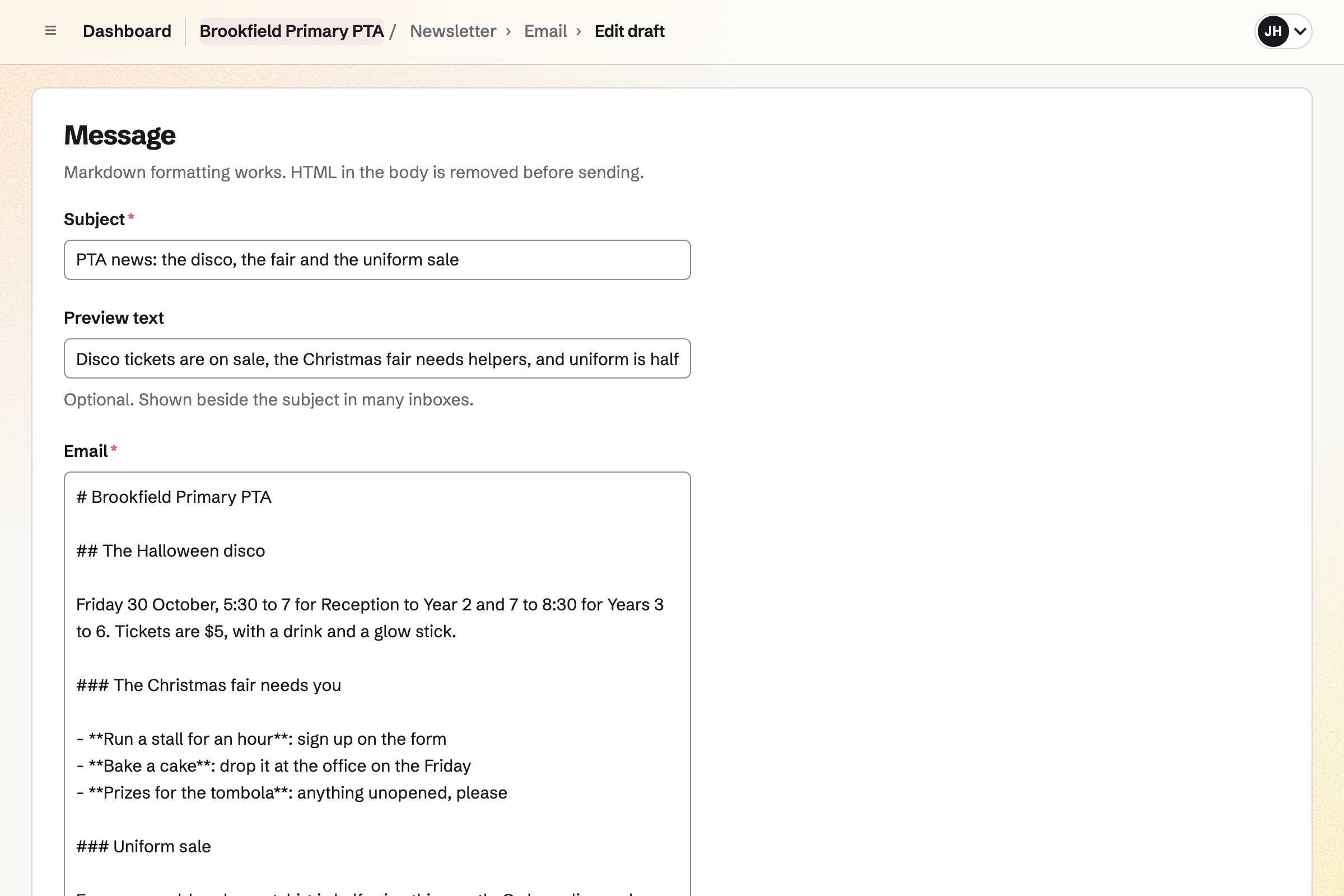
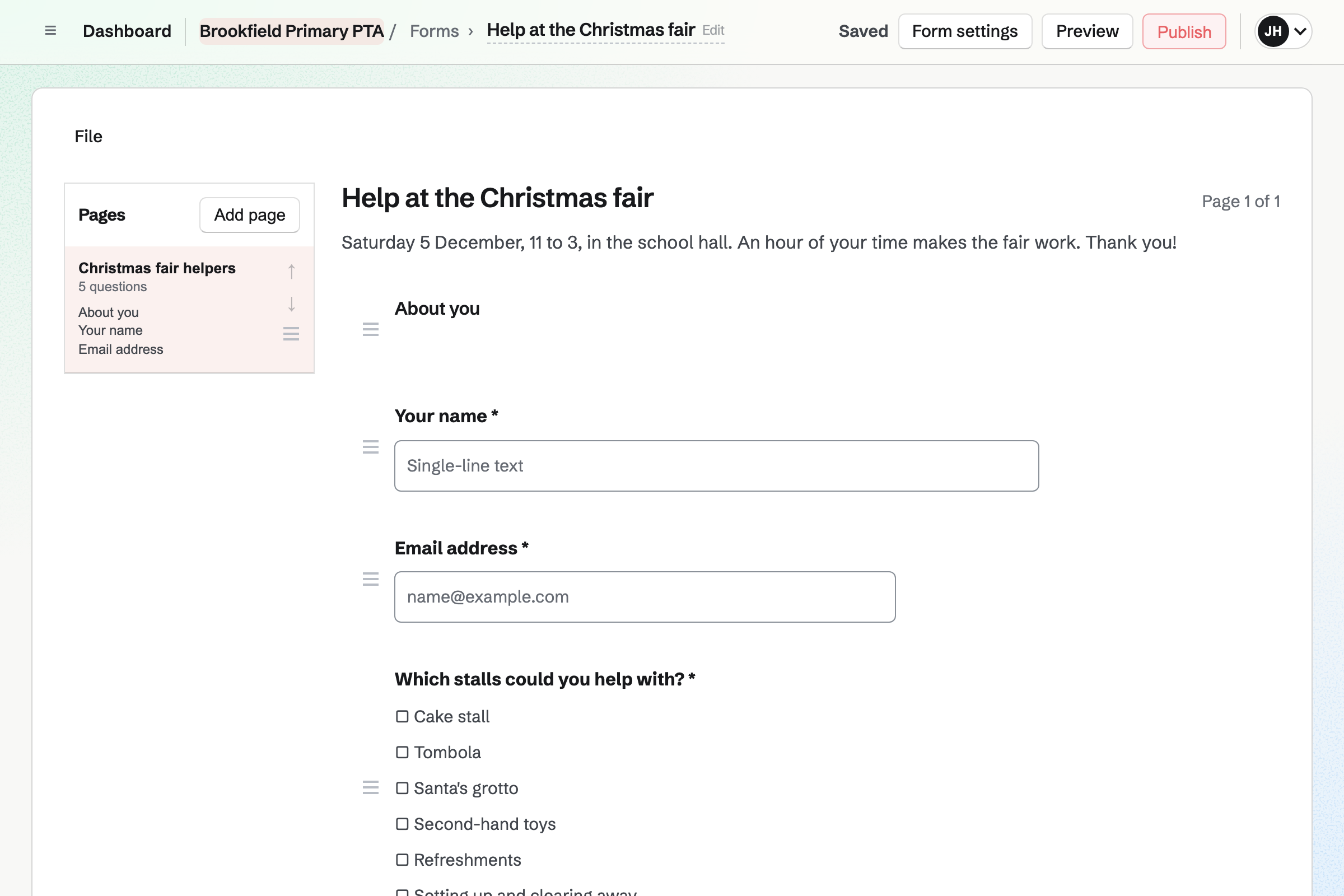
Forms builds a volunteer sign-up for the fair, with the stalls and times people can help. Every sign-up comes into one list.
A paid form takes the price of a disco or quiz night ticket by card. Each form has one price, and you close it when the hall is full.
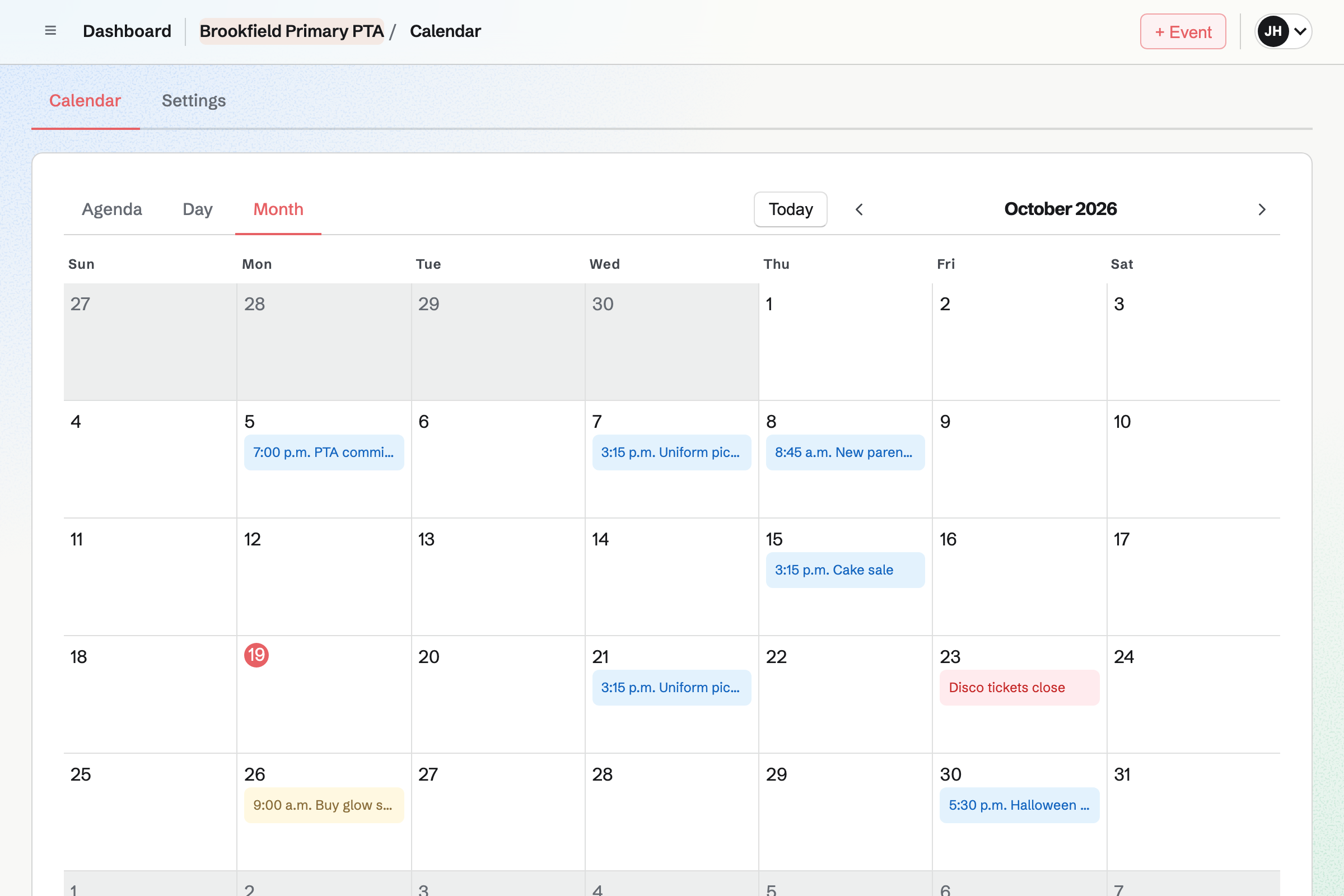
Calendar holds the year's events, from the AGM to the summer fair. An event can be on your public calendar and take RSVPs up to a capacity.
You see every reply, with the parent's email address. A meeting can be for the committee only.
Newsletter keeps the parents' mailing list, with double opt-in on its sign-up page. A list can be brought in from a CSV file.
You write each issue, send yourself a test and schedule it. Each issue's page counts the copies delivered.
Message Boards gives the group a public board, which anyone can read. Parents who sign in can post, reply and vote.
Votes bring the popular ideas up, such as a new stall at the fair. The committee can keep a private board of its own.
Store is the group's online shop, for second-hand uniform and the school calendar. A sweatshirt can have a size option, each size with its own stock.
Parents pay by card and collect their order. Magpie adds no fee to shop sales.
Accounting keeps the group's books. Form payments, shop sales and invoice payments are posted automatically.
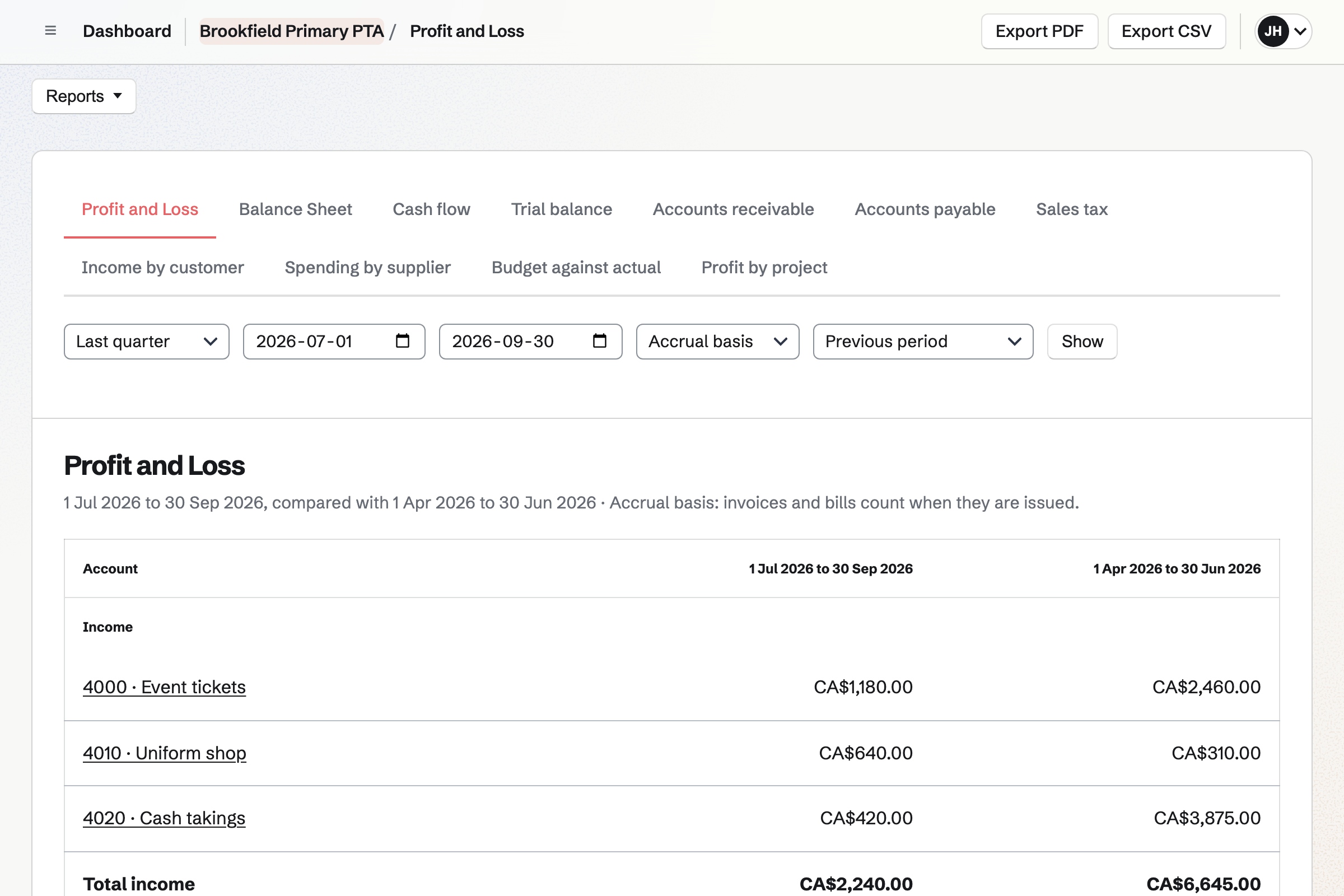
Bank statements can be imported and reconciled. The profit and loss compares each quarter with the one before.
Parents sign up to run a stall for an hour.
The newsletter asks for prizes and cakes.
Ride wristbands sell on a paid form.
The fair is on your public calendar.
The treasurer posts the cash, and the books show the year.
You bring in the parents' list you have. Help: Manage and import newsletter subscribers.
You list the stalls and times. Help: Build, publish, and share a form.
Parents can then pay by card. Help: Connect Stripe to receive money.
You enter the bank balance you start from. Help: Keep books with Accounting.
The committee fits the Team plan, with each committee member a member. Parents are not added to it.
Magpie's fee on a paid Form is 1% of each payment. Shop sales carry no Magpie fee. Stripe's processing fee is taken from each card payment. Prices are on the Pricing page.
A teacher or a small school shares lessons and keeps parents informed.
A community group lists events, signs up volunteers and talks on a board.
A nonprofit takes monthly support and runs its programmes.
Yes. A sign-up form lists the stalls and times, and parents tick the ones they can do. Every sign-up comes into one list you can export.
Yes. A paid form takes the ticket price by card, through Stripe, into the group's account. Each form has one price, so a family ticket has its own form.
Yes. Each item can have a size option, with its own stock. Parents pay online and collect their order at school.
Yes. The event's page takes Going or Not going. A capacity stops RSVPs when the room is full.
Yes. Newsletter sends each issue to everyone on the list. Parents sign up on its page, and you can bring in the list you already have.
Yes. Anyone can read a public board. Parents who sign in can post and reply. Votes bring the popular ideas to the top.
Yes. An expense can be marked reimbursable and grouped on a report for approval. You record when it was paid back.
Yes. Accounting keeps them, with form payments and shop sales posted automatically. Bank statements can be imported and reconciled.
Create a Magpie account and make a team for the committee.