Churches, mosques, temples and faith groups
A faith community plans its services, groups and volunteers.
Small nonprofits and charities
A nonprofit works in one Magpie team, with its staff and trustees as members.
Get started free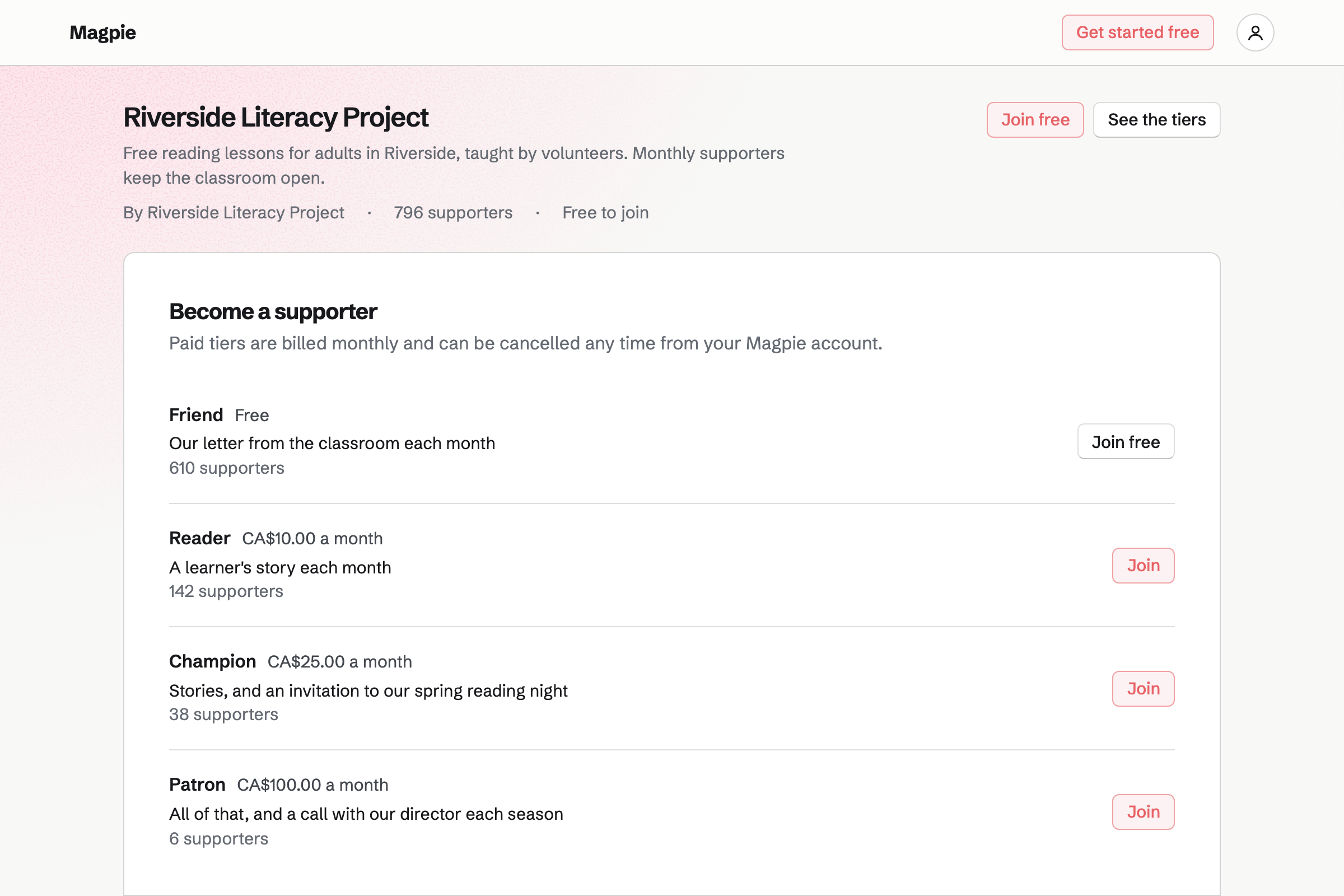
Supporters gives you a public page with a free tier and monthly paid tiers. Supporters pay by card, into your own Stripe account.
Posts can go to everyone, or to paying supporters only, such as a learner's story. A poll lets supporters have a say.
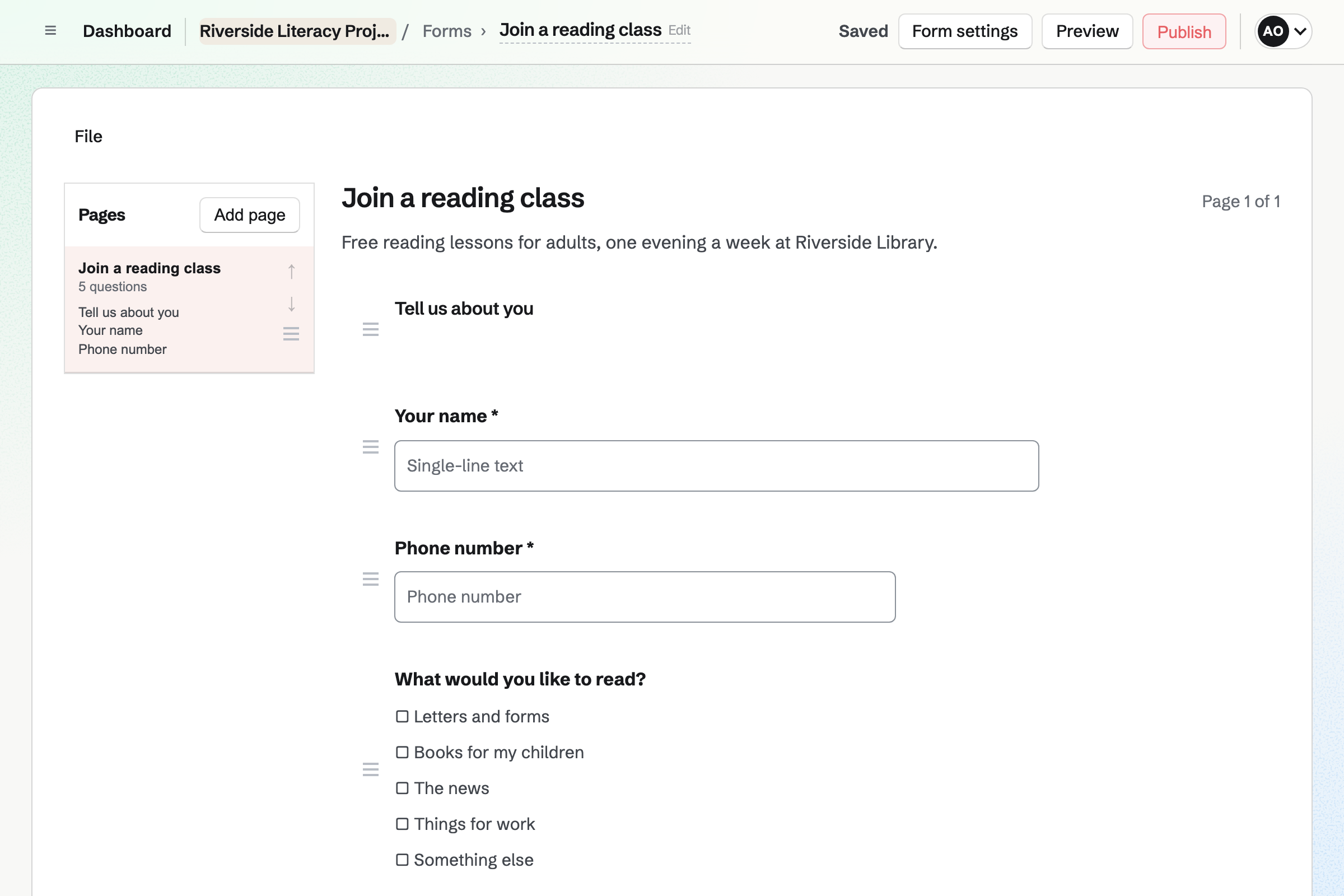
Forms builds registration forms from starters such as Registration and Application. Questions can be text, choices, dates or phone numbers. Every response comes into one list.
A form can require a payment, such as a course fee. The amount is the same for every response.
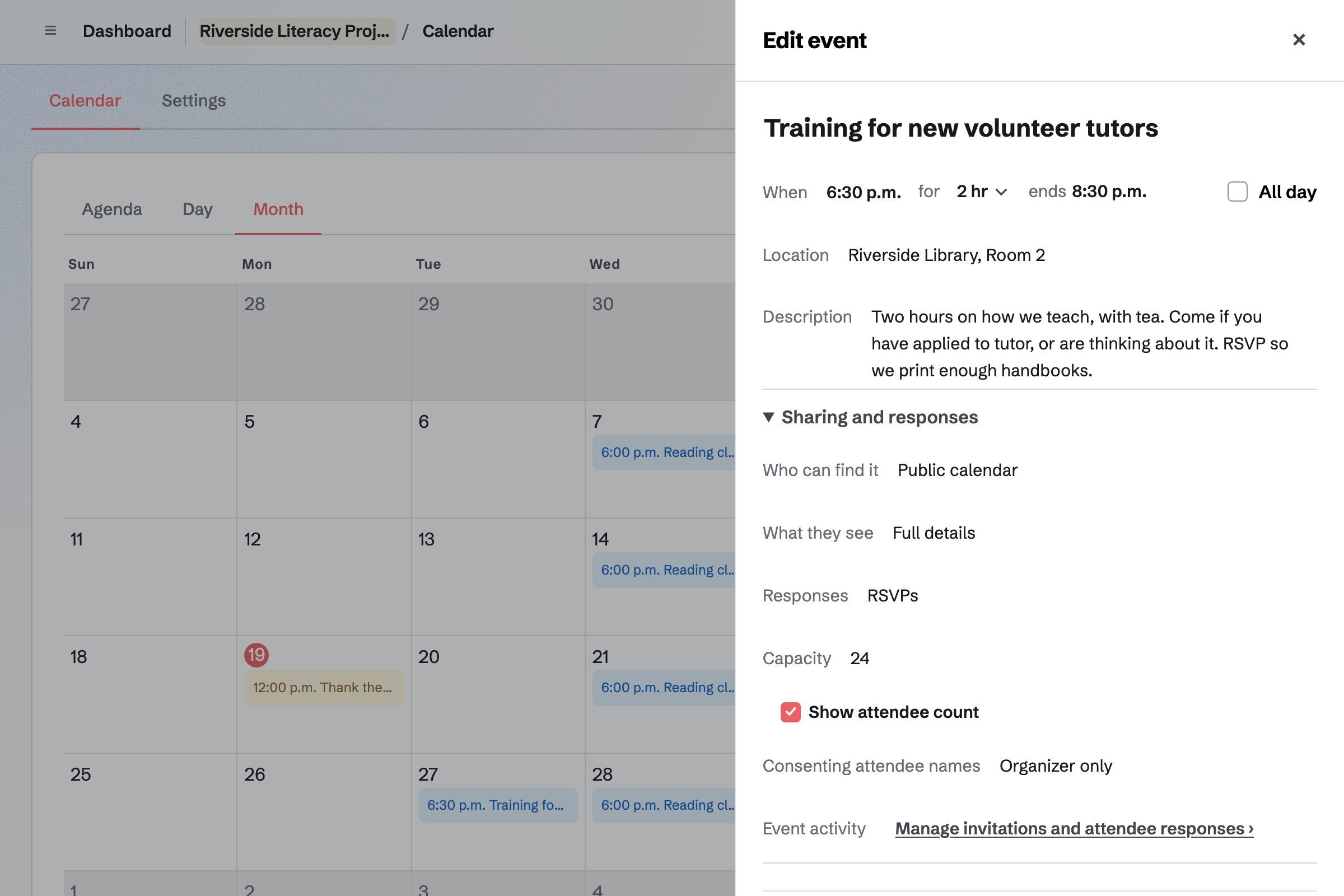
Calendar holds your events. Each one can be private, open to anyone with its link, or on your public calendar.
RSVPs stop at the capacity you set. You see every response, and attendees choose whether their names are shown.
Newsletter keeps your mailing list, with double opt-in on its sign-up page. You write each issue, send yourself a test and schedule it.
With web copies on, each issue has its own page to share. You can bring an existing list, with a record of how people agreed to receive it.
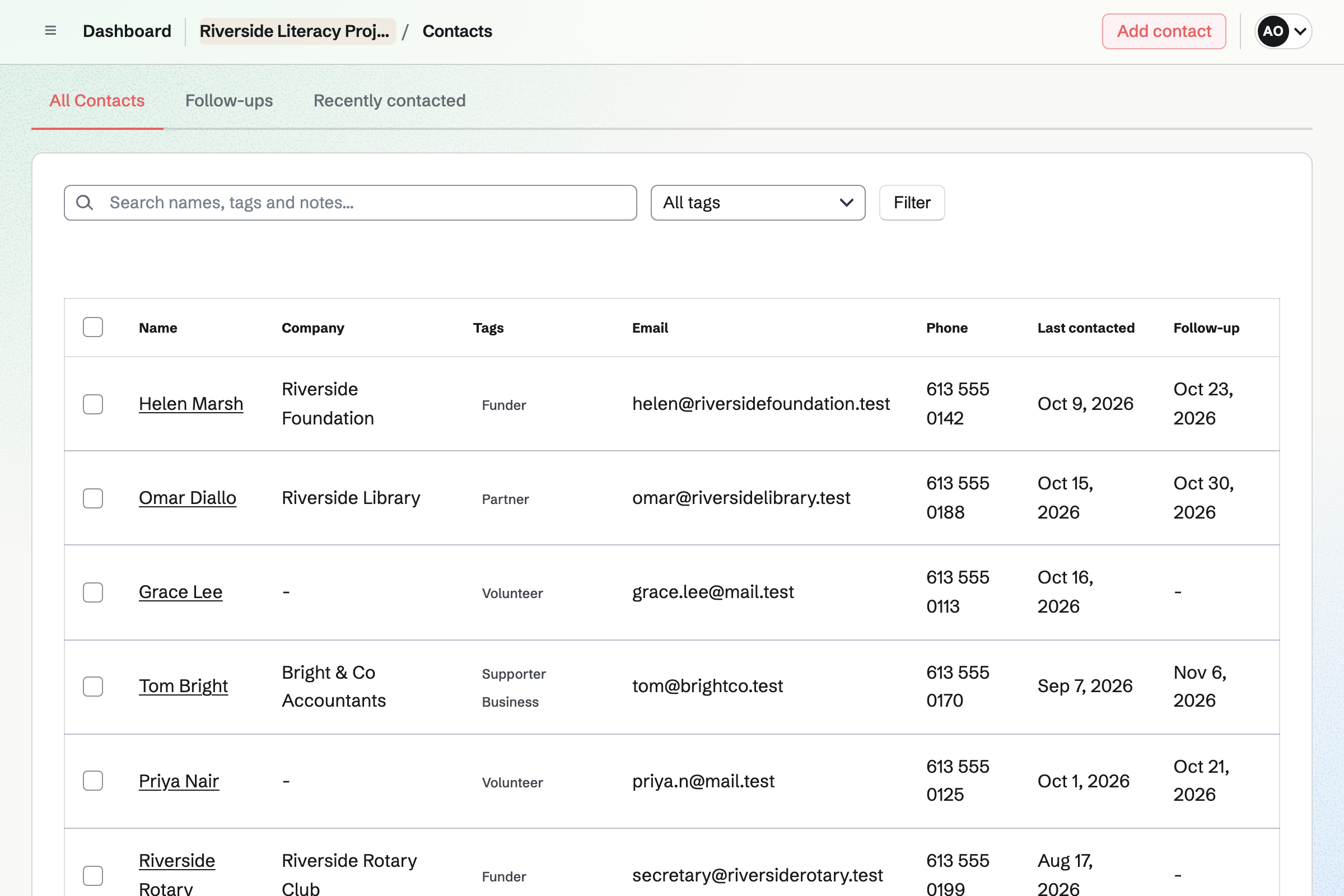
Contacts keeps each person and organization with their details and tags. A note records each conversation.
A follow-up is a To-do with a date, such as sending a funder their report. It shows on the contact and in your To-dos.
Hiring publishes each role on your job board, with an application form of your own questions. Applicants move through stages you set.
Interviewers rate each applicant on a scorecard before they see each other's.
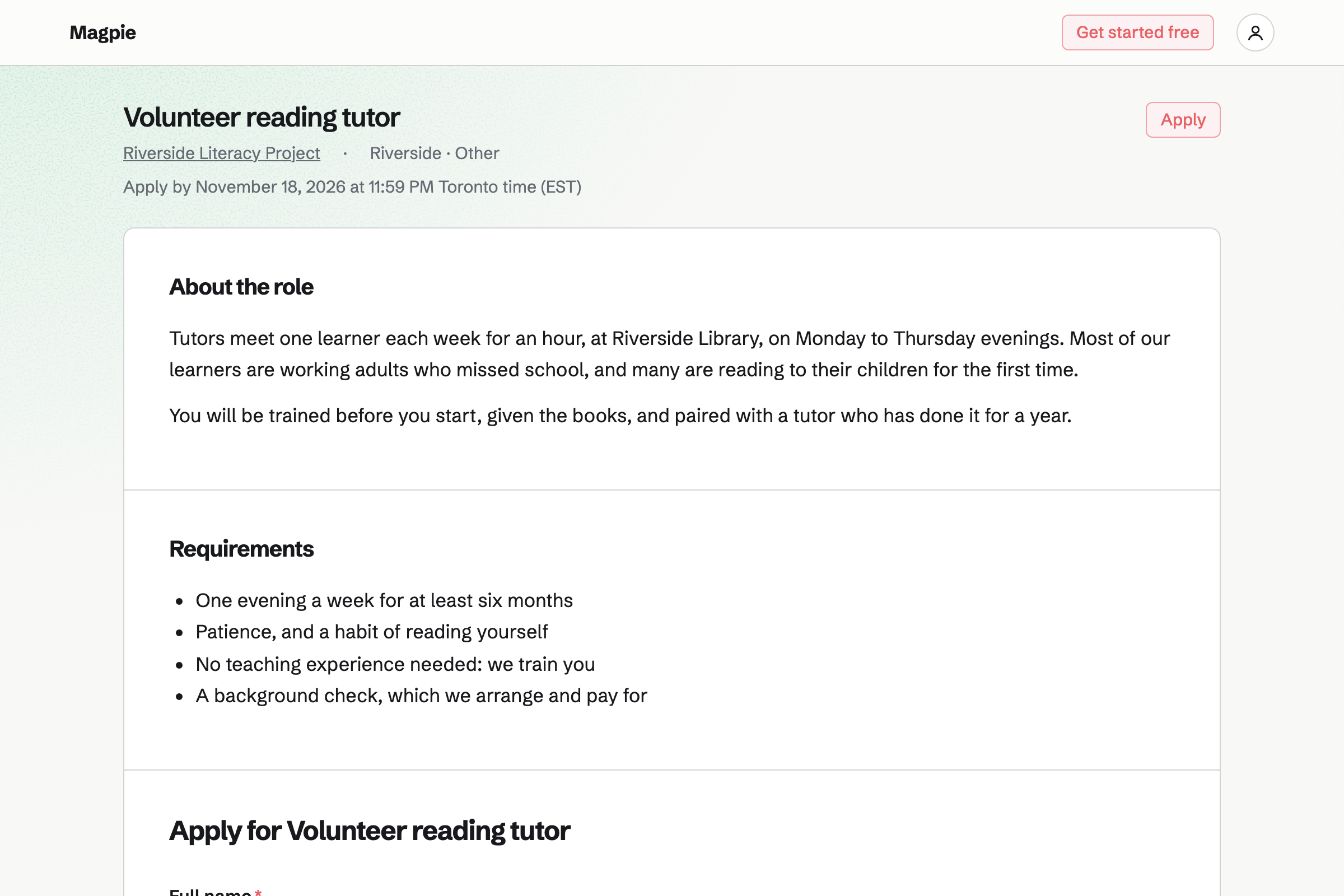
Someone fills in your registration form.
A tutor found through your job board is trained at an event.
The programme runs, and its events are on the calendar.
Paying supporters read how it went in a post.
A follow-up reminds you to send the funder their report.
You invite your staff and trustees. Help: Create and manage a team.
You connect your Stripe account, so supporters can pay by card. Help: Connect Stripe to receive money.
You set a free tier and monthly tiers. Help: Set up Supporters.
You start from Registration, and publish it. Help: Build, publish, and share a form.
A nonprofit fits the Team plan, with each member of staff or trustee in the team. Supporters, applicants and people who sign up are not added to it.
Magpie's fee on supporters' payments is 3%, and on a paid form 1%. Stripe's processing fee is taken from each card payment. Prices are on the Pricing page.
A faith community plans its services, groups and volunteers.
A community group lists events, signs up volunteers and talks on a board.
A sports club organizes its teams, fixtures and members.
An event organizer registers people and runs the day.
Yes. Supporters gives you a free tier and monthly paid tiers, each with its own benefits. Supporters pay by card into your own Stripe account.
Yes. A form can require a payment, such as a course or event fee. The amount is the same for every response. People pay through Stripe Checkout.
Yes. A registration form asks the questions you choose. Every response comes into one list, which you can export.
Yes. An event takes RSVPs up to the capacity you set. Its page then says it is full. The page can show how many are going.
Yes. Each funder is a contact with notes on every conversation. A follow-up reminds you when a report is due.
Yes. A role has its own page on your job board, with an application form. Applicants move through the stages you set.
Yes. A volunteer puts their receipts on an expense report for an admin to approve. You record when it is paid back.
Yes. Accounting keeps double-entry books, with Supporters and Form payments posted automatically. An accountant can be invited as a guest.
Magpie's fee is 3% on supporters' payments and 1% on paid forms. Stripe's processing fee is taken from each card payment.
Create a Magpie account and make a team for the organization.