Software startups and small product teams
A software startup plans, builds and ships as a small team.
Founders before the product (incorporating, raising, hiring)
A solo founder starts in Personal. Co-founders work together in one Magpie team.
Get started free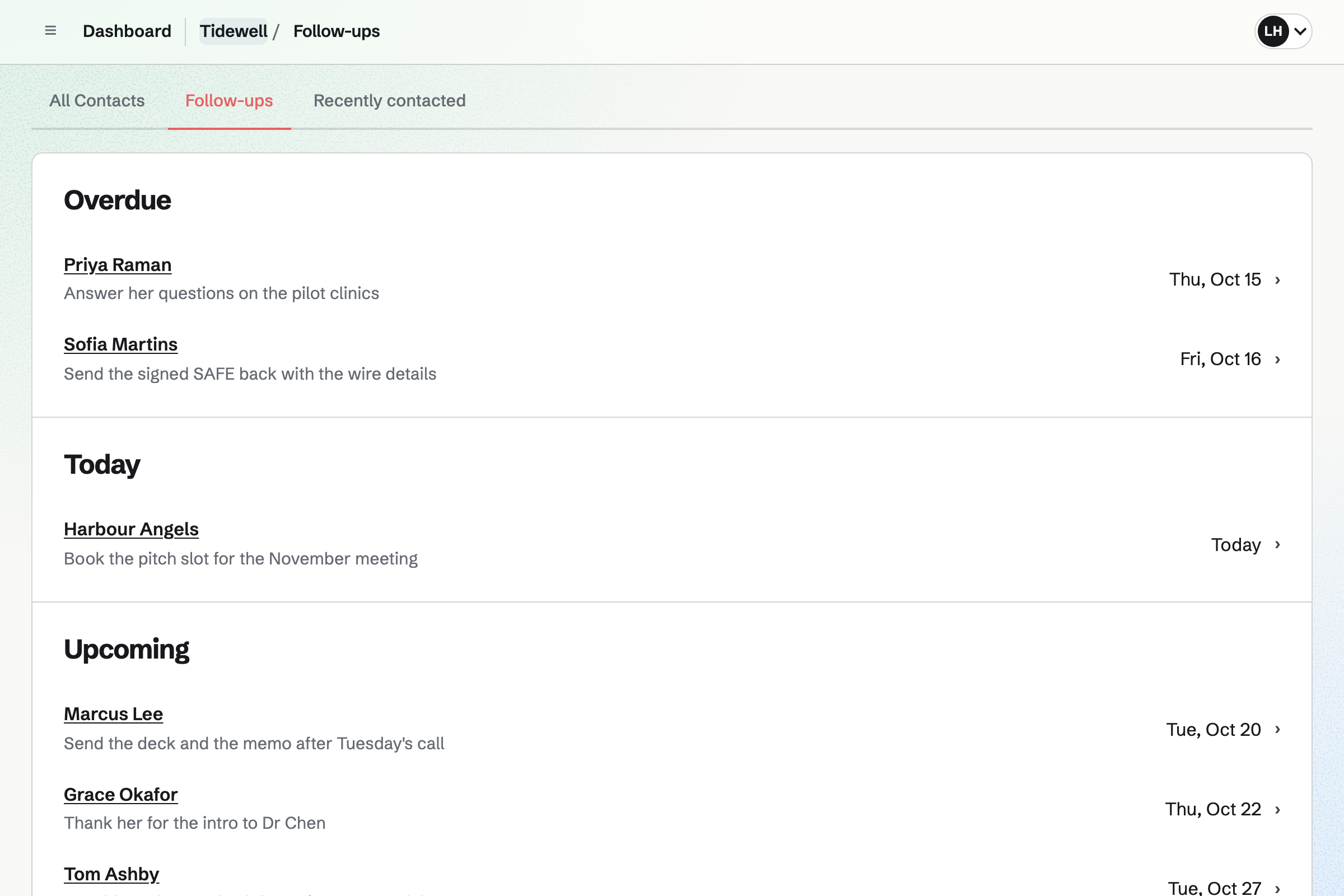
Contacts keeps each investor and adviser with notes on every conversation. A follow-up is a To-do with a date, such as sending the memo after a call.
Follow-ups are grouped as Overdue, Today and Upcoming, so the next one is always in view.
Presentations makes the deck from a pitch deck starter. Publish copies the draft to the link's version. Your edits stay private until you publish again.
Anyone with the link views the deck. It also exports as a PDF.
Meetings gives you a page with your meeting types, such as a 30-minute intro call. Times that are busy in your Google Calendar are left out.
A booked call can carry a Zoom or Google Meet link. Reminders go out before it.
Agreements holds standard texts copied word for word, such as Y Combinator's SAFEs and mutual NDAs. You fill in the terms, and it goes for signature with the fields placed. The texts are published by others and are not legal advice from Magpie.
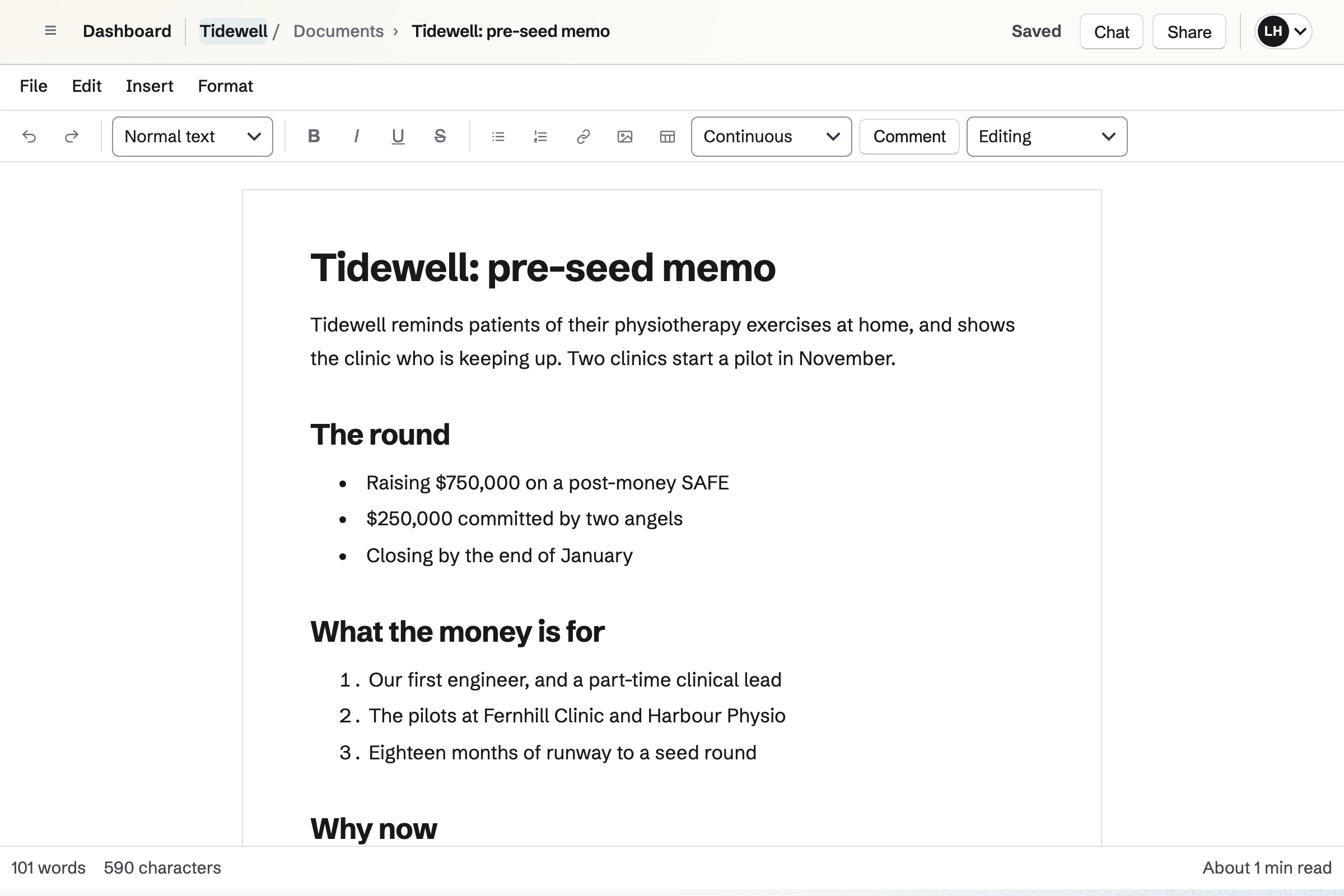
Documents holds the memo, the plan and the hiring notes. Advisers you invite can comment and suggest changes without changing the text.
Named versions keep each draft. A document exports as PDF or DOCX for an investor who asks.
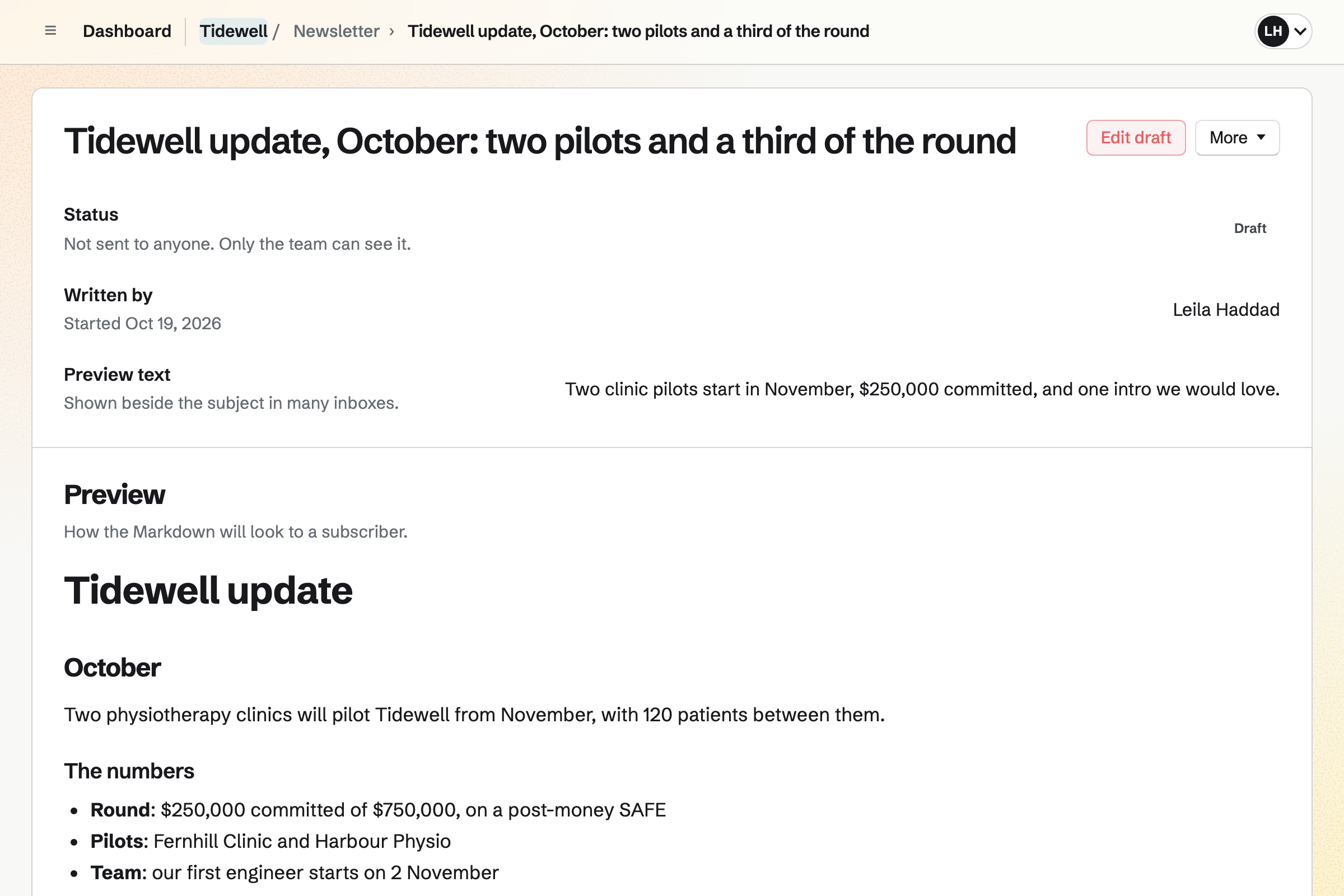
Newsletter sends the monthly update to everyone who signed up. You write it in Markdown, send yourself a test and schedule it.
The same list can hold your waitlist, through the newsletter's sign-up page.
The investor becomes a contact, with a follow-up.
They book a time on your meeting page.
You send the deck's link and the memo.
You fill in the standard SAFE and send it for signature.
They hear about the round in next month's update.
You add an intro call and connect your calendar. Help: Set up and share your meeting page.
You start from the pitch deck starter and publish it. Help: Create, present, and share a presentation.
You add each one as a contact with a follow-up. Help: Keep notes and follow-ups on a contact.
You choose the SAFE that fits the round. Help: SAFEs and side letters in the Library.
A solo founder fits Pro, for your own work in Personal. Co-founders working together fit a team: a free team has 3 member places.
Investors who book calls, view the deck or sign are not added to the team. Prices are on the Pricing page.
A software startup plans, builds and ships as a small team.
A small law firm keeps matters, documents and billing.
A consultant scopes, delivers and bills client work.
A side business sells online alongside a day job.
Yes. Each investor is a contact with notes on every conversation. A follow-up reminds you of the next step, on the day it is due.
Yes. You publish the deck and turn on its link. Anyone with the link views the published version, and later edits wait until you publish again.
Yes. Each slide has speaker notes for you. They are not shown in the shared deck or the PDF.
Yes. Your meeting page offers the times you are free, checked against your Google Calendar. A booked call can carry a Zoom or Google Meet link.
Yes. The Library has Y Combinator's SAFEs, with cap, discount and most favoured nation versions. The pro rata side letter is there too. You fill in the terms and send it for signature.
Yes. The Library has mutual NDAs from Common Paper, Bonterms and oneNDA. It goes for signature with the fields placed.
Yes. Make a copy in Documents gives you a document whose wording you can change. The publisher's licence still applies to the copy.
Yes. Newsletter sends each update to your list, now or at a time you choose. Each update can have its own web page.
Create a Magpie account and add your first investor.