Bike shops and repair workshops
A bike shop sells bikes, books repairs and hires out its fleet.
Tour guides and outdoor adventure companies
The guides and the office work in one Magpie team. Guests use the departure pages, forms and waivers you send.
Get started free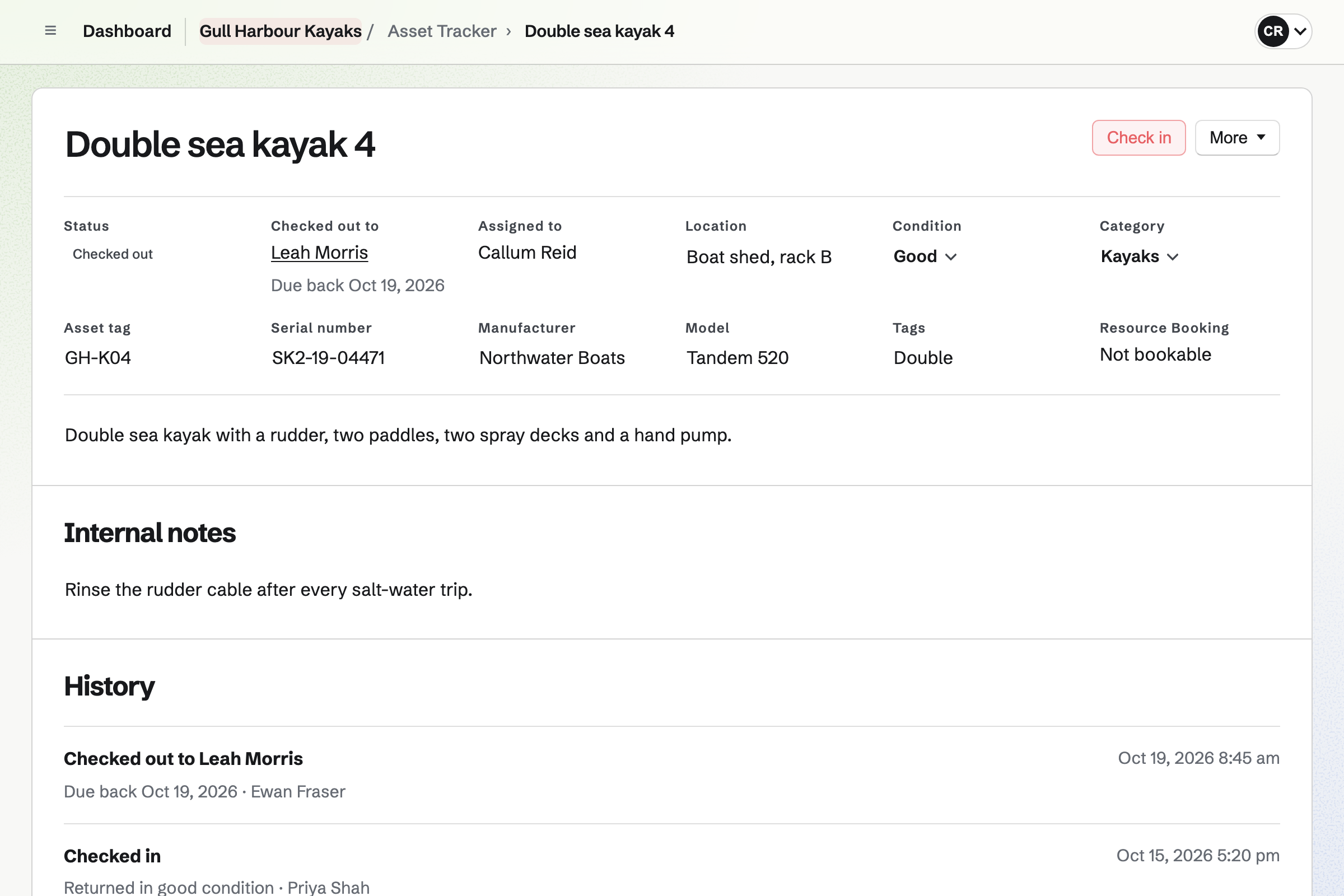
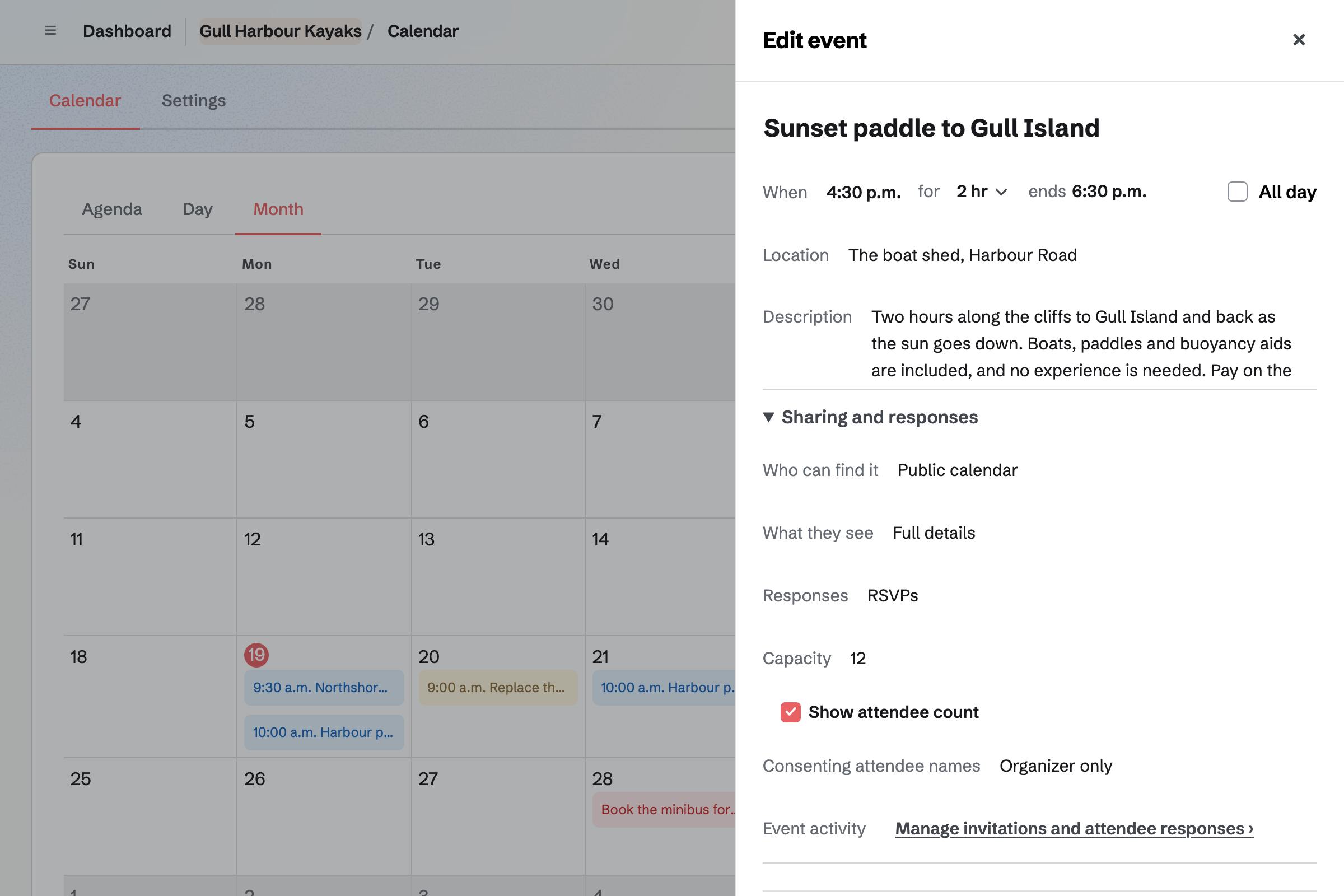
Calendar lists each departure with its time, the meeting point and what to bring. People choose Going on its page, and RSVPs stop at the capacity you set.
The page can show how many are going. You see every reply, with the guest's email address.
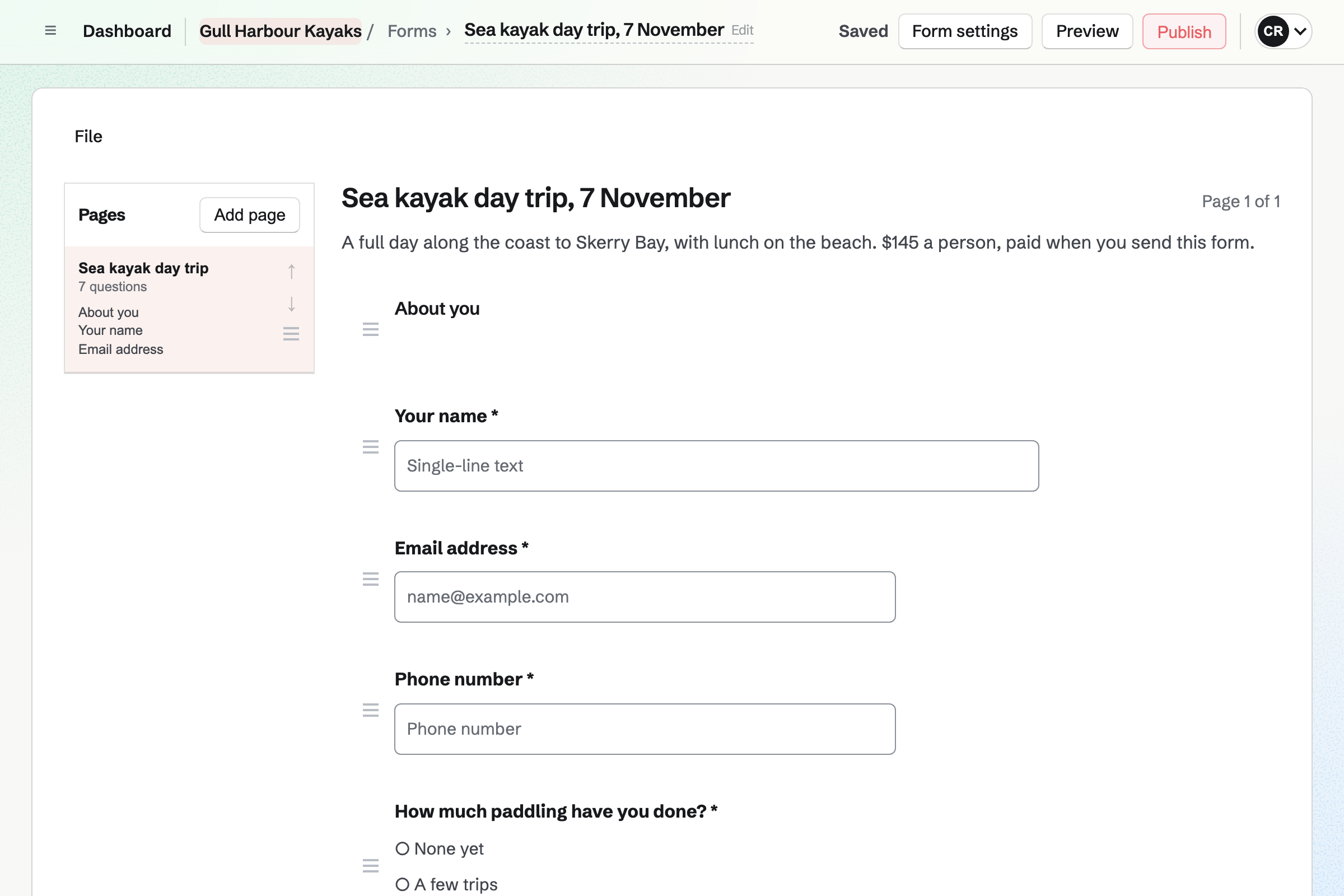
Forms builds a booking form with your questions, such as paddling experience and medical needs. A paid form takes the trip's price by card, through Stripe.
Each form has one price, so each trip has its own. You close a departure's form when it is full.
E-Signatures keeps your waiver as a signing starter, with its fields already placed. Each guest's request takes only their name and email address.
You see who has signed, and reminders go to anyone who has not. Each signed waiver comes with a certificate of completion.
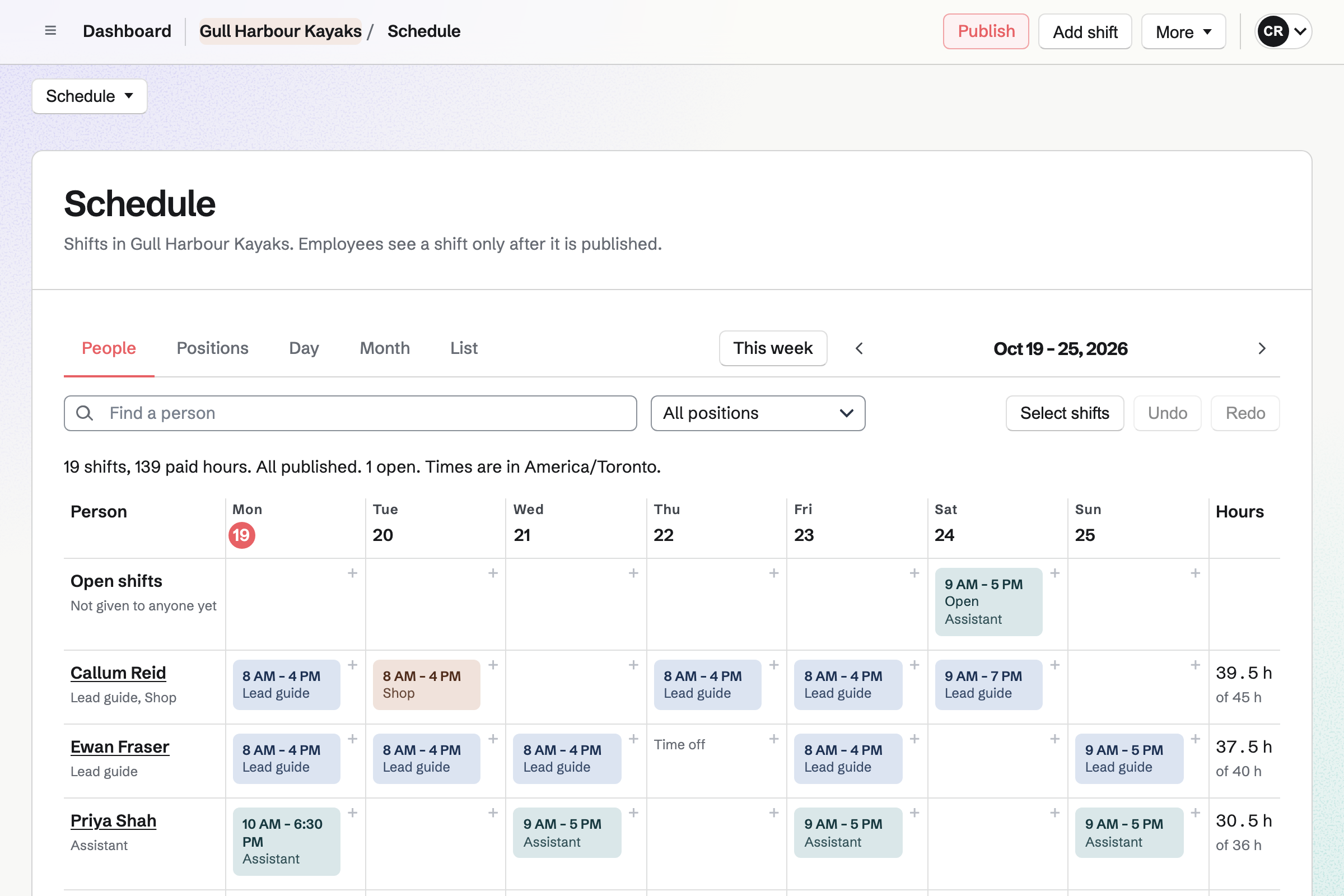
Staff Scheduling plans the week, with positions such as lead guide, assistant guide and the shop. Each guide you invite sees their own shifts.
They can ask for time off or swap a shift with a colleague. An open shift waits for a guide to take it.
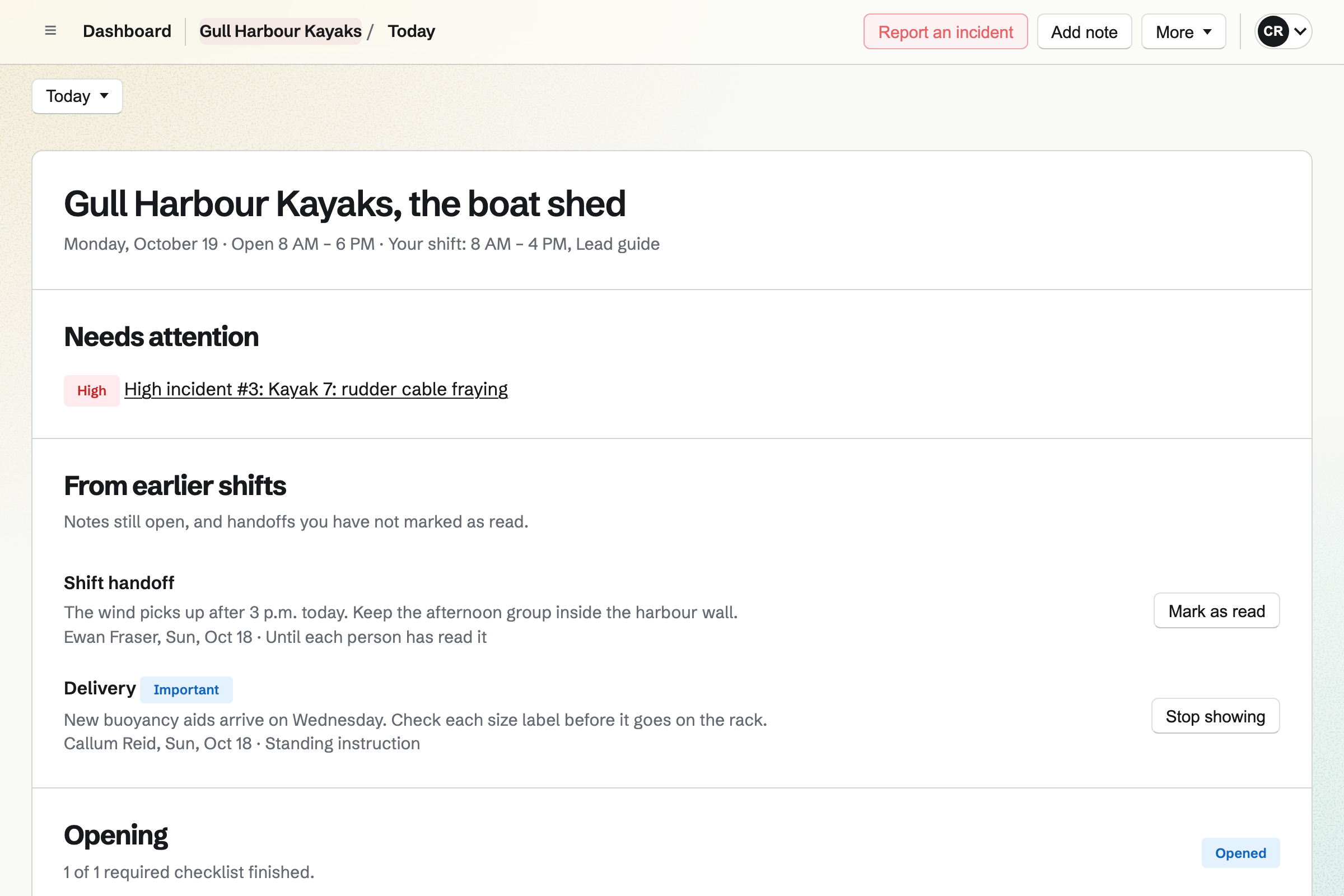
Daily Operations gives each trip a kit check, started by hand when the group arrives. A step can ask for a pass or fail, a number or a photo.
A failed step can report a problem, such as a frayed rudder cable. Notes for the next guide stay on the day's page.
Asset Tracker keeps each kayak, bike and helmet, with its serial number, condition and photos. A boat out with a group or a guide is checked out, with a due date.
What is overdue has its own list. A boat in for repair is marked as in maintenance until it is fixed.
The trip goes on your public calendar.
Guests book and pay on the trip's form.
Each guest signs it before the day.
The lead guide works through the checklist at the shed.
Each boat is checked in, with its condition.
You can import them from a CSV file. Help: Track individual assets.
You place its fields once. Help: Signing starters.
Guests can then pay on your booking forms. Help: Connect Stripe to receive money.
You set its places and turn on RSVPs. Help: Create public and private calendar events.
A company fits the Team plan, with each guide who sees their shifts a member. Guests are not added to it. A guide on their own fits Pro, in Personal.
Magpie's fee on a paid Form is 1% of each payment. Shop sales and invoice payments carry no Magpie fee. Stripe's processing fee is taken from each card payment. Prices are on the Pricing page.
A bike shop sells bikes, books repairs and hires out its fleet.
A guesthouse turns over its rooms and takes direct stays.
A sports club registers players and runs its matches.
Yes. A paid form takes the trip's price by card, through Stripe, into your own account. Each form has one price, so each trip has its own form.
Yes. A departure's RSVPs stop at the capacity you set. Its page then says it is full. A paid form is closed by you when the trip is full.
Yes. Your waiver is a signing starter, so each guest's request needs only their name and email. Reminders go to anyone who has not signed.
Yes. Each boat shows who has it checked out and when it is due back. Overdue boats have their own list.
Yes. Checking it in records its condition, with notes. A damaged bike can be marked as in maintenance until it is repaired.
Yes. A kit check runs when a guide starts it. Its steps can ask for a pass or fail, or a photo. A failed step can report a problem.
Yes. A guide proposes a swap, and the colleague accepts or declines. You choose whether a swap also needs your approval.
Yes. Appointments takes private tour bookings on your booking page, with a guide and a free time. Guests can reschedule or cancel from their confirmation email.
Yes. Store sells gift cards by email, in the amounts you choose. A gift card pays for orders in your online shop.
Create a Magpie account and make a team for the company.