Tutors and music teachers
A tutor on their own takes bookings and shares practice decks.
Tutoring centres and language schools
The centre's teachers work in one Magpie team. Students and parents use the booking page, the decks and the invoices you send.
Get started free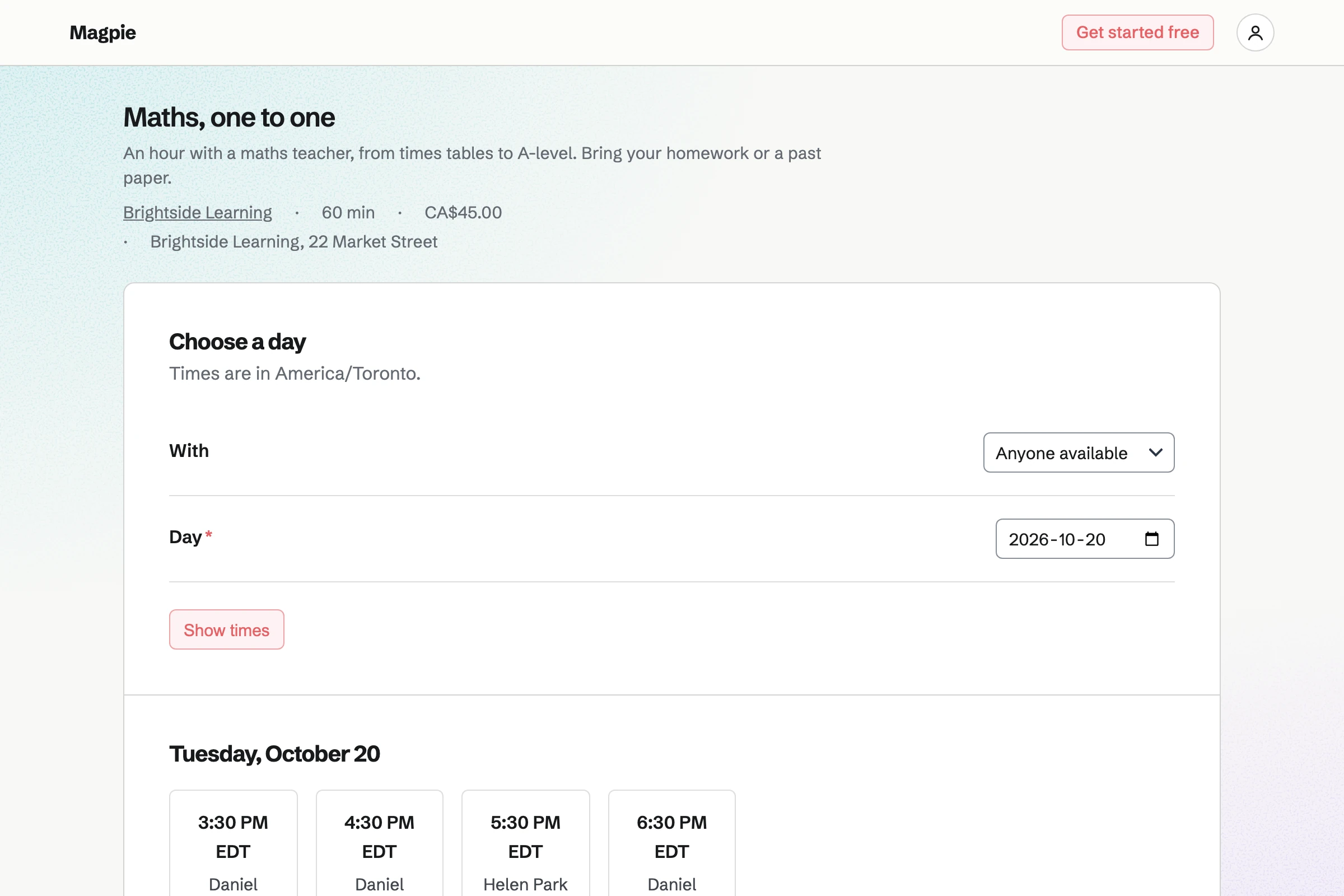
Forms builds an enrolment form with your questions, such as the subject and the exam board. Every enrolment comes into one list.
You get an email for each new one. Each answer can be exported as a CSV file.
Appointments gives the centre a booking page, with a service for each kind of lesson. Families choose a teacher, or anyone available, and a free time.
A lesson can need a room as well as a teacher, so rooms are never double-booked. The confirmation email lets families reschedule or cancel.
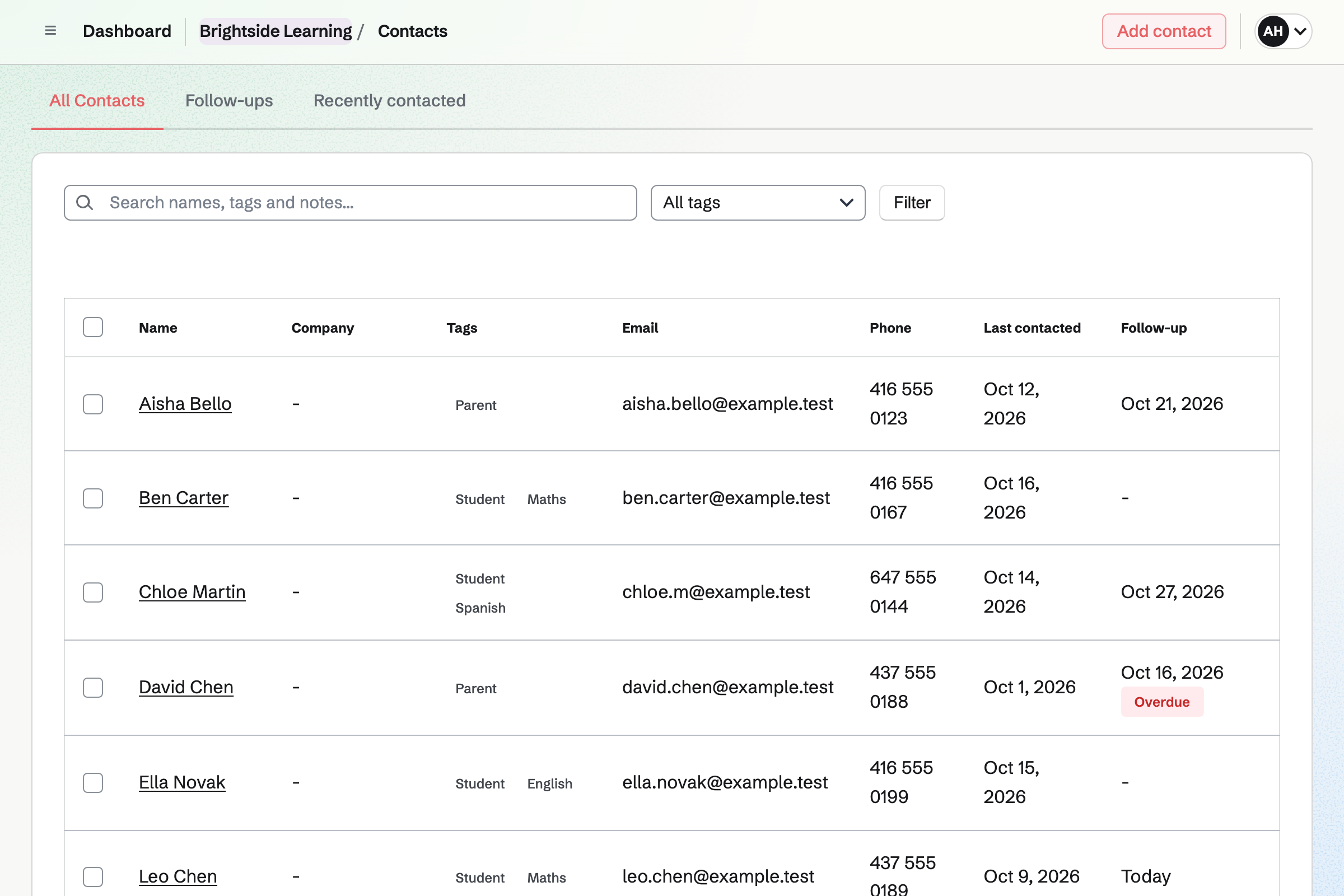
Contacts keeps each student and parent, with tags such as the subject. Teachers add a note after each lesson.
A contact's page lists their appointments and invoices. A follow-up becomes a To-do, such as calling about mock results.
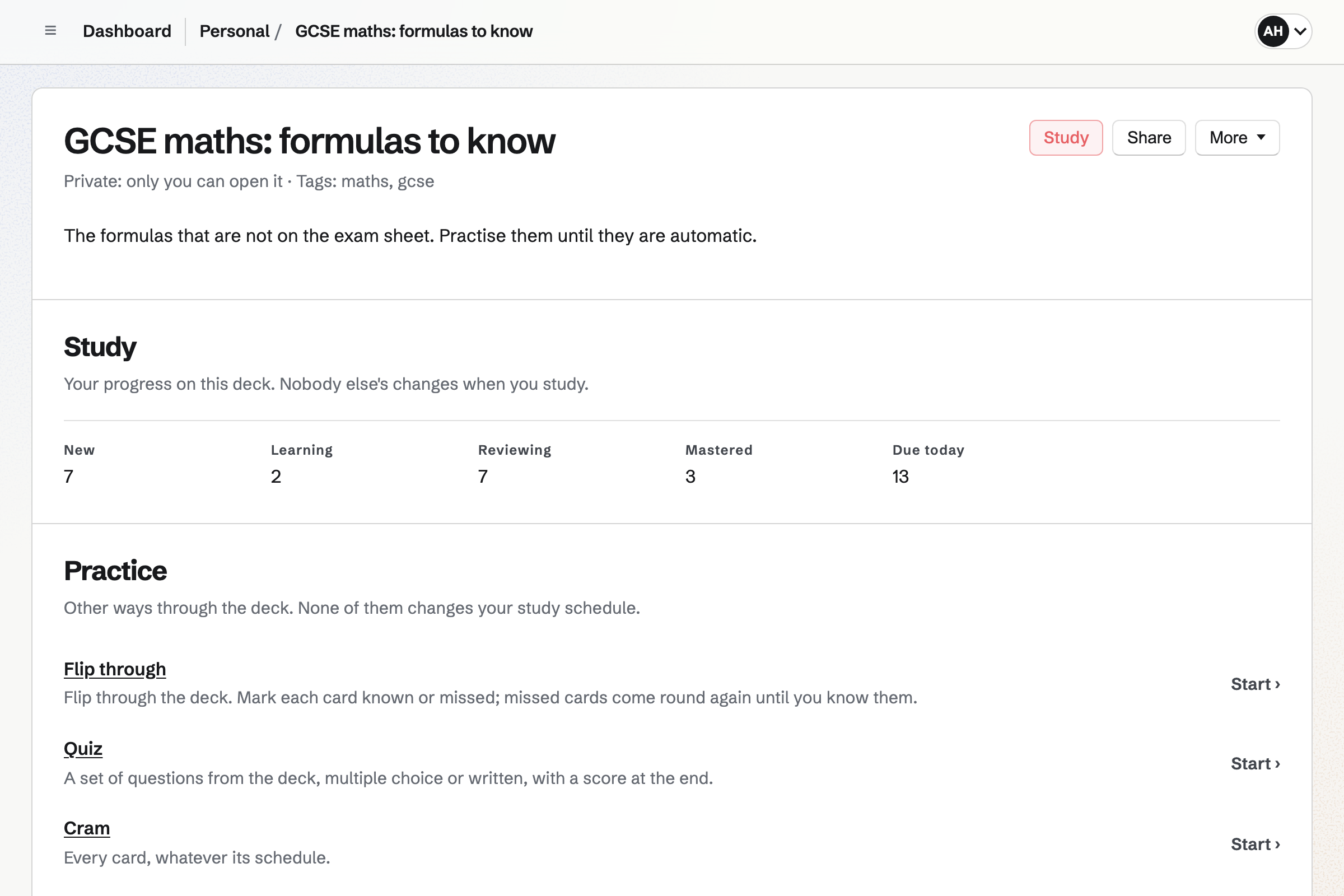
Flashcards holds decks of basic, fill-in-the-blank and multiple choice cards. A deck can be shared by a link.
Anyone with the link can flip through the cards, take a quiz or cram. A student who signs in studies on a spaced repetition schedule.
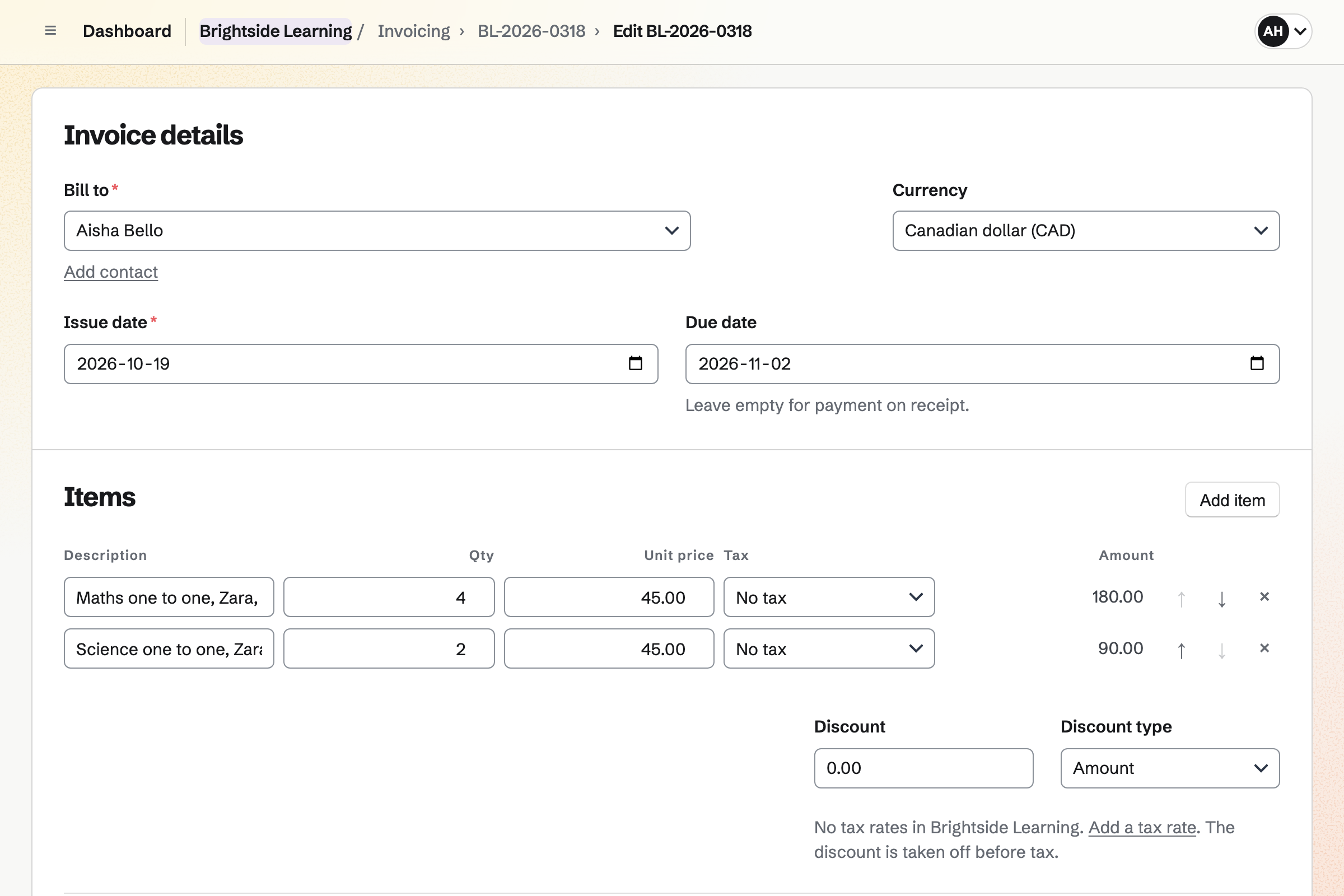
Invoicing bills each family's lessons, with a line for each subject. Families pay by card from the invoice email.
A family on a fixed monthly fee can have a recurring invoice instead. Magpie adds no fee to invoice payments.
Newsletter keeps the families' mailing list, with double opt-in on its sign-up page. A list can be brought in from a CSV file.
You write each issue, send yourself a test and schedule it. Each issue's page counts the copies delivered.
A parent enrols their daughter for GCSE maths.
They book Tuesdays at 4:30 with the same teacher.
After each lesson, the teacher adds a note to the student.
The formulas deck goes out by link.
The month's lessons are on one invoice.
You set each one's length and price. Help: Add and edit appointment services.
You type each teacher's hours for each day. Help: Add staff and set appointment hours.
Each lesson can then need a free room. Help: Add resources and set their hours and rules.
Families can then pay invoices by card. Help: Connect Stripe to receive money.
A centre fits the Team plan, with each teacher a member. Students and parents are not added to it.
Magpie adds no fee to invoice payments. Stripe's processing fee is taken from each card payment. Prices are on the Pricing page.
A tutor on their own takes bookings and shares practice decks.
A music or dance school runs classes, terms and recitals.
A teacher or a small school shares lessons and keeps parents informed.
Yes. The booking page offers each teacher who gives that lesson, or anyone available. Only times when the teacher is free are shown.
Yes. A lesson can require a room from Resource Booking. A time is offered only when the room is free too.
Yes. The confirmation email links to a page where they reschedule or cancel. They can do so until the notice you set.
Yes. An invoice can list the month's lessons, one line for each subject. A family on a fixed monthly fee can have a recurring invoice.
Yes. Each student's contact keeps notes, tags and follow-ups. Their page lists their appointments and invoices.
Yes. A deck shared by link can be flipped through, quizzed or crammed. Cards can ask for a typed answer, checked before the answer is shown.
Yes. Newsletter keeps the families' list, with double opt-in. You write each issue, send yourself a test and schedule it.
Create a Magpie account and make a team for the centre.