Childcare providers and after-school clubs
A childcare provider runs a rota, daily checks and monthly fees.
Summer camps and holiday clubs
The camp's year-round staff work in one Magpie team, and counsellors join for the season. Families use the forms, consent requests and newsletter you send.
Get started free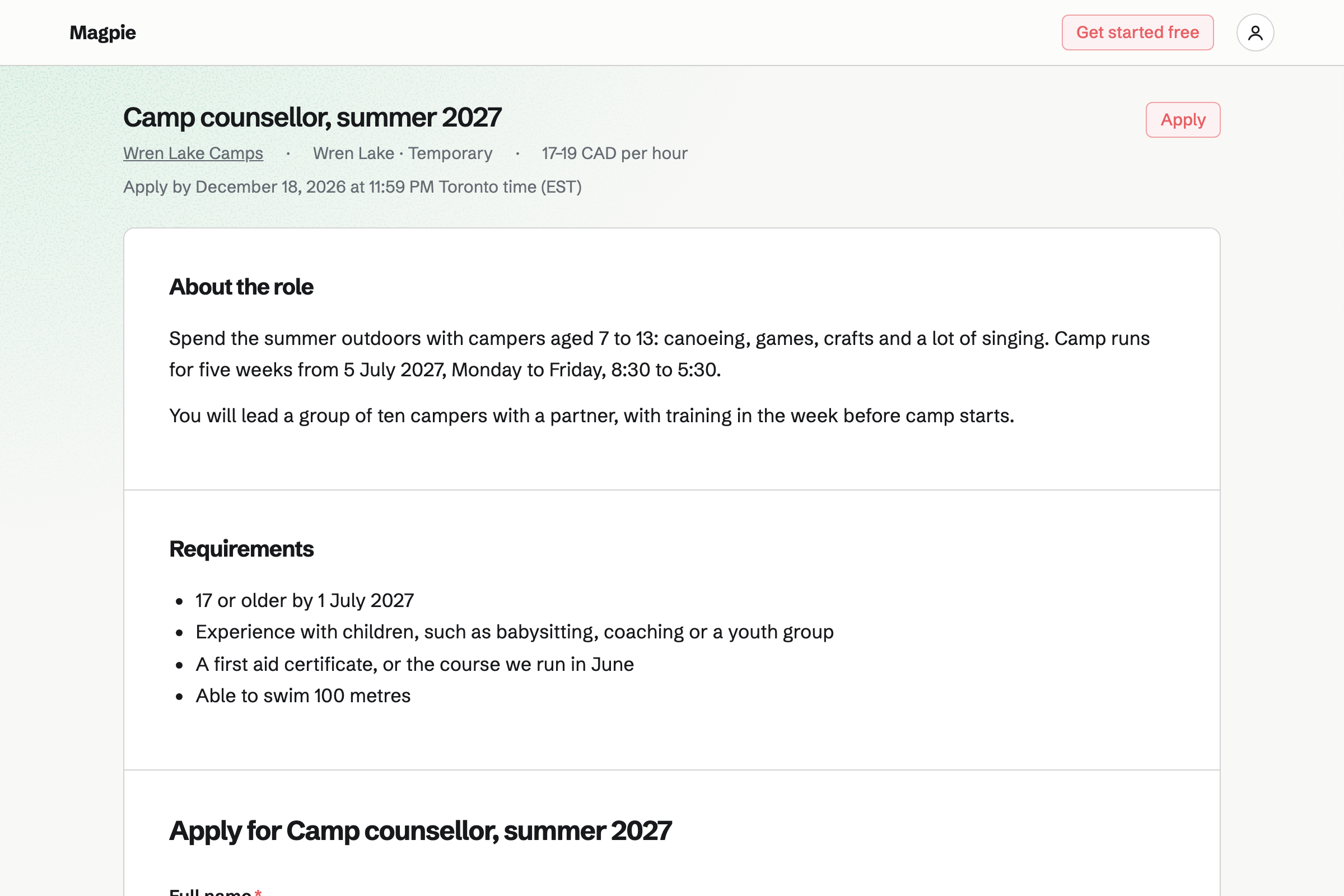
Hiring publishes each role on your job board, such as counsellor, with its own application form. Applicants move through the stages you set.
Interviewers score each applicant on a scorecard. A hire can be added to the rota from their candidate page.
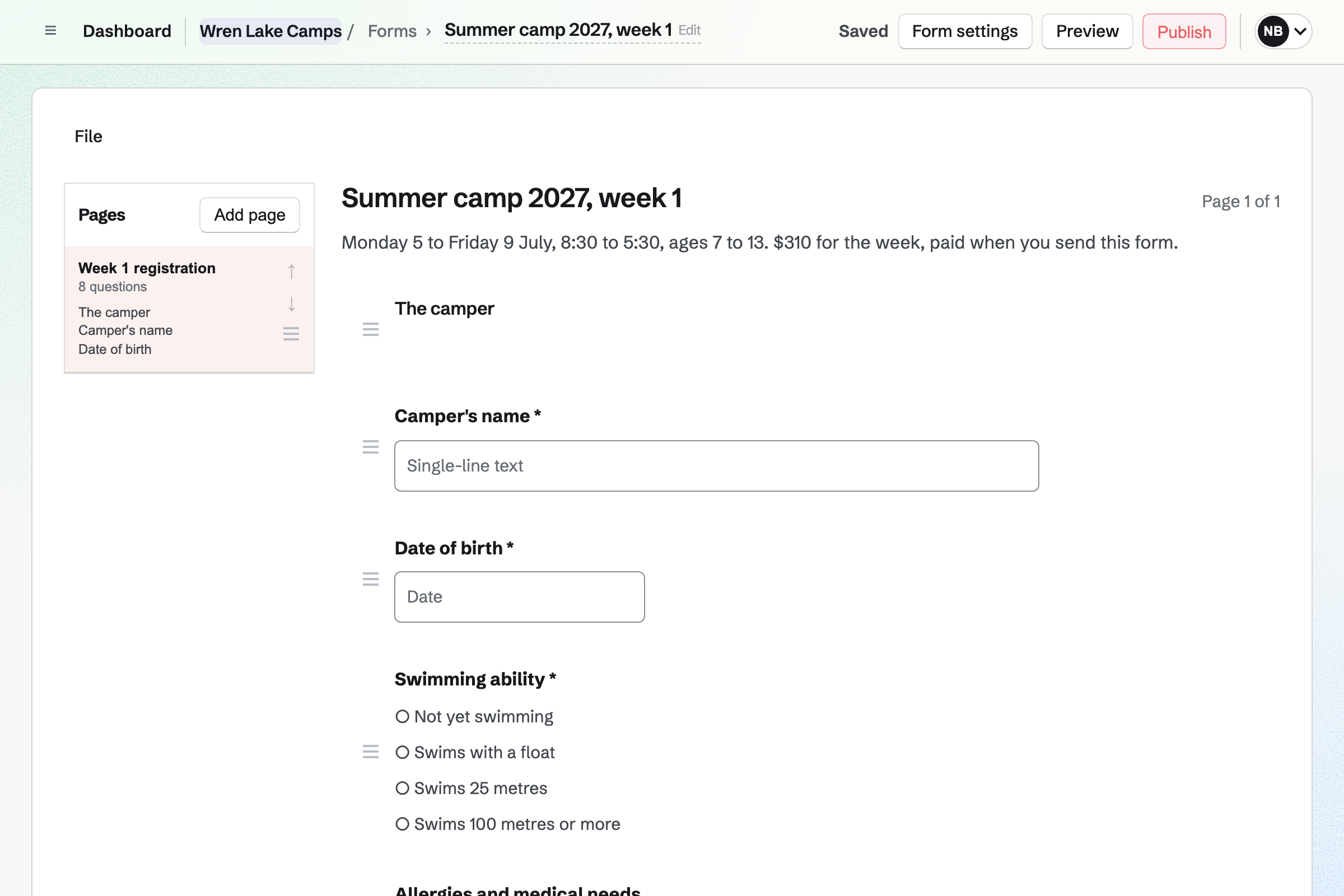
Forms builds a registration form with your questions, such as swimming ability and allergies. A paid form takes the week's fee by card, through Stripe.
Each form has one price, so each week has its own. You close a week's form when it is full.
E-Signatures keeps your consent form as a signing starter, with its fields already placed. Each family's request takes only their name and email address.
You see who has signed, and reminders go to anyone who has not. Each signed form comes with a certificate of completion.
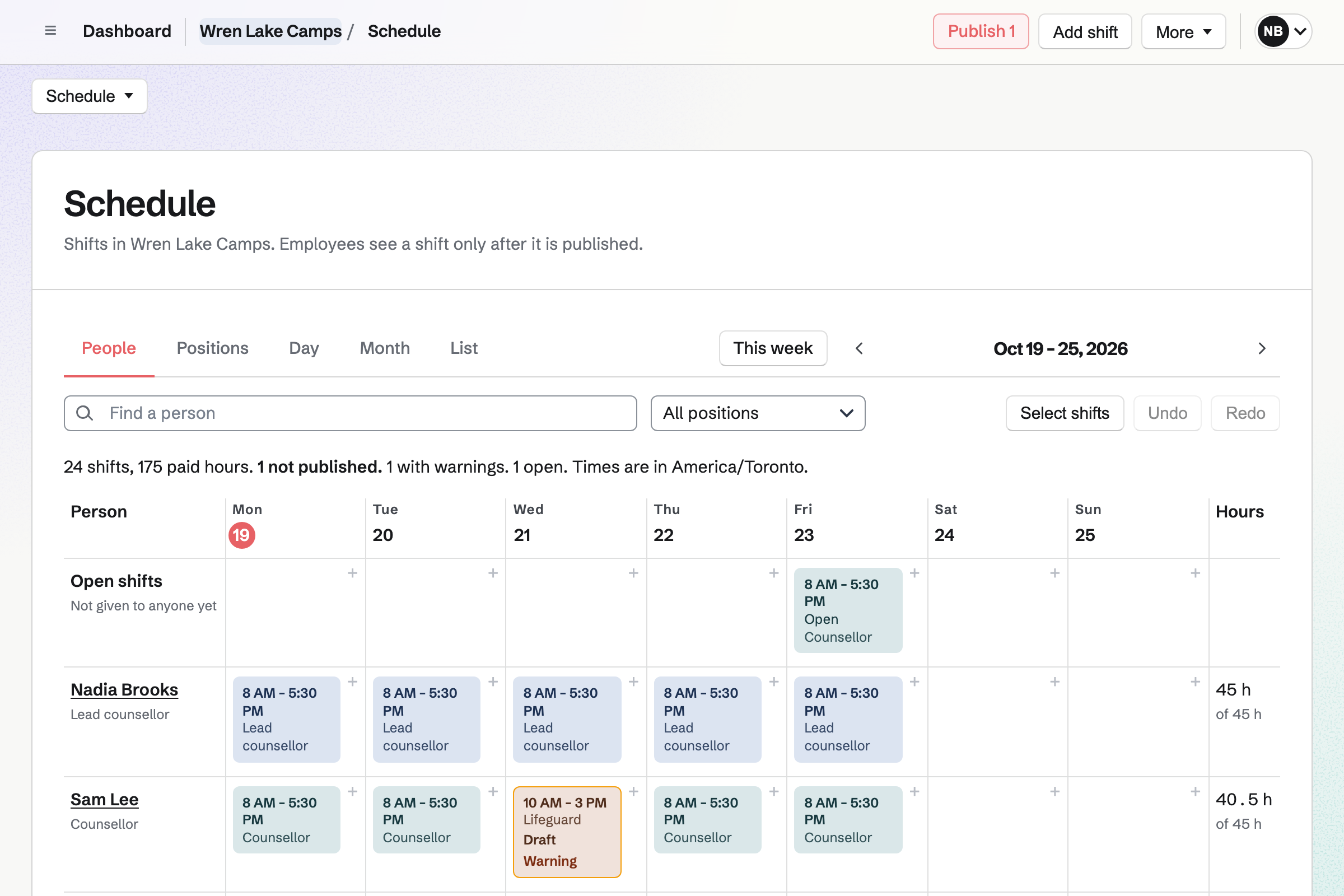
Staff Scheduling plans each week, with positions such as counsellor and lifeguard. A position can require a qualification, such as first aid.
A shift for someone without it is blocked or flagged. Each counsellor you invite sees their own shifts.
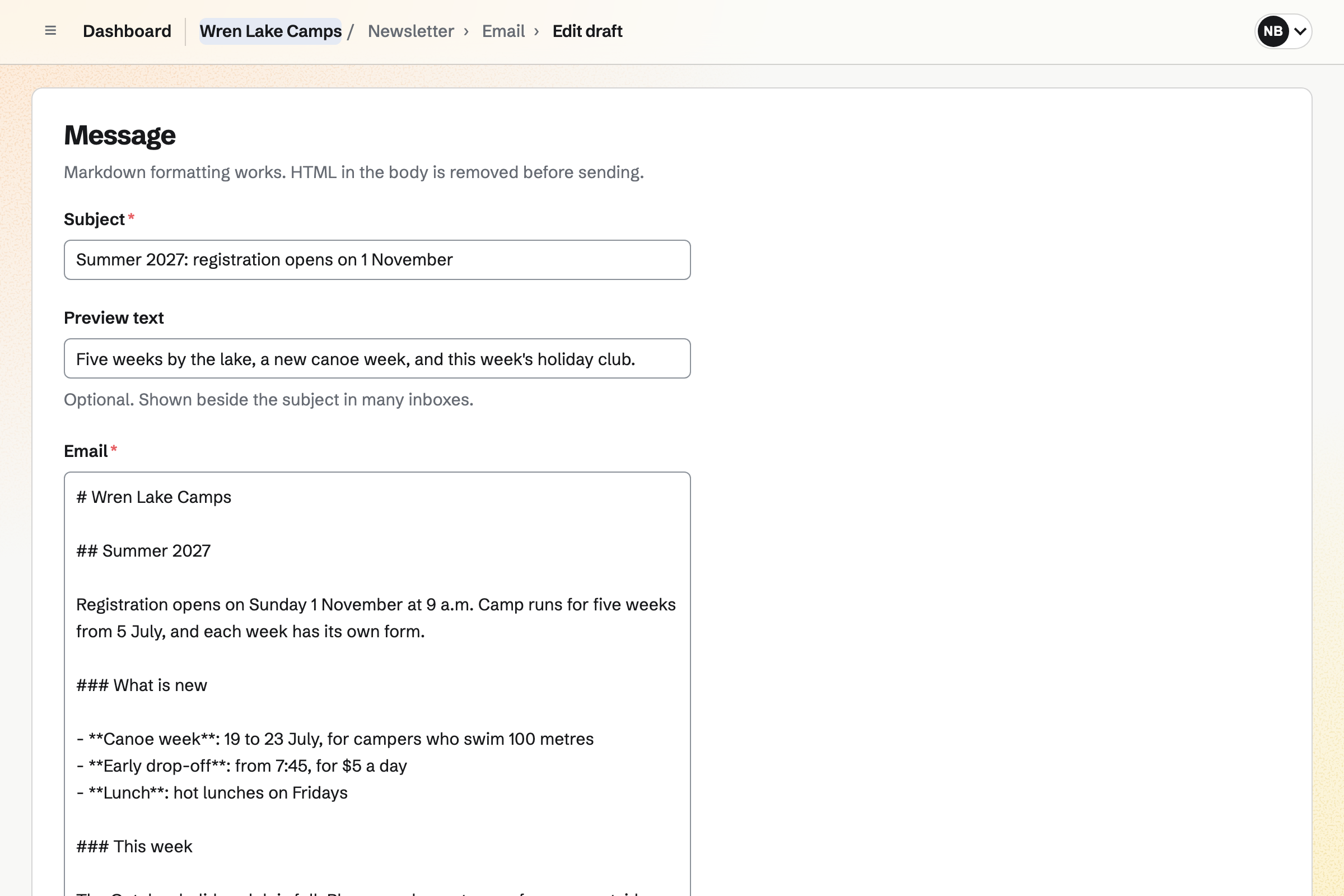
Newsletter keeps the families' mailing list, with double opt-in on its sign-up page. A list can be brought in from a CSV file.
You write each issue, send yourself a test and schedule it. Each issue's page counts the copies delivered.
Calendar holds the camp's year, from open days to the last-day show. An event can be on your public calendar and take RSVPs up to a capacity.
You see every reply, with the parent's email address. You can invite families by email or by a link.
Counsellor jobs go up in January.
Families sign up and pay week by week.
Each family signs the consent form.
Counsellors are scheduled with the right certificates.
Parents get the week's news on Friday.
You write the role and its application form. Help: Create a job and publish its page.
You set which positions need first aid. Help: Set up positions, locations and qualifications.
You place its fields once. Help: Signing starters.
Families can then pay by card. Help: Connect Stripe to receive money.
A camp fits the Team plan, with each person who sees their shifts a member. Families are not added to it.
A member on leave takes no place, so seasonal staff can be on leave in winter. Magpie's fee on a paid Form is 1% of each payment. Prices are on the Pricing page.
A childcare provider runs a rota, daily checks and monthly fees.
A sports club registers players and runs its matches.
A tour or outdoor company runs departures, waivers and gear.
Yes. A paid form takes the week's fee by card, through Stripe, into your own account. Each week has its own form, with its own price.
Yes. You close the week's form when its places are taken. Its page then says it is closed.
Yes. Your consent form is a signing starter. Each family's request needs only their name and email. Reminders go to anyone who has not signed.
Yes. Each job has its own page and application form on your job board. Applicants move through your stages, with scorecards from each interviewer.
Yes. A position can require a qualification, with an expiry date on each person's record. A shift for someone without it is blocked or flagged.
Yes. A counsellor proposes a swap, and the colleague accepts or declines. You choose whether a swap also needs your approval.
Yes. Newsletter sends each issue to everyone on the list. You can bring in last year's list as a CSV file.
Yes. The open day's page takes Going or Not going, up to the capacity you set.
Create a Magpie account and make a team for the camp.