Corner shops and newsagents
A corner shop counts its stock, plans its rota and checks the fridges.
Food co-ops and member-run shops
The coordinators work in one Magpie team. Members order from the shop, join on a form and talk on the board.
Get started free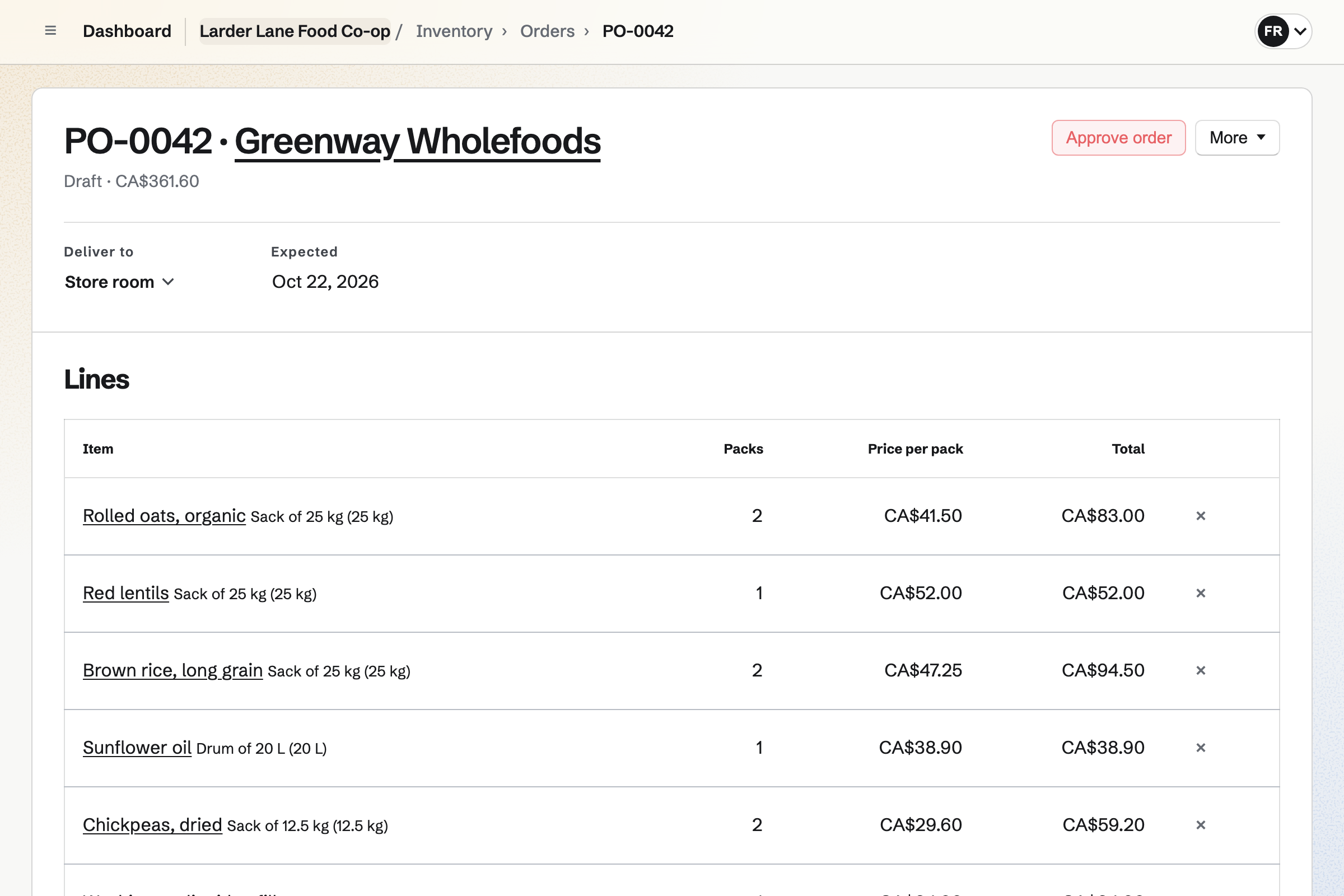
Inventory counts oats, lentils, oil and the rest, in each place you keep them. Items below their minimum become a draft order to each usual supplier.
An order over a total you set waits for approval. A delivery that arrives short is recorded as it arrived.
Store is the co-op's online shop, with each product and its stock. Members pay by card and choose to collect.
Marking an order ready emails the pickup times. A discount code can give members their discount.
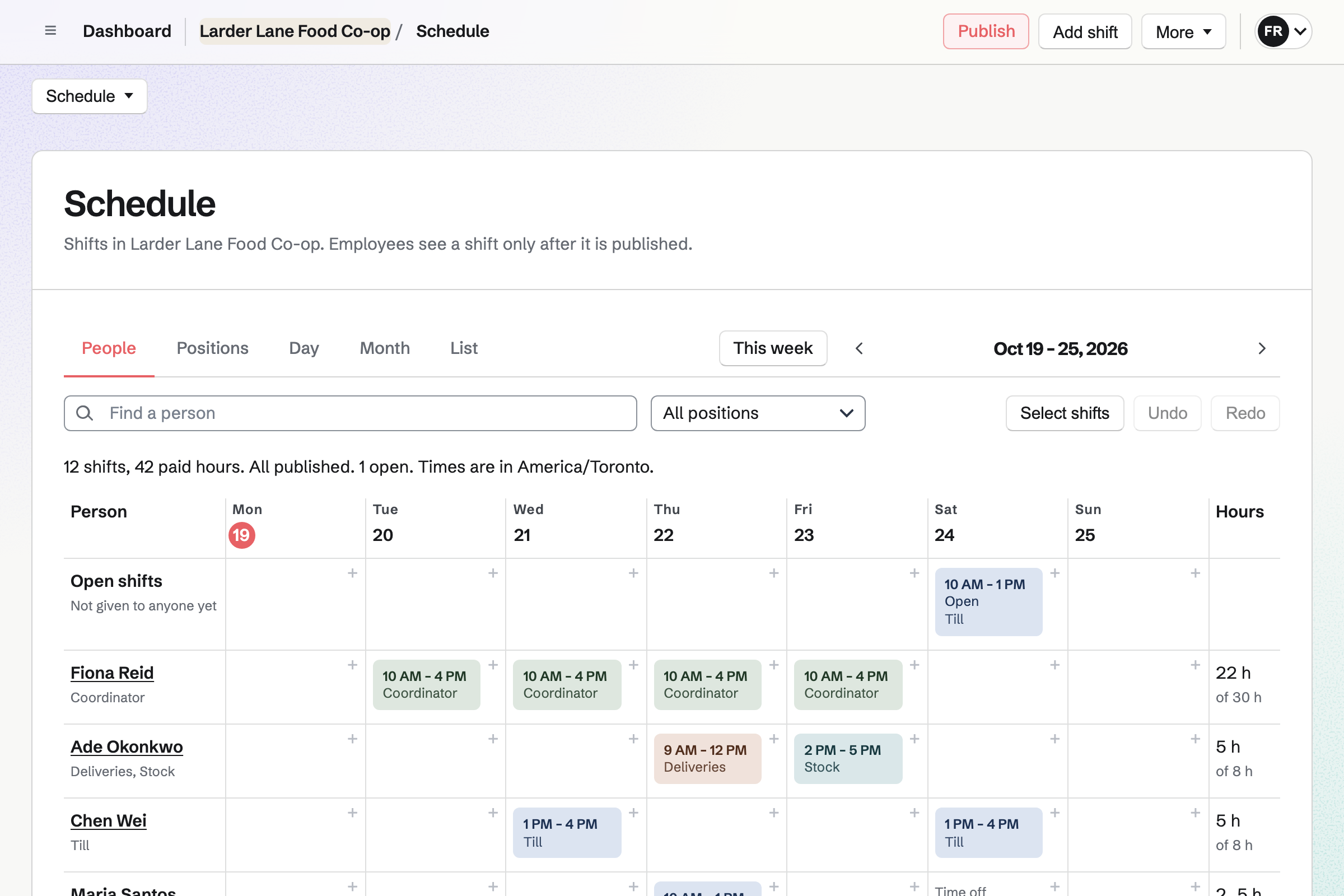
Staff Scheduling plans the week, with positions such as till, stock and deliveries. Each member you invite sees their own shifts.
An open shift waits for someone to take it. Members can swap a shift or ask for time off.
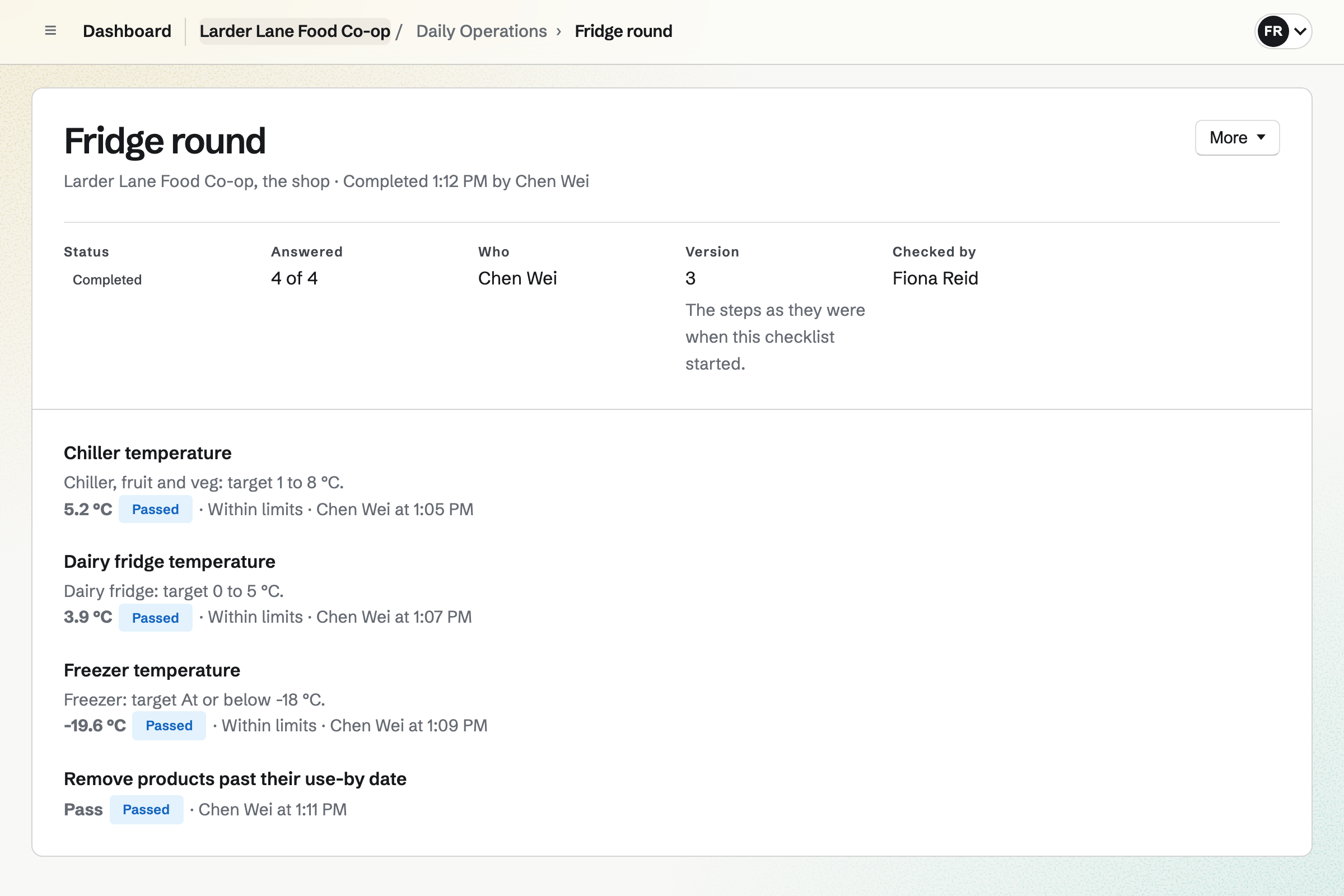
Daily Operations gives the shop its opening and closing checks, and the fridge round. Each reading is kept with who took it.
A reading outside its range opens an incident, with what to do. Notes for the next shift stay on the day's page.
Message Boards gives the co-op a board, private to the team or public. Members who sign in can post, reply and vote.
A post can ask for a new product, or a volunteer for the next delivery. The coordinators can remove a post.
Accounting keeps the co-op's books. Shop sales, form payments and invoices are posted automatically.
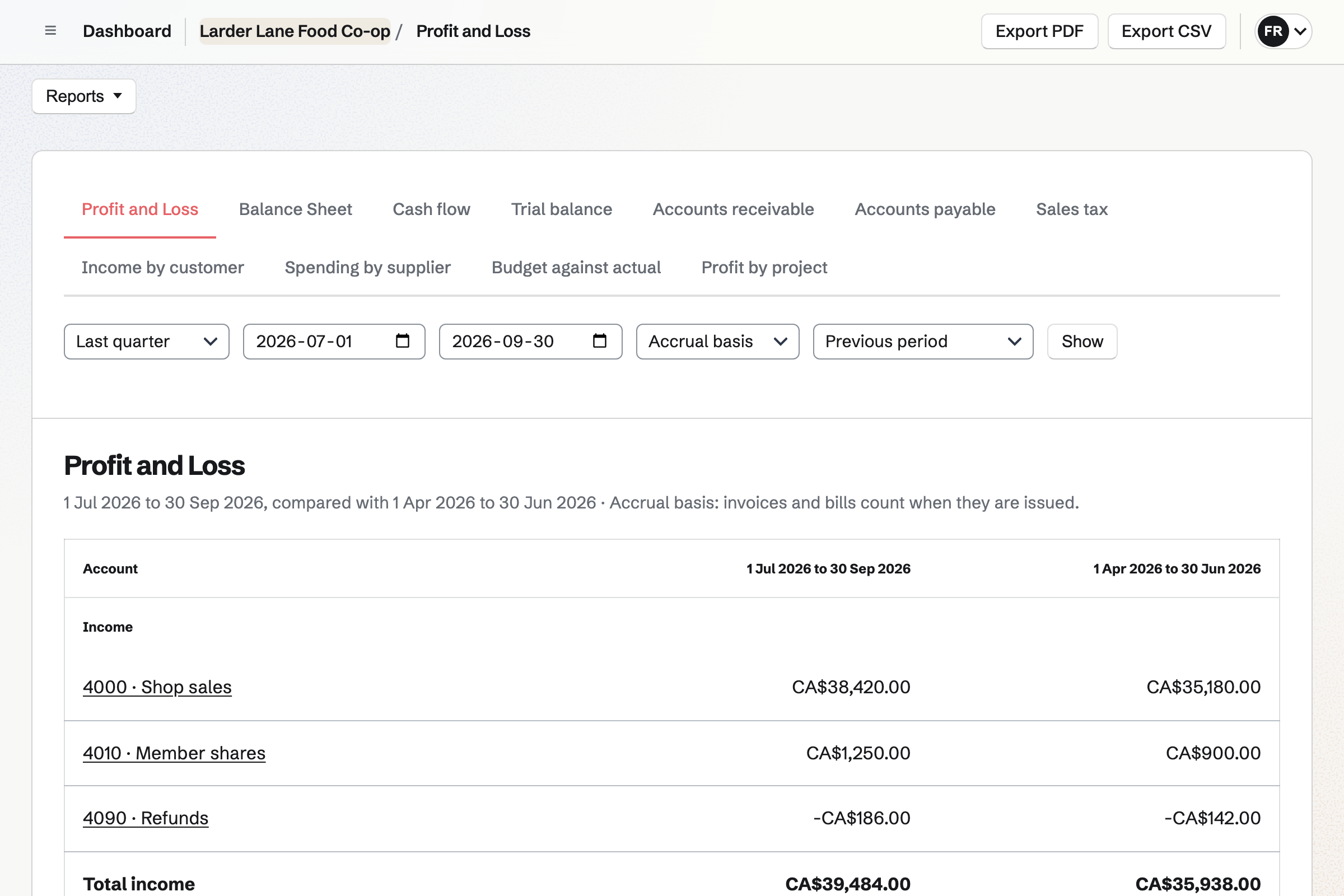
Supplier bills can be entered and paid, and bank statements imported and reconciled. The profit and loss compares each quarter with the one before.
The supplier's order is drafted from what is low.
The delivery crew receives it on their shift.
Members order online through the week.
Each order is marked ready, and the member collects it.
Sales and the supplier's bill reach Accounting.
You set each item's minimum. Help: Keep track of stock.
You list what you buy from each. Help: Order from suppliers and receive deliveries.
You add a pickup method with its times. Help: Set up and publish a Store.
You add positions and shifts. Help: Plan and publish a staff schedule.
A co-op fits the Team plan, with each coordinator a member. Each working member invited to see their shifts takes a member place too.
Members who only shop, join or post are not added to the team. Magpie adds no fee to shop sales. Prices are on the Pricing page.
A corner shop counts its stock, plans its rota and checks the fridges.
A farm or market grower sells boxes and plans the harvest.
A food bank counts donations, checks the fridges and plans volunteers.
Yes. Members order from the online shop and choose to collect. Marking an order ready emails them the pickup times.
Yes. Running low lists each item below its minimum, with an order from its usual supplier. You tick the items and draft the orders.
Yes. Each member you invite sees their own shifts once the rota is published. Each one invited takes a member place.
Yes. A discount code can take a percentage off, with a limit on uses per customer. Codes can have start and end dates.
Yes. Temperature checks can be turned on in Daily Operations. Each reading keeps who took it, and one out of range opens an incident.
Yes. A membership form asks your questions. A paid form can take the member share, the same amount from each new member.
Yes. Accounting keeps them, with shop sales posted automatically. Supplier bills and bank statements go in too.
Create a Magpie account and make a team for the co-op.