Residents' and homeowners' associations
A residents' association runs a board, surveys and the yearly dues.
Community gardens and allotment societies
The committee works in one Magpie team. Plot holders can join as guests, for the board, the calendar and the tools.
Get started free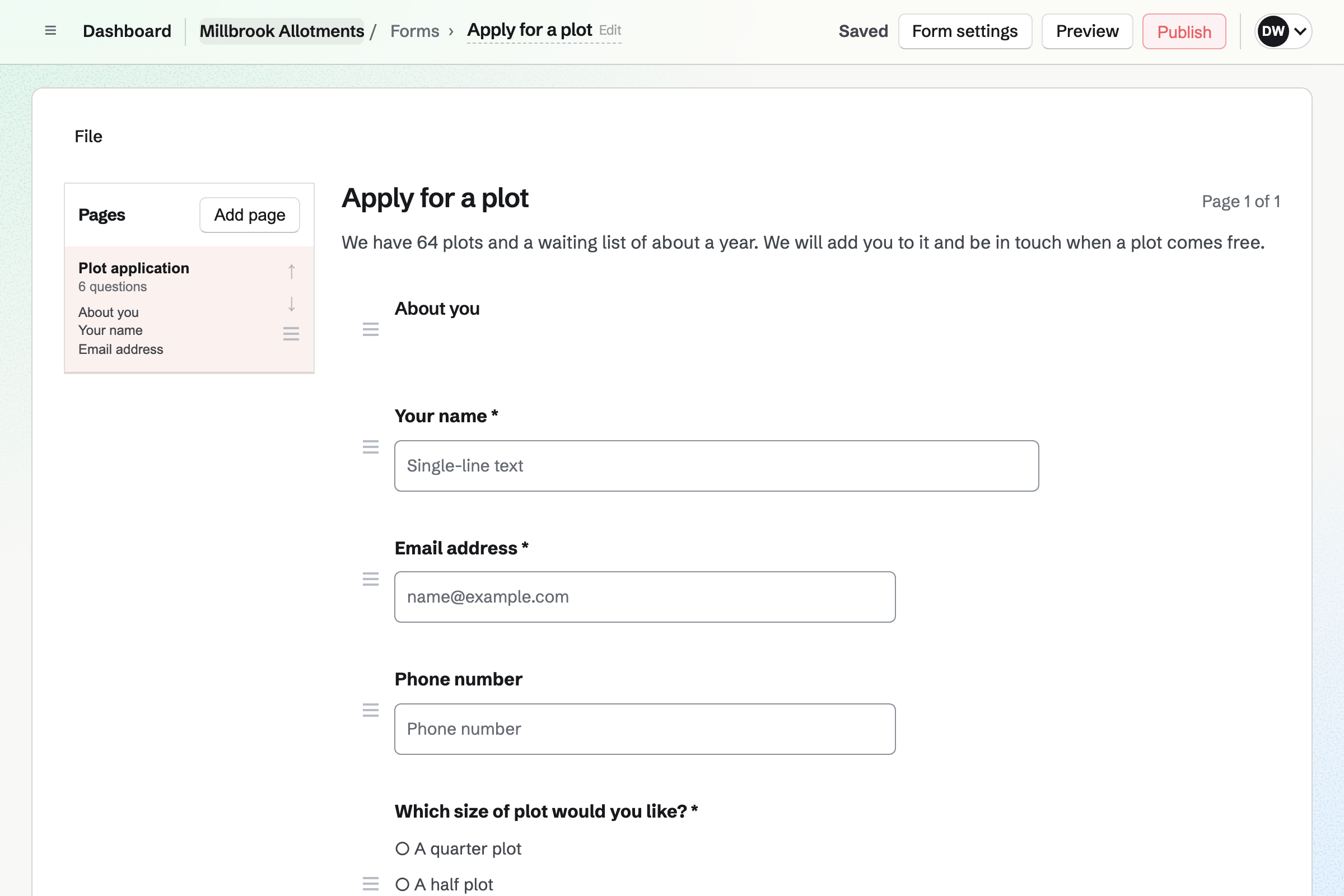
Forms builds a plot application with your questions, such as the size of plot wanted. Every application comes into one list.
You get an email for each new one. Each answer can be exported as a CSV file.
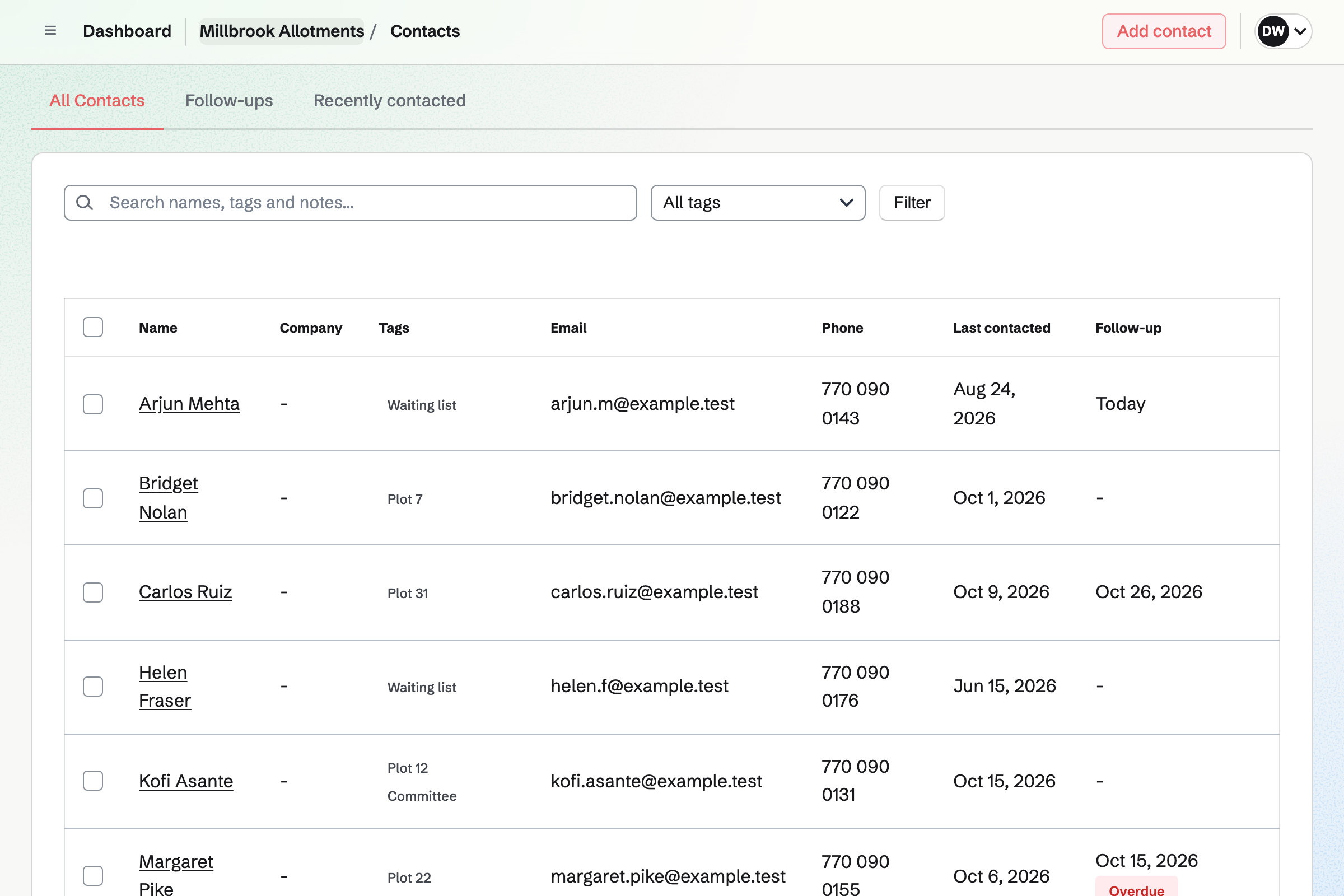
Contacts keeps each plot holder and applicant, with tags such as Waiting list. A note keeps the date they applied.
A follow-up becomes a To-do, such as offering a plot that has come free.
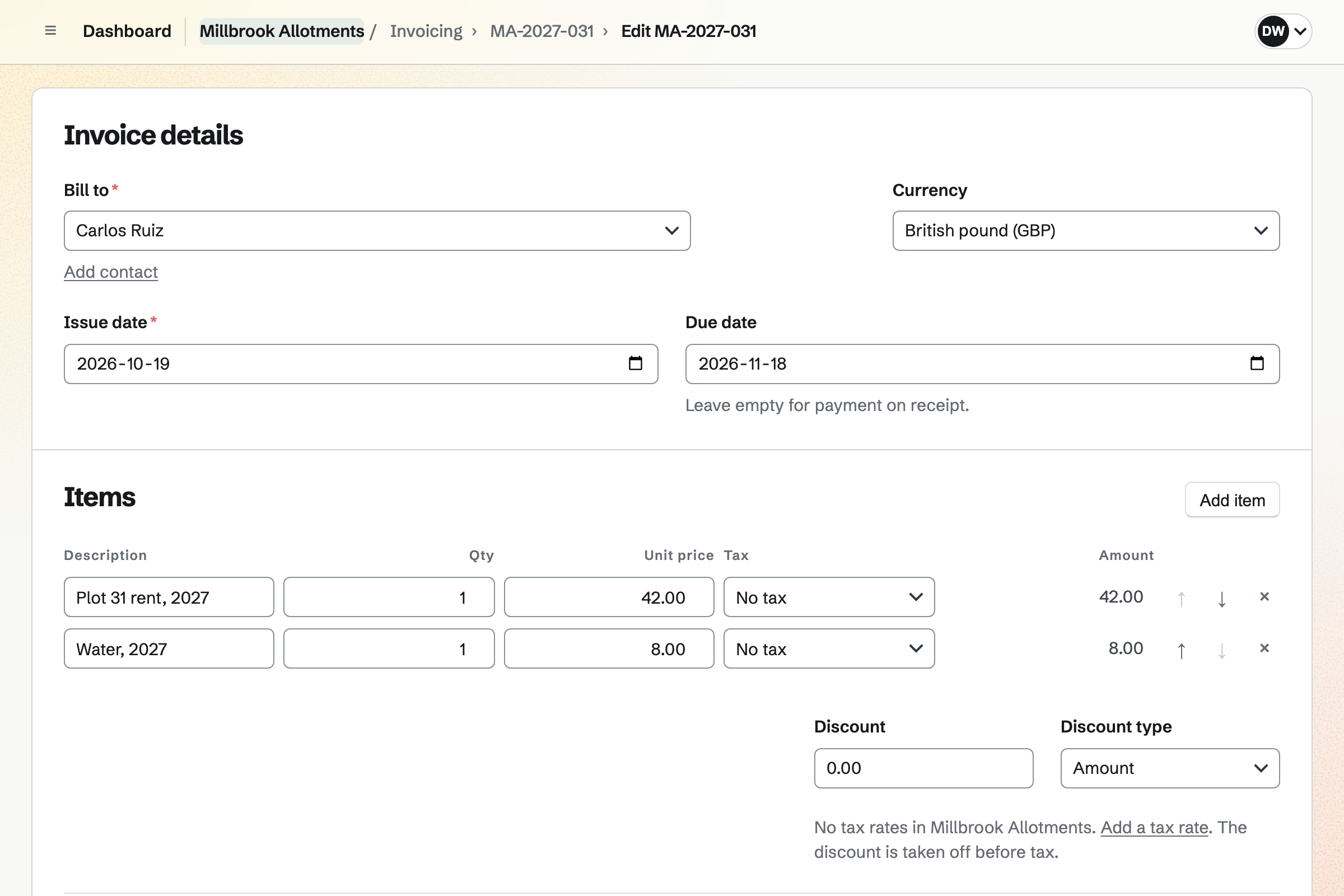
Invoicing bills each plot's rent as a recurring invoice, emailed on the same day each year. Plot holders pay by card from the email.
A payment by bank transfer or cash can be recorded too. Magpie adds no fee to invoice payments.
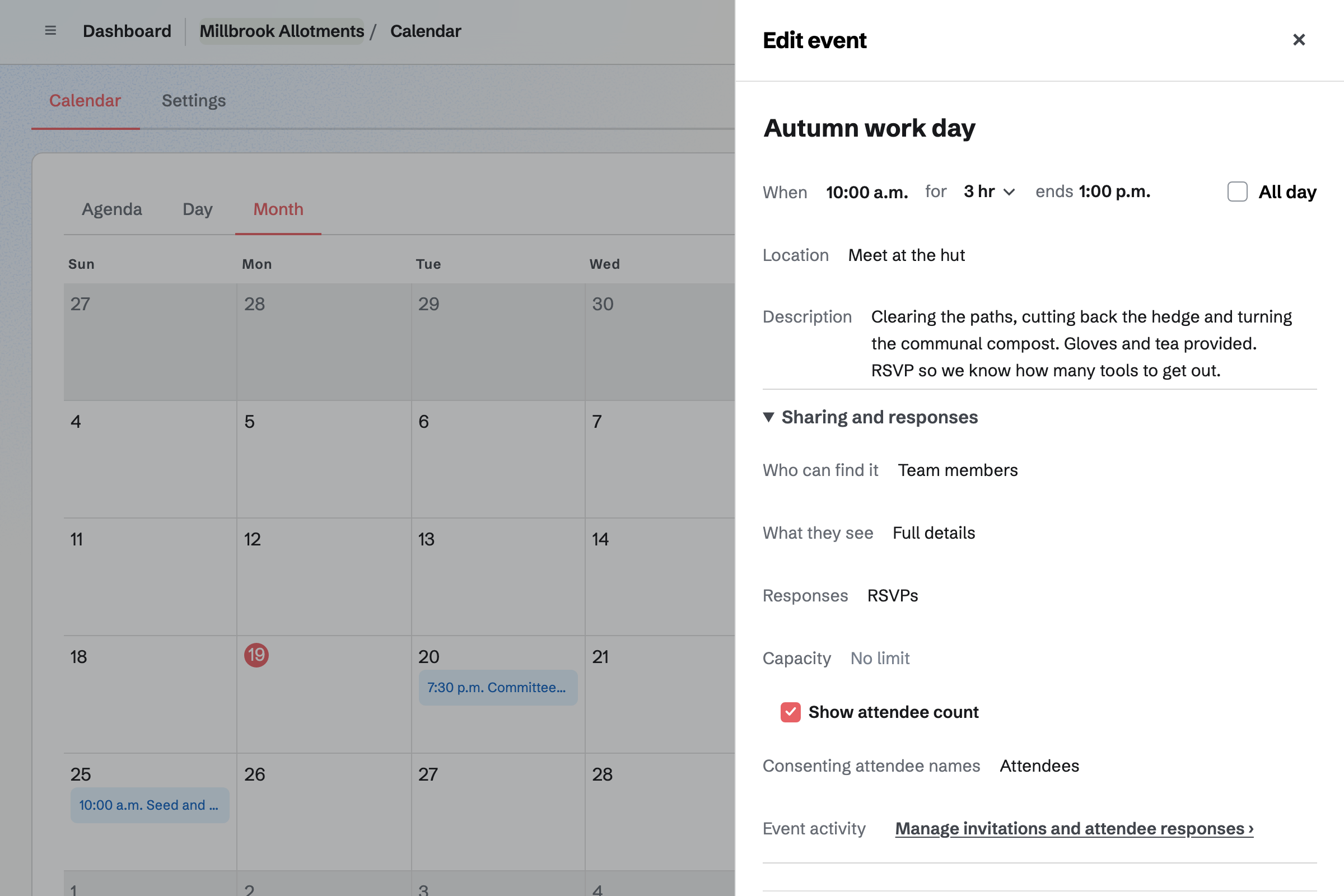
Calendar holds work days, the seed swap and the summer show. Plot holders reply Going or Not going, so you know how many tools to get out.
An event can be for plot holders only, or on a public calendar. A capacity stops RSVPs when a workshop is full.
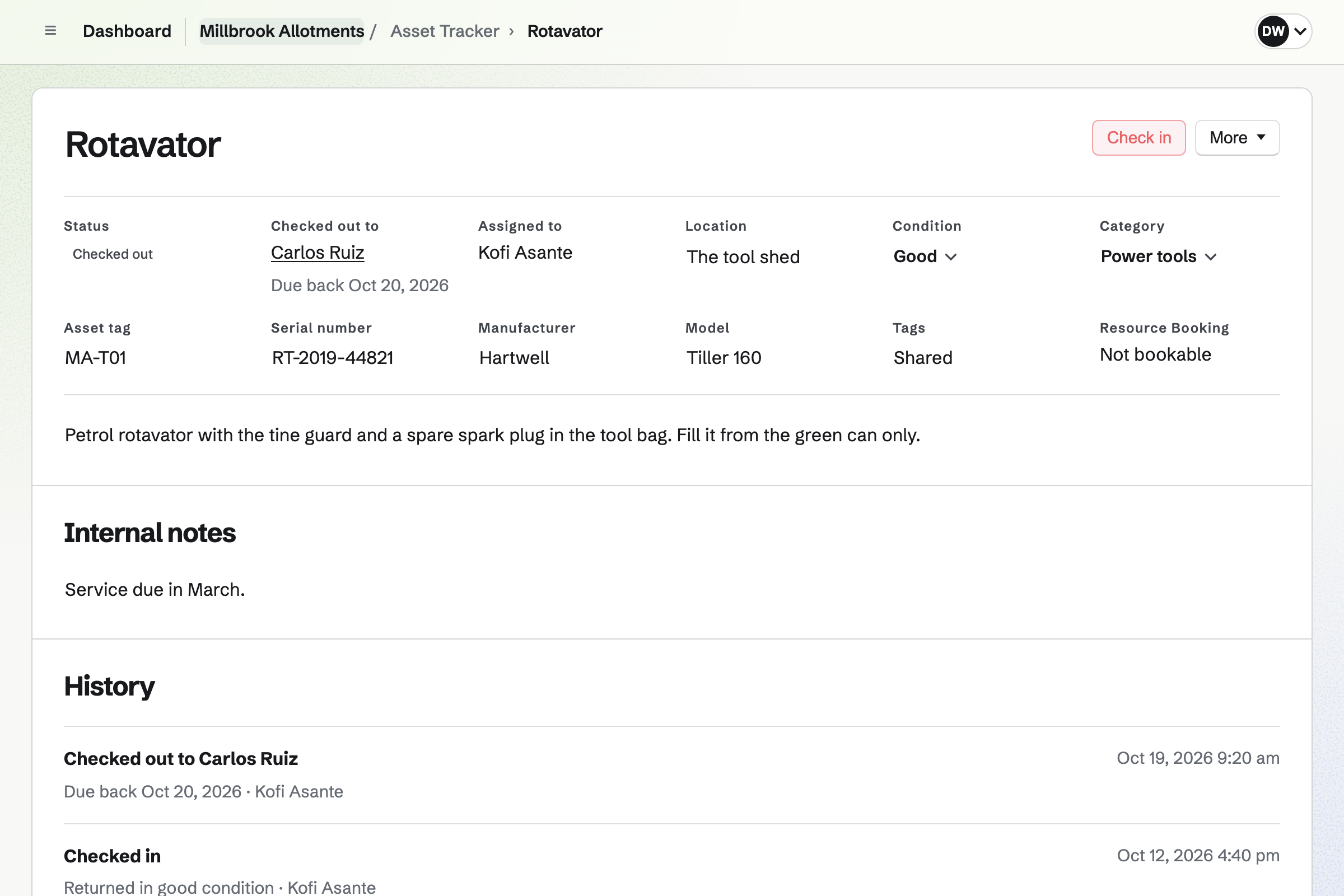
Asset Tracker keeps the shared tools, such as the rotavator and the strimmer, with their condition. A tool lent to a plot holder is checked out, with a due date.
What is overdue has its own list. A broken tool is marked as in maintenance until it is fixed.
Message Boards gives the garden a board, private to plot holders or public. Plot holders post, reply under each post and vote.
A post can offer spare seedlings or ask what is eating the brassicas. The committee can remove a post.
Someone applies for a half plot on the form.
They wait as a contact, tagged Waiting list.
A plot comes free, and a follow-up reminds you to offer it.
Their first year's rent is invoiced.
They RSVP to the spring work day and borrow the rotavator.
You choose its questions. Help: Build, publish, and share a form.
You add each one as a contact, with their plot. Help: Keep a contact list.
You record each one's condition. Help: Track individual assets.
Plot holders can then pay rent by card. Help: Connect Stripe to receive money.
The committee fits the Team plan, with each committee member a member. Plot holders can be guests, with the board and the calendar, and take no place.
A paid plan has room for 100 guests. Magpie adds no fee to invoice payments. Prices are on the Pricing page.
A residents' association runs a board, surveys and the yearly dues.
A community group lists events, signs up volunteers and talks on a board.
A farm or market grower sells boxes and plans the harvest.
Yes. An application form asks your questions, and you get an email for each application. Every application comes into one list.
Yes. Each applicant can be a contact tagged Waiting list. A note keeps the date they applied. A follow-up reminds you to offer a plot.
Yes. A recurring invoice is issued and emailed to each plot holder every year. They pay by card from the email, or you record cash or a bank transfer.
Yes. Each work day's page takes Going or Not going. You see every reply, with the person's email address.
Yes. Each tool is checked out to a plot holder, with a due date. Overdue tools have their own list.
Yes. A message board holds posts, replies and votes. It can be private to plot holders, or public.
Yes. The rules can be a document shared by a link anyone can read. It can also be printed or downloaded as a PDF.
Create a Magpie account and make a team for the committee.