Software startups and small product teams
A software startup is the team that builds the product. It plans its issues in cycles, and keeps its code and designs in Magpie.
Customer support teams
Your agents answer from one shared inbox, in one Magpie team. Customers keep writing to the address they use now.
Get started free
A customer writes to your support address. Their email will start a conversation, Open and unassigned. Later emails in its thread will join it.
An acknowledgement you turn on will go back at once, with a link to their conversation. It goes at most once a day to each customer.
Assign to me puts it in that agent's Mine. If nobody has taken it, an agent's first response will assign it to them.
Anyone else who opens the conversation sees who has it open, and when they are replying. If a colleague replies while you write, a line under your box says so.
It will arrive in the customer's own email thread, under your inbox's name and signature.
They reply by email, or on their conversation page, which never shows your notes or tags. Either way the conversation will be Open again, and its agent will get an email.
Send and close will send the last reply, then open the next conversation in your list.
Helpdesk is the support team's shared inbox. Unassigned lists every open or waiting conversation nobody has taken, and Mine lists each agent's own. Each tab shows its count.
You can triage the morning's queue in one go, tagging and assigning a dozen at once. An agent you hand one to will get an email. Your note on it, seen only by the team, says where it stands.
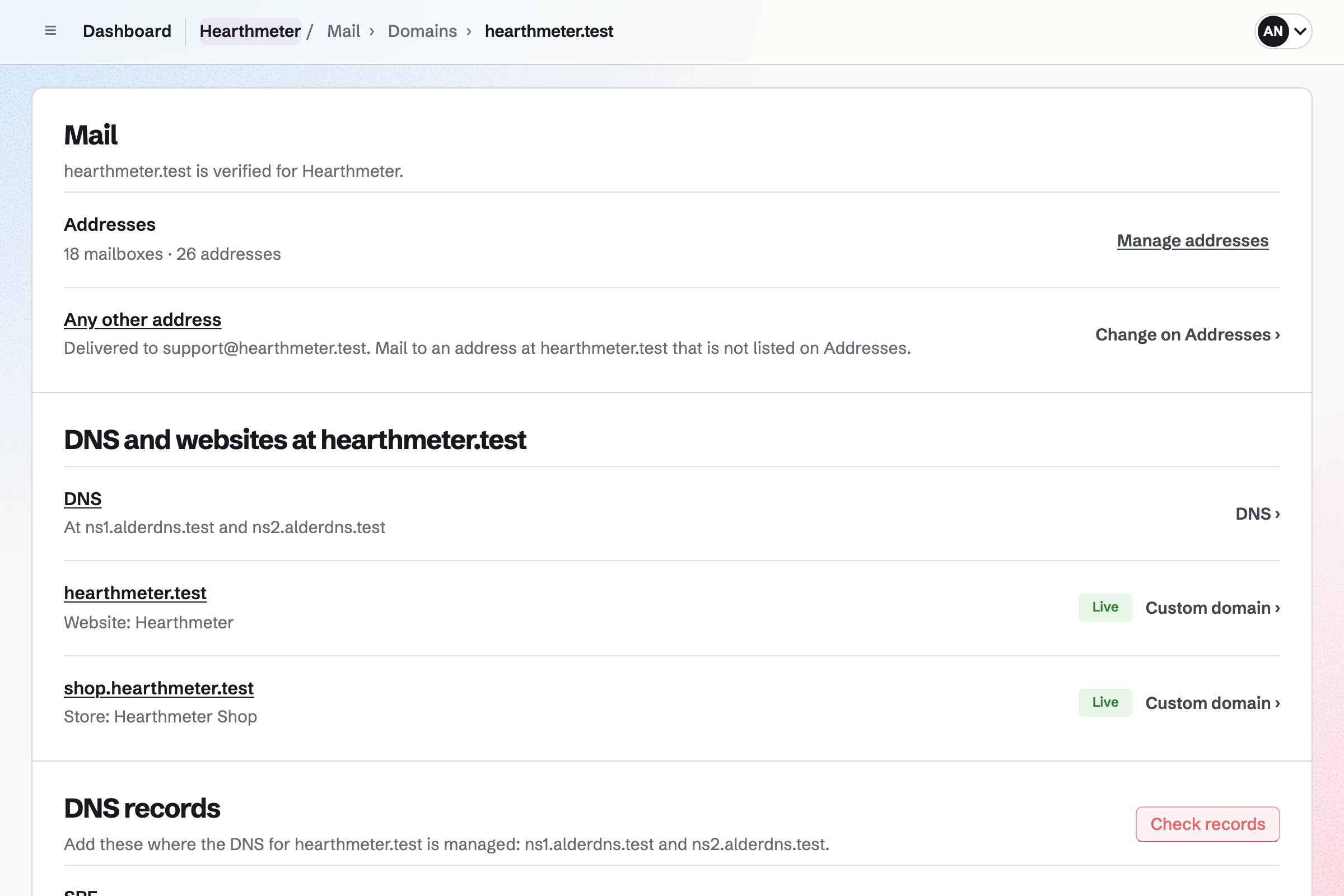
Mail gives your company's domain its mailboxes, and support@ is one the whole team shares. Once it is connected to the inbox, every reply will go out from it. A copy of each is kept in its Sent folder.
Each reply is signed with your domain's DKIM key, which the customer's mail service checks. A second address, such as billing@, can have an inbox of its own.
Screen Recorder records a screen, a window or a tab, with the agent's voice and camera. You can cut out a wrong click before sending the link. The customer signs in to Magpie to watch it.
Analytics lists who watched and how far each got. A short Form beside the video can ask whether it fixed the problem.
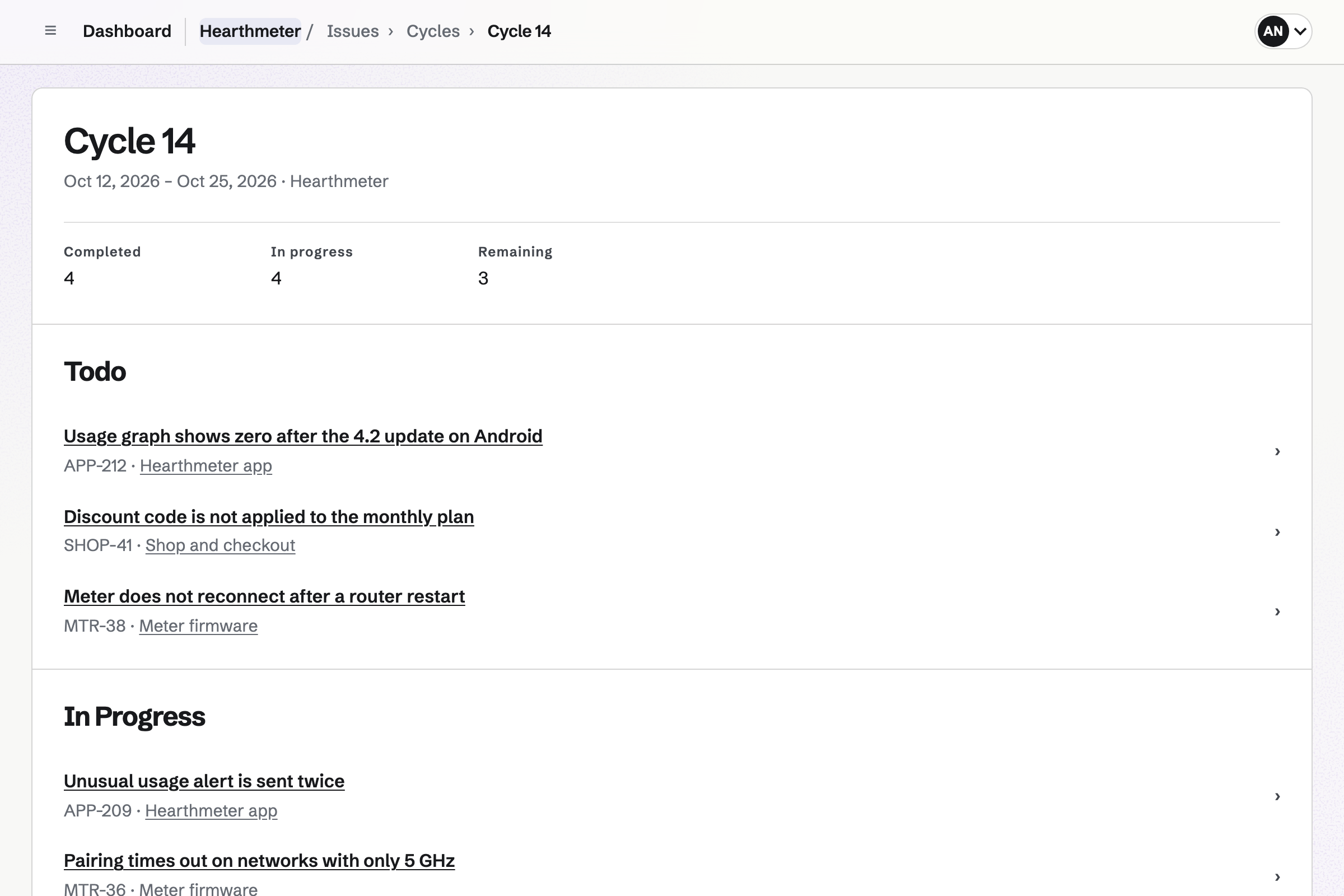
Issues is the product team's tracker for bugs and work. An agent writes up the bug as an issue, with the customer's screenshot pasted in. They send it to Triage, where the product team accepts it or marks it a duplicate.
Whoever wrote it up is subscribed, so they will get a notification when it changes. Accepted bugs can join the product team's current cycle.
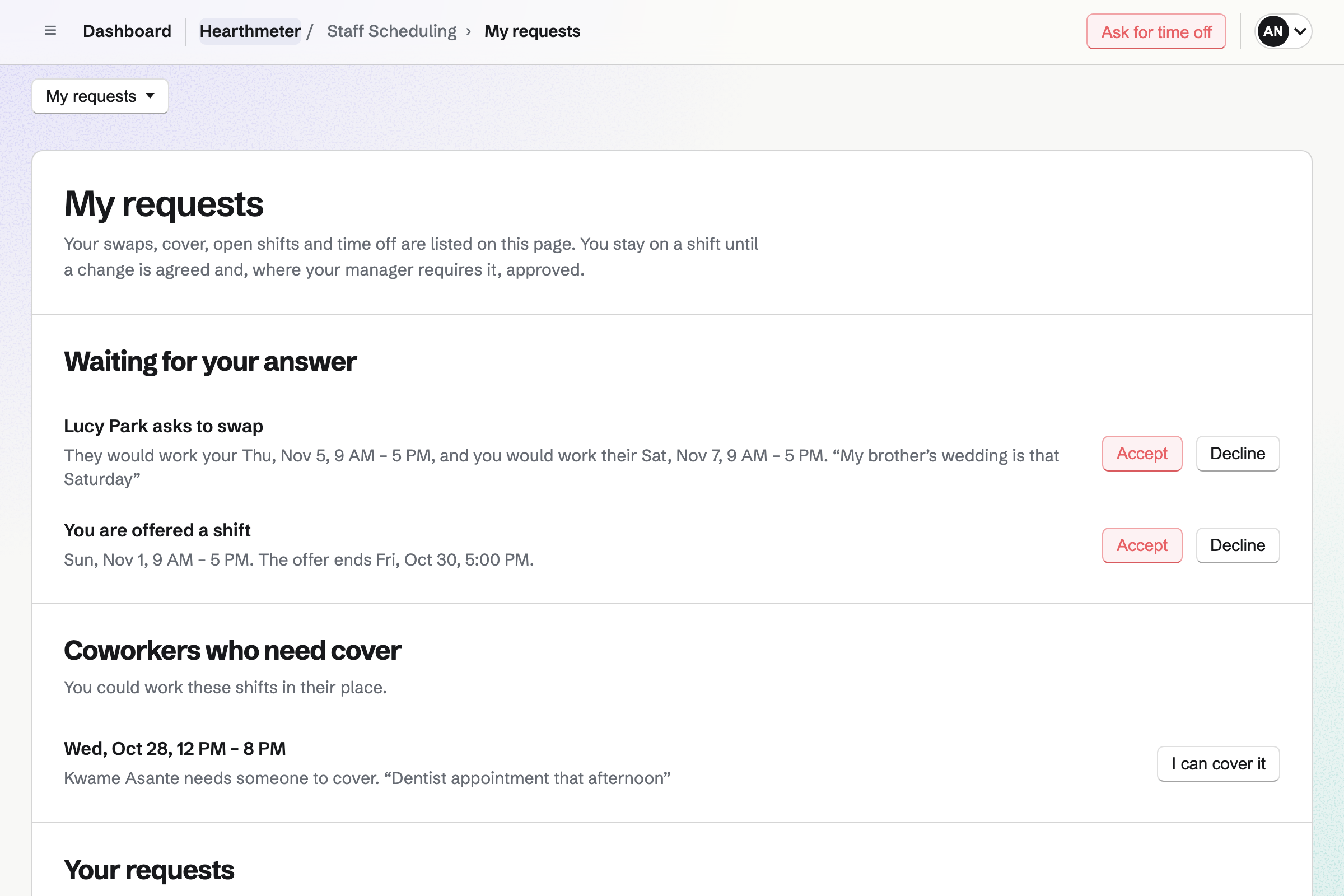
Staff Scheduling plans the support rota, with the Early, Late and Weekend shifts you name. A Saturday shift can repeat every two weeks. Auto-fill proposes people for open shifts, looking at how weekend shifts are spread.
Publishing the week will show each agent their own shifts. They can swap with a colleague, ask for cover or ask for time off. A blackout period marks time off requests for the week of a sale.
You create a team and invite your agents. Help: Create and manage a team.
You connect your domain for email, and make support@ a mailbox the team shares. Help: Connect your own domain to Mail.
You add a Helpdesk inbox and connect the support@ mailbox to it. Email to support@ then arrives as conversations. Help: Set up a Helpdesk inbox.
You save the answers you give most, or paste them all as one document. Help: Helpdesk saved replies.
You name the shifts, put your agents on them and publish the week. Help: Plan and publish a staff schedule.
A support team fits the Team plan, one price for the whole team. It has 25 member places, 5 Helpdesk inboxes and mailboxes at your domain. Each mailbox sends up to 100 messages an hour.
A free team has 3 member places and 1 inbox, without Mail. Its replies go from the inbox's Magpie address.
Screen recordings follow each person's own plan. On a free account, an agent can make 1 a week, up to 3 minutes long. Pro records up to 30 minutes each, as many as storage holds.
Developers who only fix bugs can join as guests who use Issues alone. A guest takes no member place, and the Team plan allows 100.
A software startup is the team that builds the product. It plans its issues in cycles, and keeps its code and designs in Magpie.
An online store sells at its own domain, with a catalog, checkout and shipping. It also sends newsletters and schedules social posts.
The IT person at a small company answers staff instead of customers. They look after laptops, mailboxes and the domain.
A managed IT provider answers several client companies. It tracks its time against each one and bills them every month.
A team inside a larger company plans its own work on boards and in documents. Colleagues from other departments join as guests.
Yes. Customers keep writing to it. You can forward it to a Helpdesk inbox at your email provider. You can also move your domain's email to Magpie, then connect support@ to the inbox. Either way, each new email starts a conversation, and later emails in its thread join it.
From support@, once its mailbox is connected to the inbox. Each reply goes in the customer's own thread, under the inbox's name. A copy is kept in the mailbox's Sent folder. Until you connect a mailbox, replies go from the inbox's Magpie address.
Each conversation shows its assignee in the list. While one agent has it open, everyone else who opens it sees their name. They also see when that agent starts replying. If a colleague replies while you are writing, a line under your box says so. An agent's first response to a conversation nobody has taken assigns it to them.
Yes. Mine lists the open and waiting conversations assigned to you, with their count. Unassigned lists those nobody has taken. The Dashboard lists yours whose customer wrote last. You will also get an email when one of your customers writes.
Yes. You tick conversations in the list, then assign, tag or close them together. You can also mark them as spam or move them to Trash. Undo puts the change back. Search finds one by its number, subject, customer or the words in its messages.
Yes, once you turn on the inbox's acknowledgement. It goes back as soon as their message arrives, with a link to their conversation. You can write its text yourself, such as your opening hours. It is sent at most once a day to each customer. It skips automatic messages, so two help desks do not answer each other.
Yes. Saved replies hold the team's usual answers. An agent picks one in the reply box, with the customer's name filled in. You can add many at once as one JSON document. An assistant you use can write it from your answers, with the prompt Magpie gives you.
Yes. A note is added to the conversation between the messages, and only the team sees it. The customer's page never shows notes, tags or who has the conversation. What an agent types is kept as their own draft until they send it.
Ordinary emails from your support address, in one thread. Each ends with a link to view or reply online. Their conversation page shows your replies and their messages. Each reply shows the inbox's name and the agent's name, never the agent's email address. They can answer on that page, and the answer arrives as their email would.
Yes. Each inbox can have a contact page with a short form. You link to it from your website. It asks for a name, an email address and a message, with up to 5 files. Sending it will start a conversation, and the customer will get an email linking to it.
Yes. They write to your support address as they do now. Writing from the contact page makes a Magpie account for the customer's address, with no password. They can open their conversation with it later. Someone who wrote by email gets one when they open its link.
Yes. You choose the new assignee on the conversation, and Magpie will email them. Your note can tell them what has happened so far, and only the team sees it. The conversation will then appear in their Mine.
Setting an agent on leave will send their open and waiting conversations back to Unassigned. Each one will show who it came from. The same happens when someone leaves the team. While on leave, they take no member place.
Their reply will join the same conversation and make it Open again. The agent who has it will get an email. A new email with a new subject starts a new conversation, which lists their earlier ones.
Yes. The Team plan has up to 5 inboxes. Each has its own address, signature, acknowledgement and contact page. The list shows every inbox together, or one at a time. A mailbox connects to one inbox, so billing@ replies come from billing@.
Mark as spam moves a conversation to Spam. Later messages from the same address will go straight to Spam. Not spam brings one back and stops that. Spam is deleted after 30 days.
Yes. Files arrive with their message, and each inbox keeps up to 5 GB of them. Pictures that load from other websites stay hidden until you choose Show images. Loading them would tell the sender the email was opened.
Yes. Screen Recorder records your screen, a window or a tab, with your voice and camera. You can cut out a mistake, then paste the link into your reply. The customer signs in to Magpie to watch it. Analytics lists who watched and how far each got.
An agent writes the bug up as an issue, with the customer's screenshot pasted in. They send it to Triage. The product team accepts it, cancels it or marks it a duplicate of an existing issue. Whoever wrote it up is subscribed to it. They will get a notification each time a developer changes it or comments.
Yes. Staff Scheduling plans the week's shifts, such as Early, Late and Weekend, for each agent. A Saturday shift can repeat every week or every two weeks. Auto-fill proposes people for open shifts, looking at how weekend and late shifts are spread. Publishing the week will show each agent their own shifts.
Yes. From a published shift, an agent asks a colleague to swap, or asks for cover. They ask for time off by the day or part of a day. Your settings decide which requests you approve. A blackout period, such as a sale week, marks time off requests for those dates.
Yes. Each conversation lists the customer's other conversations with your team, with their status. Add to Contacts saves them as a contact, which can hold your calls, notes and follow-ups.
Yes. Forms makes a short survey at its own address, with a Rating or a Scale question. You can put its link in the inbox's signature, under every reply. The responses download as one CSV file.
A support team fits the Team plan, one price for the whole team. It has 25 member places, 5 inboxes and mailboxes at your domain. Screen recordings follow each person's own plan. Prices are on the Pricing page.
Create a Magpie account and make a team for your agents.