Small agencies (design, marketing, development; 3 to 15 people)
An agency wins client projects with proposals. It runs each one with a client portal and tracked hours.
Small sales teams
You, your reps and your account managers work in one Magpie team. Each prospect is one contact, from the cold list to the signed deal.
Get started free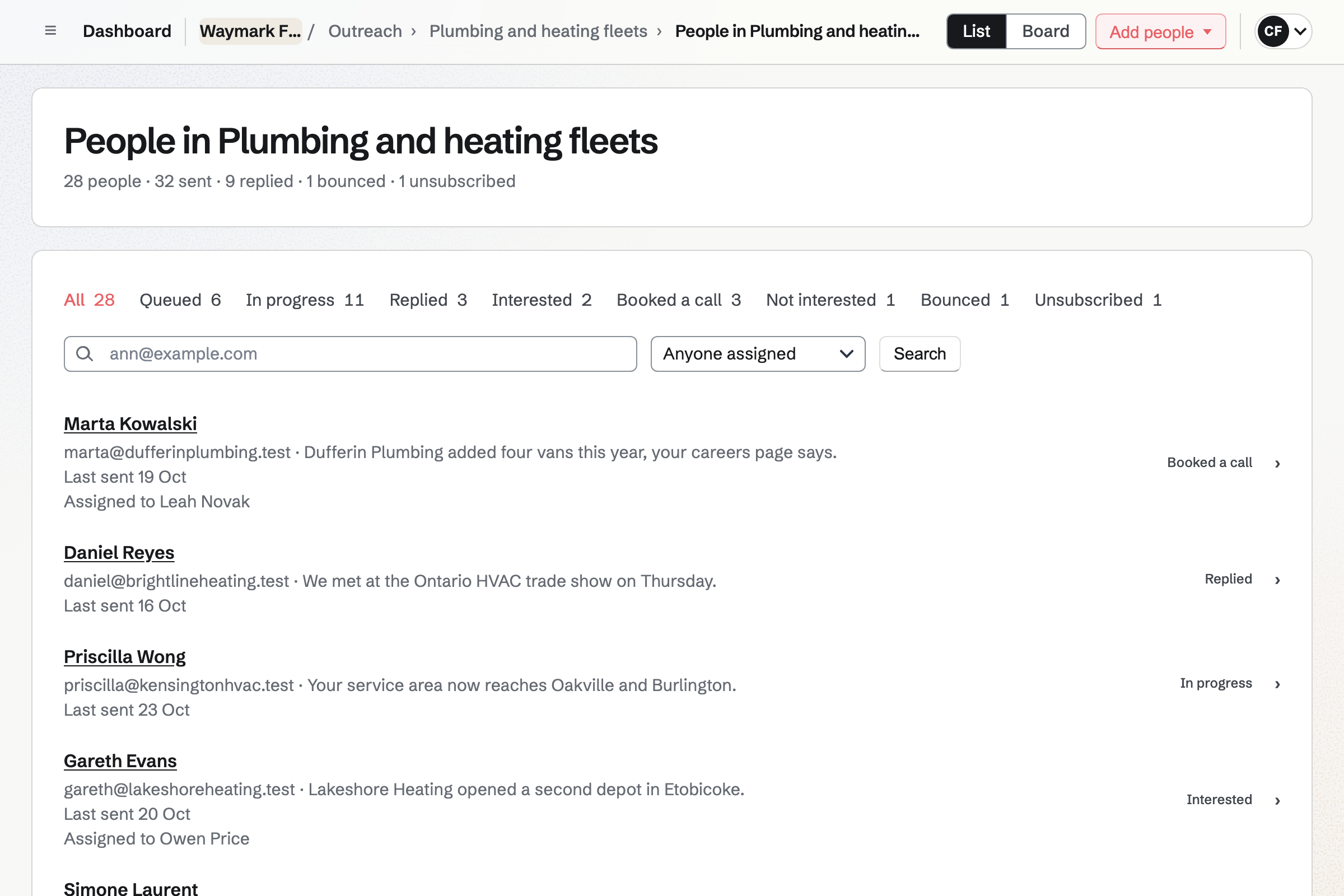
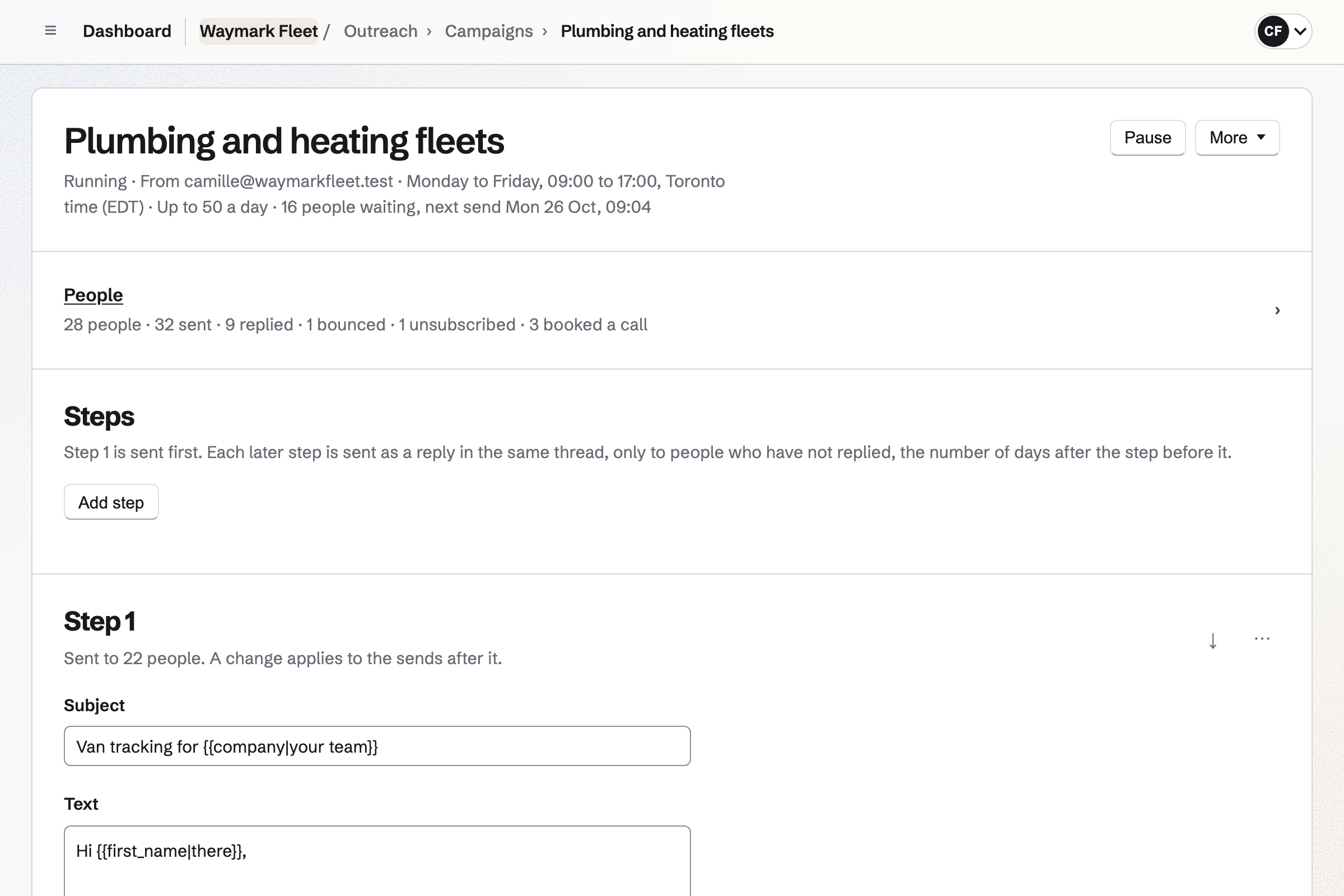
A rep adds a file of prospects to a campaign. Each address will become a contact, with the campaign's tag.
Step 1 will go out from the rep's own address, inside your send window. Later steps will follow days apart, as replies in the same thread.
A reply will stop the sequence for that prospect. It will arrive in the rep's mailbox, and the campaign will mark them Replied.
The prospect books a discovery call, and later a demo, on your booking page. The first booking will mark them Booked a call.
The rep starts a proposal from the prospect's contact page. Its sending and first opening will show on the contact too.
The buyer chooses a package, signs and pays the deposit by card. Everyone will get the signed PDF and a signing certificate.
Your contract goes out as a PDF to sign. The customer signs first, and you countersign last.
Magpie can share the accepted quote and its invoices in the customer's portal. It can start the monthly invoices and offer a kickoff call.
Outreach sends each prospect a campaign of plain-text emails, called steps, from a rep's own address. You set the cadence, from 1 to 60 days between steps. Later steps go as replies in the same thread.
Fields fill in each prospect's name, company and a line you wrote about them. Emails go one at a time inside your send window, up to a daily cap. Each prospect has a stage, from Queued to Replied and Booked a call.
Every email ends with an unsubscribe link, and Magpie keeps your do-not-email list. Your own SMTP server, or a server you rent that Magpie sets up, carries them.
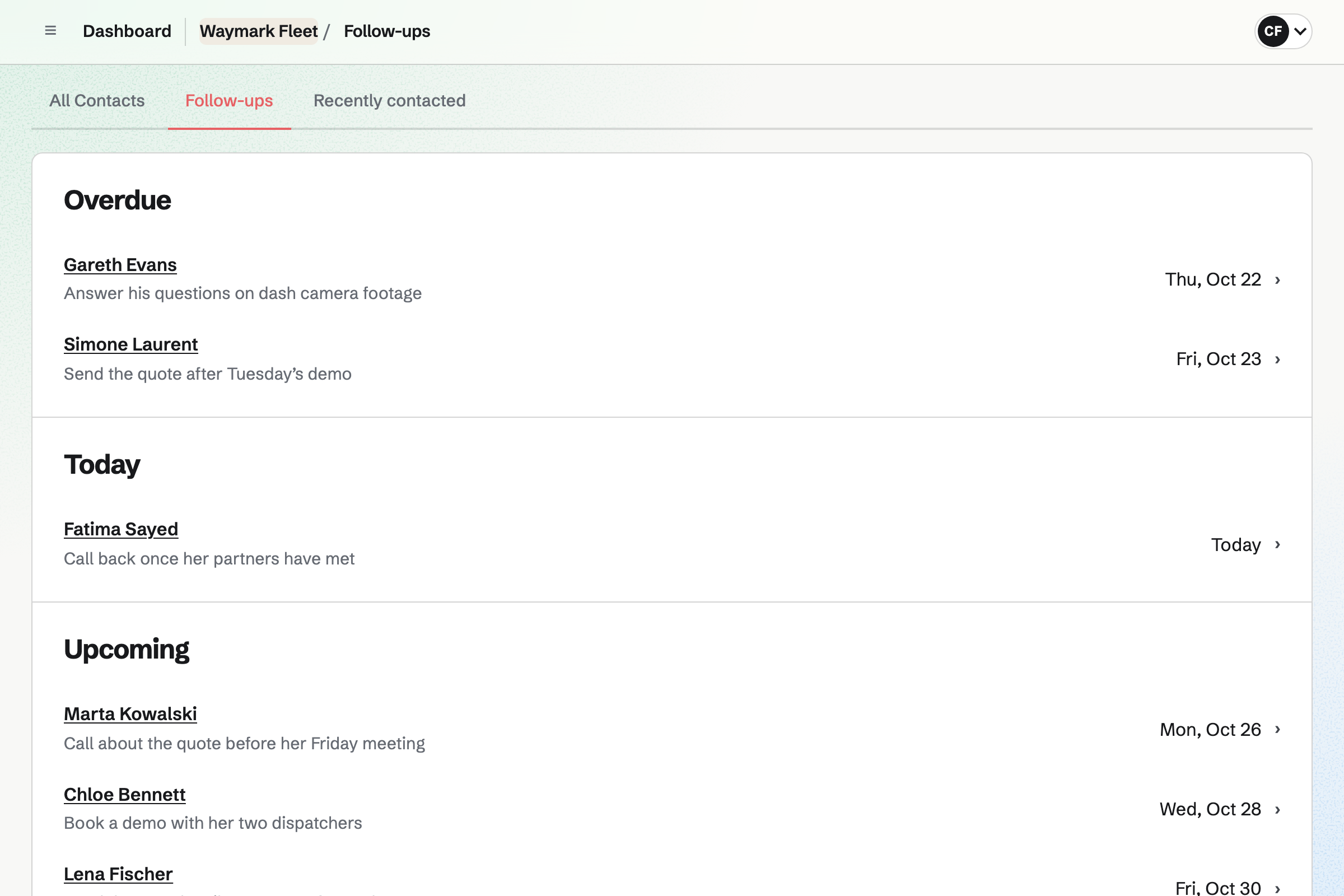
Contacts keeps every prospect your campaigns add, with their company, tags and history. A rep logs each call as a note, and Last contacted moves to that day.
A follow-up has a date and a reason, such as sending pricing after a call. The Follow-ups page lists the team's open ones as Overdue, Today and Upcoming. Each contact's page also lists their campaigns, bookings, quotes and signed contracts.
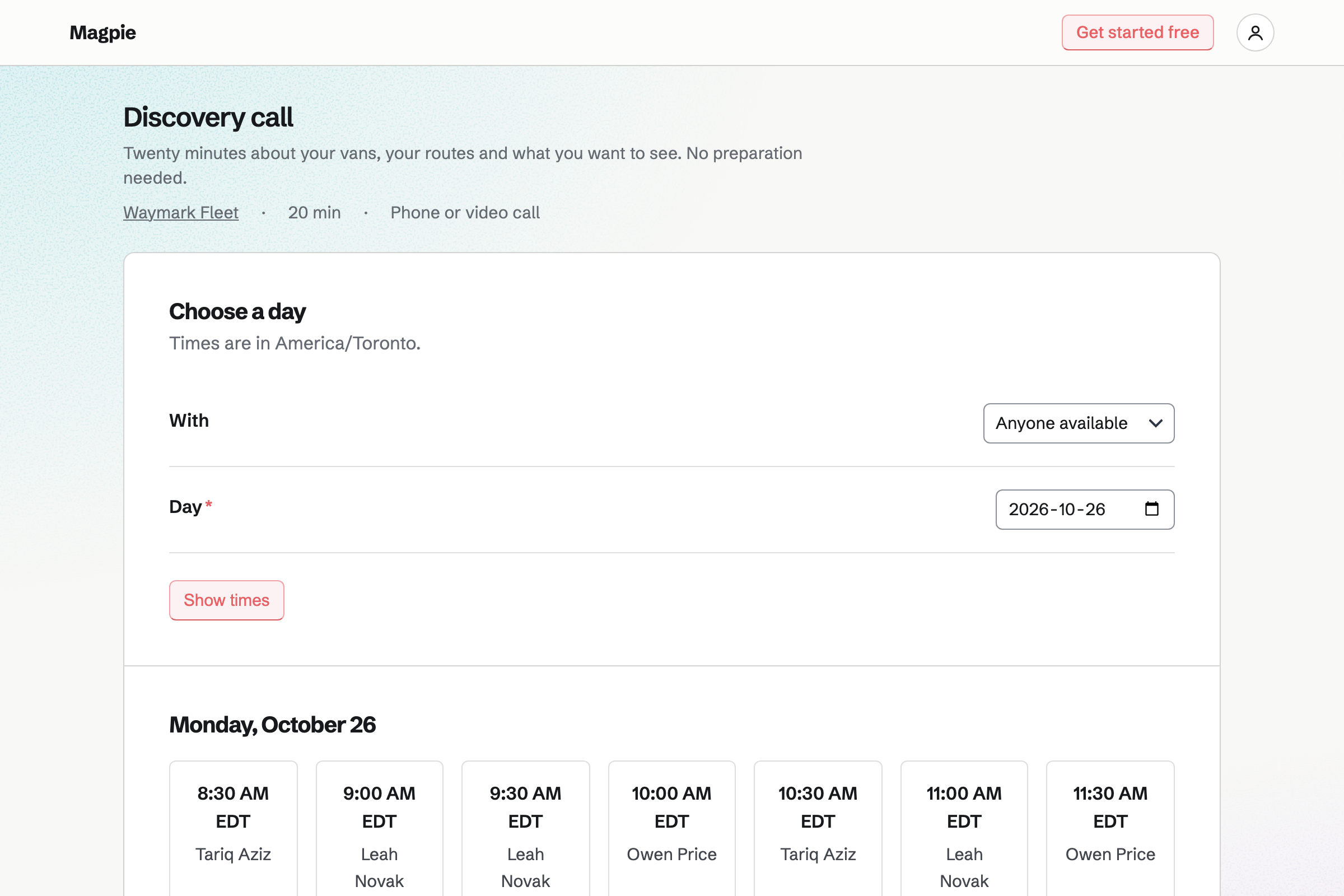
Appointments is your team's booking page, and Outreach links to it. A field in a step fills in its address. A prospect who books will be marked Booked a call, and their sequence will stop.
Each rep has weekly hours, and the prospect picks a rep or Anyone available. The call will go on that rep's calendar and the prospect's contact. From the confirmation email, the prospect can move or cancel it.
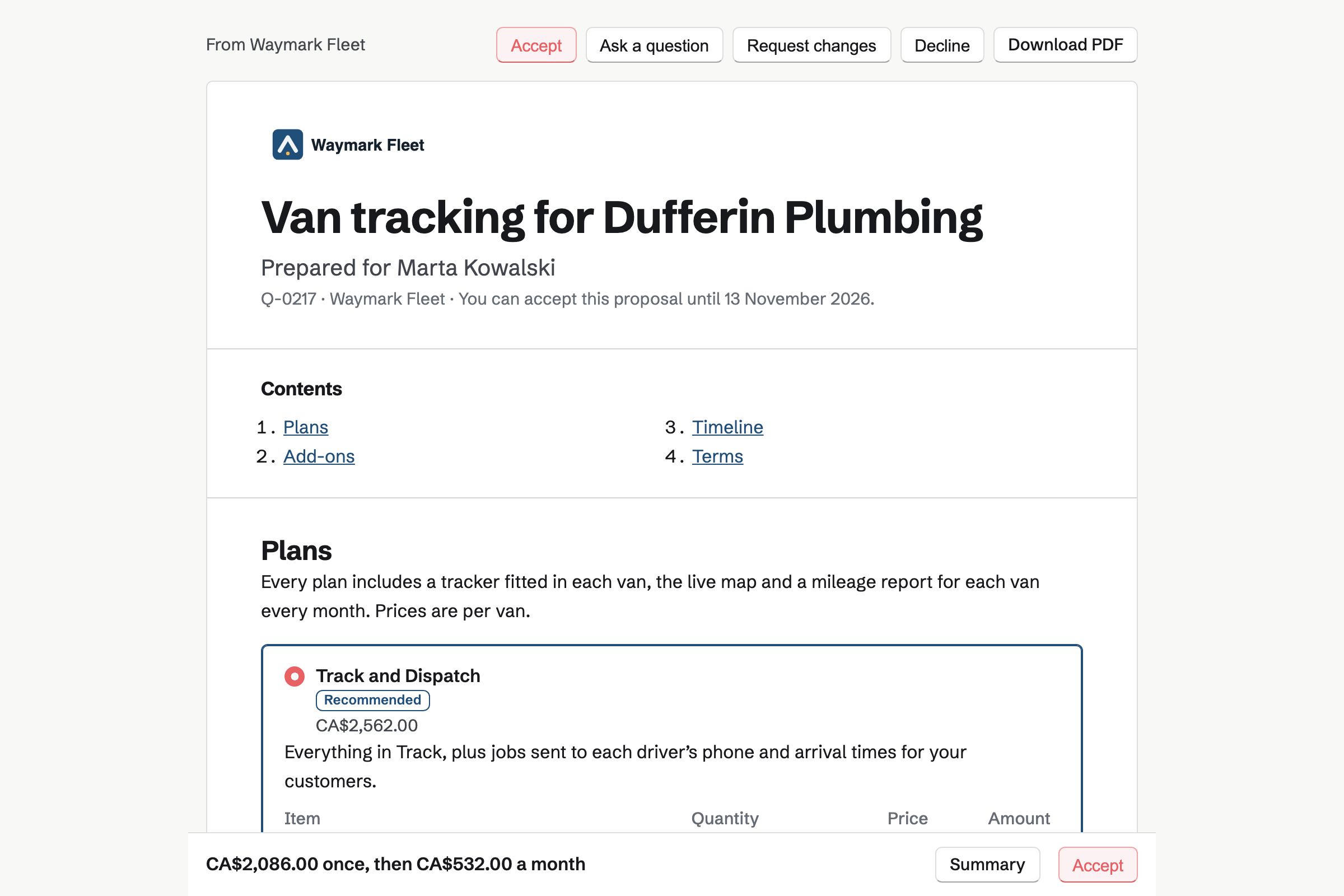
Proposals turns each quote into a page of its own for the buyer. It can offer packages, add-ons and a quantity the buyer sets, such as seats. The totals change with each choice.
The buyer signs with a drawn or typed signature, and pays the deposit by card. When several people sign, the deal closes with the last signature. You see each opening, and how long each section was read.
E-Signatures sends your own contract as a PDF, with each signer's fields in place. In the order listed, the customer signs first and you sign last. Reminders can go every 3 or 7 days until they sign.
A starter keeps the contract with its roles and fields. Your own role can keep your email address. The next deal then needs only the customer's name and email. Everyone will get the signed PDF and a certificate of completion.
Invoicing will issue the deposit's invoice when the quote is accepted. Later payments are invoiced on a date, at a milestone or as the final payment. Each is an ordinary invoice that names its quote.
The quote's monthly and yearly lines can become recurring invoices. When the customer saved a card as they accepted, each invoice will be charged to it. If a charge is declined, Magpie will email the customer a link to pay.
You create a team and invite your reps. Help: Create and manage a team.
You connect your domain to Mail and add a private mailbox for each rep. Help: Connect your own domain to Mail.
You save your SMTP server and send a test. Or you rent a server, and Magpie sets it up. Help: How Outreach sends.
You add a discovery call and a demo, set each rep's hours and publish. Help: Set up Appointments.
You copy one of Magpie's starters, add your prices and lock the terms. Help: Proposal starters, saved sections and the price list.
You connect Stripe, so buyers pay deposits and subscriptions by card. Help: Connect Stripe to receive money.
A sales team fits the Team plan, one price for 25 member places. Outreach and Mail need it for a team. Quotes and invoices have no monthly limit on it.
Buyers who read or sign a quote are not added to your team. A customer's people in a shared channel are guests, and take no member place.
Magpie adds no fee to deposits or subscription invoices. Stripe takes its processing fee from each card payment.
An agency wins client projects with proposals. It runs each one with a client portal and tracked hours.
A consultant sells engagements at a day rate. Each client follows an action plan in a portal.
A recruiter fills client roles from a job board. The placement fee is invoiced when a candidate starts.
A software startup builds the product it sells. Issues run in cycles, beside Git repositories and designs.
A maker selling to shops gives stockists their own prices, and invoices them on net terms.
Yes. Each campaign sends from one mailbox at your domain, as the rep who started it. That rep must be able to open the mailbox. Every email is signed by your domain and kept in Sent. Replies arrive in the same mailbox.
Yes. One CSV file or pasted list adds up to 5,000 people. Each address becomes a contact, or is matched to the one that has it. Magpie asks where the addresses came from, and keeps your answer with the import. Anyone still receiving another of your campaigns is held back until you choose to add them.
Yes. Fields fill in each person's first name, company and a line about them that you write. The line can come from an about column in your file. A field can have a fallback for a prospect with no value. Preview shows a step as one prospect will get it.
Yes. Each campaign has a send window, such as weekdays from 9:00 to 17:00. A step due outside it waits for the window to open. The daily cap is 50 unless you change it, up to 2,000. Sends are spread evenly through the window, one at a time.
Your team's sending route carries them. It can be your own SMTP server, such as Amazon SES or Postmark. Or Magpie sets up a server you rent as a mail relay for your domain. After 5 failed sends in a row, Magpie pauses the campaign and emails you.
Yes. Once a prospect replies, nothing more is sent to them, and the campaign marks them Replied. An out-of-office is not a reply: their next step moves 3 days later. The Replies page lists every reply to the team's campaigns, newest first. Each one opens in the rep's mailbox to answer.
They become No reply when the reply wait after the last step ends. It is 7 days unless you change it. A campaign can name another in What happens next. Those prospects then join it as Queued, with the same line about them.
Every email ends with an unsubscribe link, and your postal address if you switch it on. Someone who unsubscribes is marked Unsubscribed in every campaign of your team. Their address goes on your do-not-email list, which Outreach never emails. If they ask by reply, the Do not email switch on their contact adds them.
Yes. Stop all sending, at the top of the Outreach page, holds every campaign in the team. Nothing leaves until you start sending again. Running campaigns keep their place, and nothing is paused. Anyone who can edit Outreach can press it.
Yes. Appointments gives your team a booking page, and a field puts its address in a step. The prospect chooses the call, a rep or Anyone available, and a free time. Booking with the same address marks them Booked a call, and their sequence stops. The call goes on the rep's calendar.
Yes. Each rep who takes calls has their own weekly hours. The prospect picks one of them, or Anyone available for the first rep who is free. A time is offered only when the rep's hours and calendar leave it free. From the confirmation email, they can move or cancel it until your notice begins.
Yes. On the prospect's contact, a rep adds a note marked Call, Email, Meeting or Message. Each note shows who wrote it, and Last contacted moves to that day. Activity also lists their bookings, and when each quote was sent and opened. Search finds a contact by words in its notes.
Yes. A follow-up on a contact has a date and a reason. It becomes a To-do, with the usual reminders. The Follow-ups page groups the team's open ones as Overdue, Today and Upcoming. Marking it done in either place completes it.
Yes. A pricing section can offer 2 to 4 packages, with one marked Recommended. The buyer chooses one, and adds any add-ons they want. A line can let them set its quantity, such as seats, between limits you set. The totals change with each choice.
Yes. Activity lists each opening: who, when, and on a phone, tablet or computer. Reading time shows how long each reader spent on each section. The quote's owner is emailed when it is first opened, asked about, signed or declined. The buyer's page says that you can see this.
Yes. A quote goes to up to 20 people, each with their own link. Each one signs, or reads only and can ask questions. Signers sign in any order, and the quote is accepted when the last one signs. Everyone gets the signed PDF and a signing certificate.
Yes. You can require approval for every quote. It can also apply only when the discount or one-time total reaches a figure you set. The rep asks for approval before sending. You approve it or ask for changes, and any later change needs approval again.
Yes. Reports count the quotes sent, accepted, declined and expired between two dates, with their one-time value. They show the win rate, the median days to a decision and the value still waiting. You can break them down by rep, starter or client, and download a CSV.
Yes. Each prospect in a campaign can be assigned to a rep. The list and the board, with a column for each stage, filter by rep. The quotes list can show one rep's quotes, each with its value. Reports show the one-time value of each rep's quotes still waiting.
Yes. The deposit is invoiced as the quote is accepted. The buyer pays it by card from the accepted quote, into your Stripe account. Magpie adds no fee, and Stripe takes its processing fee. Later payments are invoiced on a date, at a milestone or as the final payment.
Yes. Lines billed monthly, quarterly or yearly can become recurring invoices once the work starts. As they accept, the buyer chooses whether each one is charged to their card. You can require the card. If a charge is declined, the buyer is emailed a Pay link, and you are told.
Yes. You upload the contract as a PDF, place each signer's fields and send it. In the order listed, the customer signs first and you countersign last. Reminders can go every 3 or 7 days until they sign. Everyone gets the signed PDF and a certificate of completion.
Yes. Agreements fills in published standard texts with your answers, word for word. Its Library has mutual NDAs and Common Paper's cloud service agreement, with an Order Form. Send for signature gives each party their own link. Magpie is not a law firm: a lawyer should review it before anyone signs.
Magpie does what you chose in the quote's details when the work starts. It can share the quote and its invoices in the customer's portal. It can offer a kickoff call to book, and start the recurring invoices. It can also make a To-do List from the timeline. Each runs once, and the quote links to what it made.
Create a Magpie account and make a team for your reps.