What is the difference between Bitwarden and Magpie?
Bitwarden is an open-source password manager. Its apps and browser extensions fill and save your logins on every device. Magpie is one subscription for a small business's software. Its Password Vault is one area beside Secure Files, Mail, booking pages, invoicing and a website. Bitwarden does more for your passwords; Magpie does more around them.
Does Magpie replace Bitwarden?
No, if you want passwords filled into websites and apps for you. Yes, if you keep logins, notes, two-factor codes and SSH keys encrypted and copy them as needed. Password Vault does that on every plan, Free included.
Consider keeping Bitwarden if you want filling in the browser or on your phone, or passkeys. Keep it for sharing with a family or team, emergency access or vault health reports. Keep it too if you need company sign-in, a command-line tool or your own server. Bitwarden does each of these better than Magpie does today.
How much does Bitwarden cost?
Bitwarden has a Free plan, Premium, and Families for up to 6 people. For companies there are Teams and Enterprise, priced per person and billed yearly. Secrets Manager has plans of its own, free for 2 people. The prices are on Bitwarden's pricing page.
How much does Magpie cost?
Magpie has a Free plan and paid plans, each covering every area. Password Vault is on every plan, with no limit on items. A paid plan adds storage, email at your domain and, on the Team plan, up to 25 people. The prices are on Magpie's pricing page.
Does Magpie have a browser extension that fills passwords?
No. Magpie's browser extension for Chrome, Edge and Firefox is built. It is not in any browser's store, so it cannot be installed yet. On the website you copy the username and password from Password Vault and paste them. Bitwarden's extension fills logins and saves new ones as you sign in.
Can Magpie fill passwords on my phone?
No. On a phone, Password Vault on the website copies a value to paste into another app. The Magpie app does not fill other apps either. It is not yet in the App Store or Google Play. Bitwarden fills logins through the phone's own autofill on iPhone and Android.
Does Magpie store passkeys?
No. Password Vault cannot save a passkey for a website. Magpie accepts passkeys only for signing in to Magpie itself. Storing passkeys is on Magpie's roadmap. Bitwarden saves a site's passkey to a login and signs you in with it.
Can I share passwords with my family or team in Magpie?
No. Password Vault is personal to each Magpie account, and there are no shared vaults yet. Share securely sends a copy of one item by an encrypted link that expires. Shared vaults are on Magpie's roadmap. Bitwarden shares with one other person on Free. Families and business plans share collections.
Does Magpie have emergency access?
No. Only your Password Vault password or your recovery key opens your vault. Nothing in Magpie hands a way in to someone else. Emergency access is on Magpie's roadmap. In Bitwarden Premium, trusted contacts can ask to view or take over the vault. They get in when you approve or after a waiting time you set.
Does Magpie warn me about weak, reused or breached passwords?
No, not on the website. The Magpie app lists weak, reused and year-old passwords. It is not yet in the App Store or Google Play. Nothing in Magpie checks passwords against reported breaches. Bitwarden's reports do these on paid plans, and its data breach report is free.
Is Magpie's Password Vault end-to-end encrypted?
Yes. Every item, with its title, type and tags, is encrypted in your browser. The key is made from your Password Vault password. Magpie stores only the result and cannot read it. Bitwarden also encrypts every vault end to end, on every plan.
What if I forget my Password Vault password?
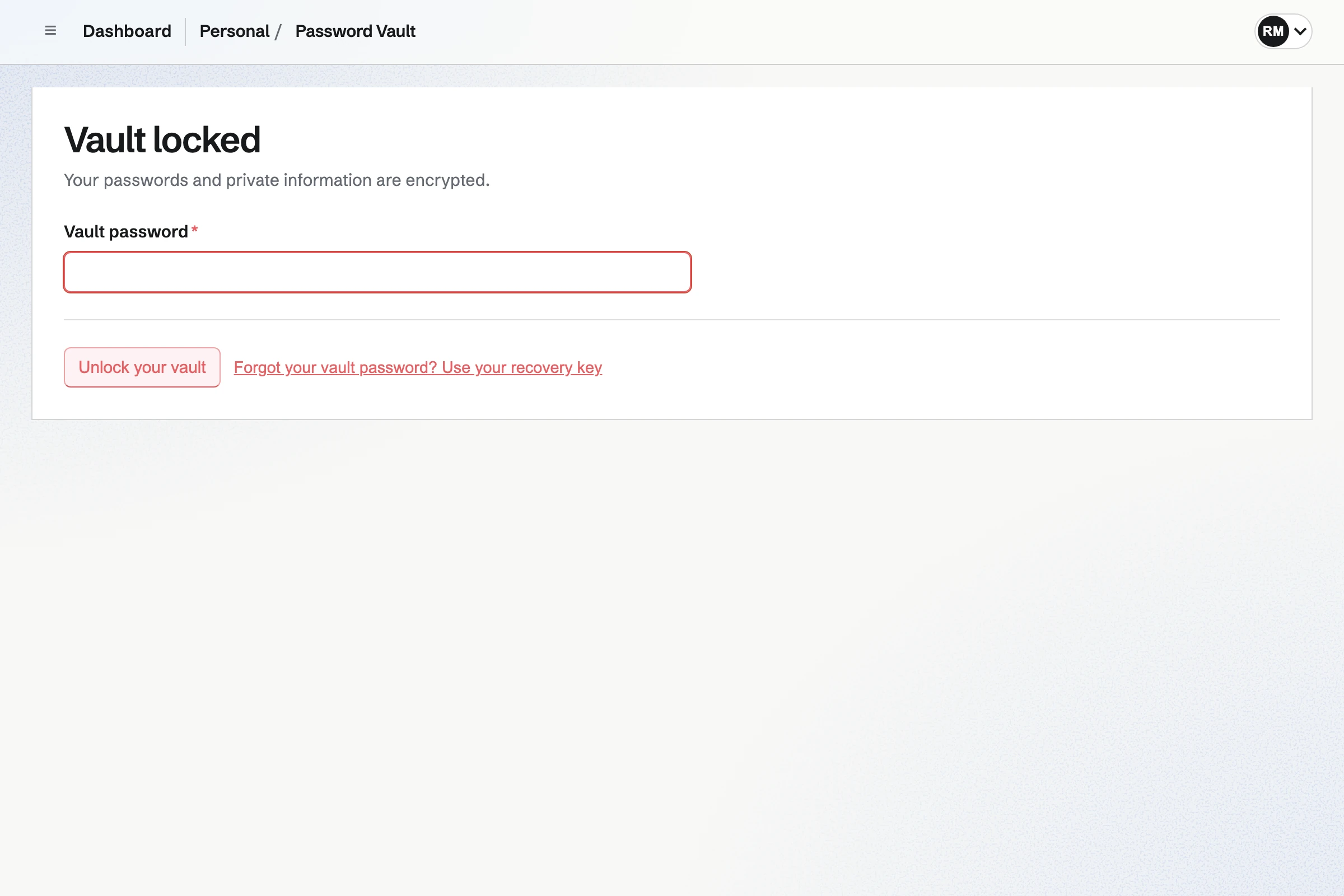
Use your recovery key. Setting up Password Vault shows it once, and you save it before going on. With it you set a new vault password and keep every item. Magpie keeps no copy, so if both are lost the vault cannot be opened. Bitwarden cannot reset a master password; an emergency contact with takeover access or an Enterprise admin can set a new one.
Can Magpie keep my two-factor codes?
Yes, on every plan. Set up two-factor code on a login scans the site's QR code or takes its setup key. The login then shows the current code and its countdown, and Copy current code copies it. Bitwarden keeps the key on every plan and shows codes on paid plans. Its extension fills them.
Can I move my passwords from Bitwarden to Magpie?
Yes. Export a CSV file from Bitwarden's web app, extension or desktop app. Then use Import passwords in Password Vault. The file is read in your browser, two-factor secrets are kept, and a review flags duplicates. Only the Magpie app reads Bitwarden's JSON export. The app is not yet in the App Store or Google Play.
Can I export my passwords from Magpie to another password manager?
No. Export encrypted backup downloads a file of the encrypted items, which no other app can read. Magpie cannot read it back yet either. A readable export is on Magpie's roadmap. Bitwarden exports CSV and JSON files, and a ZIP with attachments.
Can I use Magpie's Password Vault offline?
No. The website needs a connection to open Password Vault. The Magpie app opens an encrypted copy with no connection. It is not yet in the App Store or Google Play. Bitwarden's apps keep working offline, read only, until they reconnect.
Can I send a password to someone by a link that expires?
Yes. Share securely on a Password Vault item sends a copy of it by a link encrypted in your browser. The link expires after 1 hour to 30 days, can allow one view and can need a passphrase. The person opening it needs no Magpie account. Bitwarden's Send carries text or a file, and it can ask the recipient to confirm their email address.
Can I keep files in Magpie's Password Vault?
Not inside an item. Secure Files keeps files encrypted with the same key as Password Vault, in folders, up to 2 GB each. Bitwarden attaches files to any item on paid plans, within 5 GB a person.
Does Magpie have a command-line tool or a secrets manager?
No. Password Vault is for people, and a value is copied out by hand. There are no machine accounts or deployment integrations. Bitwarden has a command-line tool and an SSH agent in its desktop app. Secrets Manager serves machine accounts and deployments.
Does Magpie have single sign-on for Password Vault?
No. Members sign in to Magpie with a password, a passkey, or Apple, Google, LinkedIn or GitHub. Password Vault then asks for its own password. No company identity provider can be connected. Bitwarden Enterprise signs members in through SAML 2.0 or OIDC, with Okta, Entra ID and others.
Can I run Magpie on my own server, or read its code?
No. Magpie runs only as Magpie's own service, and its source code is not public. It has no SOC 2 report or published independent review of Password Vault yet. Bitwarden's code is open source, and it installs on your own server. It publishes SOC 2 Type II and ISO 27001 certificates.
Does Bitwarden have booking pages, invoicing or email?
No. Bitwarden keeps passwords, passkeys, cards, files and secrets. Its username generator works with forwarding services such as SimpleLogin. Magpie includes Meetings, Appointments and Invoicing in every plan, in the same account as Password Vault. Mail needs a paid plan.
Can I use Bitwarden and Magpie together?
Yes. Bitwarden can fill your Magpie sign-in and keep a passkey for it. Magpie runs your bookings, invoices, website and email. You can keep Bitwarden for your passwords and use Magpie for the rest of the business.
What is included in Magpie's Free plan?
Password Vault with no limit on items, Secure Files within 5 GB of storage, booking pages, Invoicing, Store, a website, the Newsletter, Forms and a team of 3. Mail is not on the Free plan: email at your domain needs a paid plan.