What is the difference between Expensify and Magpie?
Expensify is software for expenses: it reads receipts, logs mileage, approves reports and pays people back. It also has company cards and travel booking. Magpie is one subscription for a small business's software. Expenses is one area beside Accounting, Invoicing, Payroll and Store. Expensify does more inside expenses; Magpie does more around them.
Does Magpie replace Expensify?
Yes, for a small business that records its own expenses and approves a few reports. Magpie keeps receipts, repeats recurring expenses and posts each expense to the books. An admin approves each report and marks it reimbursed.
Consider keeping Expensify if you want receipts read from a photo, mileage or per diem. Keep it too for company cards, travel booking, or people paid back from the bank. Expensify does each of these better than Magpie does today.
How much does Expensify cost?
Expensify's Submit is free, for one person's expenses. A team uses Collect or Control, priced per member each month. Spending on the Expensify Card takes up to 50% off the subscription. Travel has a fee per trip. The prices are on Expensify's pricing page.
How much does Magpie cost?
Magpie has a Free plan and paid plans, each covering every area. Expenses has no plan limit, so reports and approvals are on Free. A free team has 3 members. The Team plan is one price for up to 25 people. The prices are on Magpie's pricing page.
Does Magpie read receipts?
No. A receipt is kept with its expense or waits in Receipt Inbox. Its amount, date and merchant are typed in. Reading receipts is on Magpie's roadmap. Expensify's SmartScan reads the merchant, date, total and currency from a photo.
Can I email receipts to Magpie?
No. Receipts are uploaded, dropped or pasted on Expenses, and a phone's browser offers the camera. There is no address or number to send them to. Expensify scans receipts forwarded to receipts@expensify.com, and photos texted from a US phone number.
Does Magpie track mileage?
No. A mileage claim is entered as an ordinary expense amount. There is no trip log or rate per mile. Mileage is on Magpie's roadmap. Expensify tracks a drive by GPS, from a map, from odometer readings or a typed distance.
Does Magpie have per diem?
No. Each day's meals and lodging are entered as ordinary expenses with their amounts. Expensify's Control plan imports per diem rates by destination. A member chooses the destination, the dates and the sub-rates.
Can Magpie pay people back for their expenses?
No. Magpie records that a reimbursement was paid, with its date and a reference. You send the money from the bank. Expensify pays an approved report from a connected business bank account. It pays in USD, CAD, GBP, EUR or AUD, and abroad with Global reimbursement.
Does Magpie connect to company cards?
No. A payment method records a card's label and its last four digits. Accounting imports a card statement as CSV for the books. Its lines do not become anyone's expenses. Expensify brings company card purchases in as the cardholder's expenses.
Does Magpie issue company cards?
No. Expenses records which payment method paid. Expensify issues the Expensify Visa card in the US, the UK and some EU countries. Its virtual cards can be locked to a merchant, an amount or dates.
Can I send reports to different approvers in Magpie?
No. Any team admin can approve any submitted report, in one step. Nothing goes to a second approver or is approved by itself. Expensify sends each report through its approvers, and a further one above a set amount.
Can I split an expense in Magpie?
No. An expense has one category and one project. In Accounting, an imported bank transaction can be split across accounts, but an expense cannot. Expensify splits one expense by amount, percentage or day.
Does Magpie flag expenses that break a policy?
Partly. Needs attention, on Overview, lists expenses with no receipt, no category or no merchant. No amount or age limit can be set. Expensify's Control plan flags expenses above an amount or older than a number of days.
Does Expensify have recurring expenses?
No. Expensify's help describes no repeating expense. Duplicate expense copies one by hand, dated today, without its receipt. Magpie's recurring expense repeats weekly, monthly, quarterly or yearly. It makes a draft on each date to confirm or discard.
Does Magpie connect to QuickBooks or Xero?
No. Expenses go into Magpie's own Accounting, or out as a CSV file. Each expense posts to the account for its category by itself. Expensify connects to QuickBooks and Xero on Collect, and to NetSuite and Sage Intacct on Control.
Can I bill a client for an expense?
Yes, in Magpie, for your own expenses. Mark the expense reimbursable and choose its Contact, then use Add unbilled expenses on their invoice. A teammate's expense is typed in as a line. Expensify marks expenses billable. Its invoice help describes no way to add them to an invoice.
Can my assistant or bookkeeper handle my expenses?
Not in Magpie. Only the person who recorded an expense can change it or put it on a report. Team admins see everyone's expenses but cannot change them. Expensify's Copilot gives another person full or limited access to an account.
Does Magpie have a phone app for expenses?
Expenses works in a phone's browser, where a receipt's upload offers the camera. The Magpie app has all of Expenses. It is not yet in the App Store or Google Play. Expensify has apps for iPhone and Android. A receipt photographed offline is scanned once the phone reconnects.
Can I use Expensify and Magpie together?
Yes. Expensify can read the team's receipts and pay people back. Magpie runs the invoices, payroll and website. Expensify's expenses do not go into Magpie's Accounting by themselves. The reimbursements reach the books through your bank statement, imported as CSV.
How do I move from Expensify to Magpie?
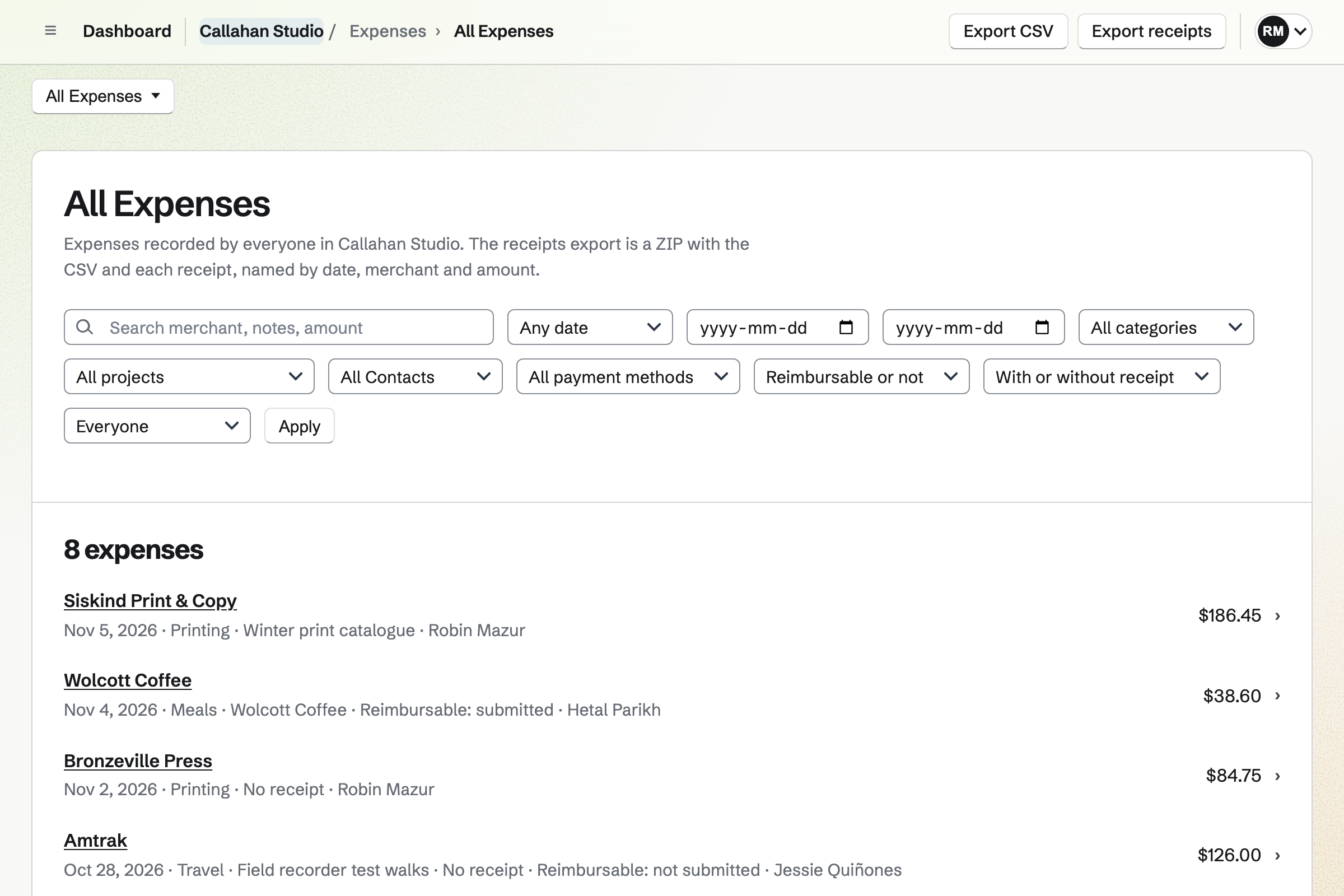
Export your reports from Expensify as CSV, and their receipts as a ZIP file. In Magpie, + Receipt uploads many receipts at once into Receipt Inbox. Open each one and enter its amount. Magpie does not import expenses from a CSV file.
What is included in Magpie's Free plan?
All of Expenses: receipts, recurring expenses, expense reports and approvals, reports and exports. Accounting, Invoicing with 5 invoices a month, and Payroll for 2 employees a pay run. Store, booking pages, a website and a team of 3. A paid plan raises the limits.