What is the difference between Loom and Magpie?
Loom is a video messaging product with apps, a Chrome extension, AI and a team library. Magpie is one subscription for a small business's software. Its Screen Recorder is one area beside Video Chat, booking pages, invoicing, Documents and Forms. Loom does more for the video itself; Magpie does more around it.
Does Magpie replace Loom?
Yes, for someone who records short videos for clients or supporters. Magpie records the screen with your camera, edits and downloads on every plan, and names who watched.
Consider keeping Loom if your viewers should watch without an account, or if you record on a phone. Keep it too if you want AI summaries, comments on the video or a team library. Loom does each of these better than Magpie does today.
How much does Loom cost?
Loom has four plans, priced per user: Starter, which is free, Business, Business + AI and Enterprise. Starter keeps 25 videos a person of up to 5 minutes. Business adds unlimited recording, editing and downloads, and Business + AI adds Loom's AI. The prices are on Loom's pricing page.
How much does Magpie cost?
Magpie has a Free plan and paid plans, each covering every area. Screen Recorder's Free plan records 1 video a week of up to 3 minutes. Pro records up to 30 minutes at 1080p, with 100 GB of storage. The prices are on Magpie's pricing page.
Can people watch a Magpie recording without an account?
No. Anyone with the link watches after signing in to Magpie. Someone without an account gets a free one first. A recording in a Supporters post open to everyone plays there for anyone. A Public Loom video opens for anyone with the link.
Can I keep a Magpie recording to named people?
No. Anyone signed in to Magpie who has the link can watch. Share by email sends it to the people you choose, but does not stop others with the link. Loom can restrict a video to the email addresses you add, on every plan.
Does Magpie have a desktop app or a Chrome extension?
No. Screen Recorder runs in a browser page on a computer, with nothing to install. The browser's chooser records a screen, a window or a tab. Loom has a desktop app for Mac and Windows and a Chrome extension.
Can I record on my phone with Magpie?
No. A phone's browser cannot share its screen, and the Magpie app does not record. The app uploads a video made with the phone's own screen recording. It is not yet in the App Store or Google Play. Loom's phone apps record the screen or the camera.
Can I record only my camera in Magpie?
No. Screen Recorder always records a screen, a window or a tab. The camera is added to it as a bubble or a side panel. Loom's Camera only mode records the camera full screen.
Can I blur my background in Magpie?
Yes. Camera background in the recorder's Options blurs the room behind you, or removes it so you appear over your screen. Your browser does the work, on every plan. Loom blurs the background or puts a colour or one of its pictures behind you, in its desktop app and Chrome extension.
Can I pause a recording in Magpie?
No. Stop ends the take, and Discard throws it away so you can record again. Pausing is on Magpie's roadmap. Loom pauses from the camera bubble or with a keyboard shortcut.
Does Magpie transcribe recordings or add captions?
No. A Magpie Document you choose can show beside the video as its transcript. Nothing is transcribed for you, and the video has no captions. Loom writes a transcript and captions for every video, in more than 50 languages.
Does Magpie write AI summaries of videos?
No. A recording has the title you typed and no summary or chapters. The assistant finds recordings by title, but not by what was said. Loom's AI writes summaries, chapters and step-by-step guides on Business + AI.
Can viewers comment on a Magpie recording?
No. The share page has no comments, reactions or video replies. People sent the recording by email can reply to that email. Loom's viewers comment at a moment on the timeline and reply with a video.
Does Magpie have folders or a team library?
No. Recordings is one list of your own recordings, with each one's length, size, date and views. Others watch through the link, or under Sent to you. Loom has folders, an archive and spaces the team shares.
Can I edit and download on the free plan?
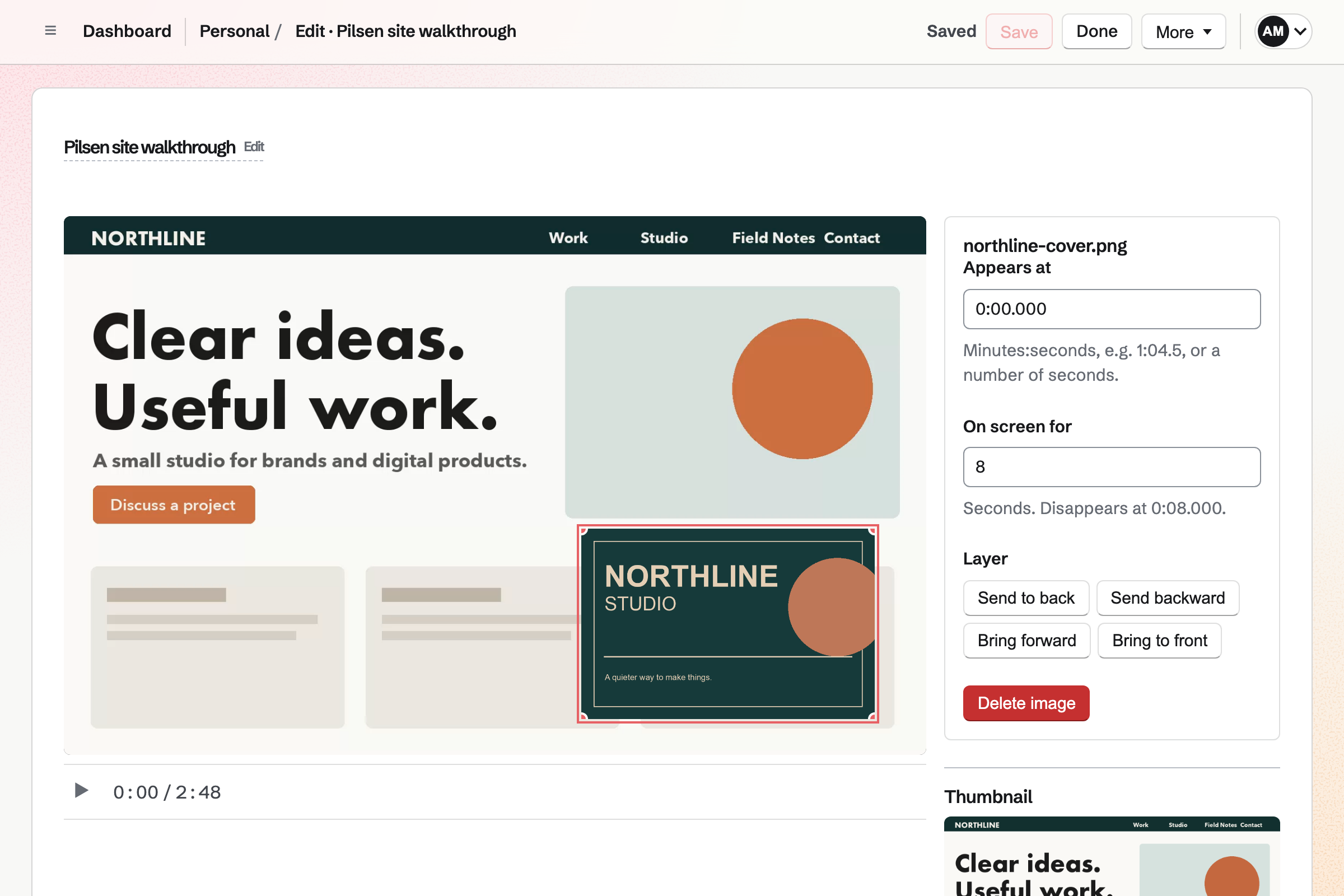
Yes in Magpie. Every plan trims, cuts out a part and places pictures over the video. It downloads an MP4 with your cuts. Loom's Starter has no editing and no download; both need Business or above.
Does Loom have a teleprompter?
Partly. Loom's desktop app opens speaker notes of up to 10,000 characters, which are not recorded. Magpie's teleprompter scrolls a script at a pace you set and reads from a Document. It can open in its own window. It is on every plan.
Can I get back a video I deleted?
In Magpie, yes. Move to Trash keeps a recording for 30 days, and restoring it brings back its link and download. Loom removes a deleted video at once and for good. Archiving is the way to keep one out of sight.
Can I see who watched my video?
Yes, in both. Magpie's Analytics names each person who watched and how far they got. Every viewer is signed in. Loom names signed-in viewers and counts the rest as anonymous. Loom's Business plans export the figures; Magpie's cannot be downloaded.
Does Magpie record Zoom or Google Meet calls?
No. Magpie's Meeting Notes records a meeting and writes notes from it. It is not yet open to members. Video Chat holds calls in Magpie itself. Loom's notetaker joins Zoom, Google Meet and Microsoft Teams calls from your calendar.
Can I use Loom and Magpie together?
Yes. A Loom link can go in Mail, Team chat or a Document like any other link. You can keep Loom for video and use Magpie for bookings, invoices and the website.
How do I move from Loom to Magpie?
Record new videos in Screen Recorder; your Loom links keep working in Loom. Screen Recorder has no upload of its own on the website. A video uploaded in a Supporters post is added to Screen Recorder. It must fit the plan's recording length. Loom downloads an MP4 on Business and above.
What is included in Magpie's Free plan?
Screen Recorder with 1 recording a week of up to 3 minutes, the editor, downloads and Analytics. Booking pages, Invoicing, Store, a website, the Newsletter, Forms and a team of 3. Storage is 5 GB, and sharing a recording by email needs a paid plan.