What is the difference between Microsoft Teams and Magpie?
Microsoft Teams is Microsoft's place for chat, meetings, calls and files, with Planner, Bookings and Copilot inside it. Magpie is one subscription for a small business's software. Its Team chat is one area beside Video Chat, Walkie Talkie, To-dos, Mail, Invoicing and booking pages. Microsoft Teams does more inside the conversation and the meeting; Magpie does more around them.
Does Magpie replace Microsoft Teams?
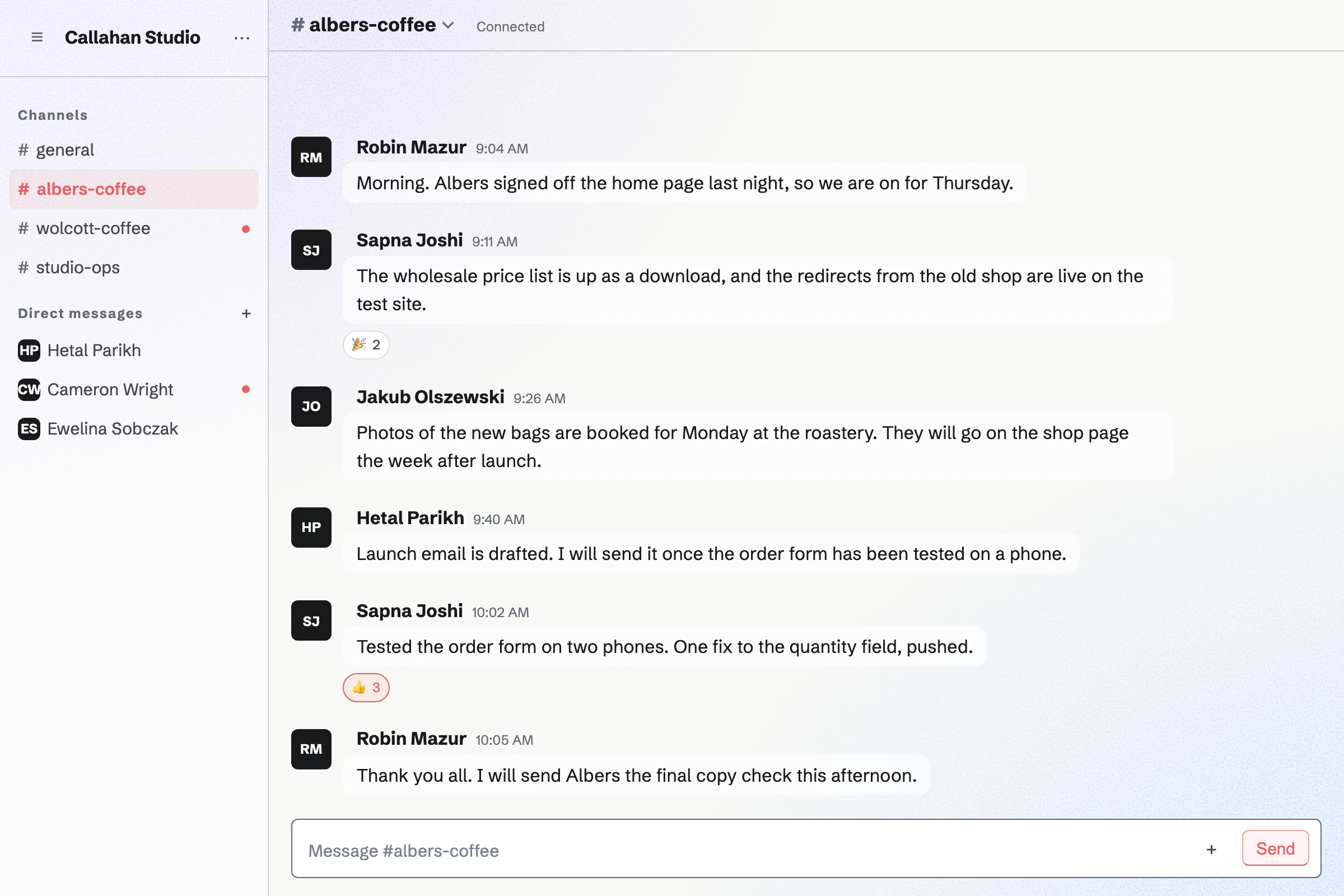
Yes, for a small team whose talk is mostly in channels and direct messages. Magpie has channels, threads, reactions, guests and read receipts. The same team holds the bookings, invoices and email.
Consider keeping Microsoft Teams if you hold group meetings or record calls. Keep it too if you mention a whole channel, need phone numbers, or edit Office files together. Microsoft Teams does each of these better than Magpie does today.
How much does Microsoft Teams cost?
Microsoft Teams comes in a free plan, Teams Essentials and the Microsoft 365 business plans, priced per person. The free plan ends group meetings at 60 minutes and holds 5 GB of storage. Teams Premium, Copilot and Teams Phone are add-ons. The prices are on Microsoft's plan pages.
How much does Magpie cost?
Magpie has a Free plan and paid plans, each covering every area. A free team has 3 members and 5 channels. The Team plan is one price for up to 25 people, with 100 channels. The prices are on Magpie's pricing page.
Does Magpie have @mentions?
Partly. An @handle mentions one person who can read the conversation. On the website they get the dot on their avatar and a sound; the Magpie app sends a notification. A team or a channel cannot be mentioned at once. In Microsoft Teams, an @mention of a person, a team or a channel notifies them.
Can I format messages or post links in Magpie's Team chat?
Yes. Bold, italic, code and blocks of code typed as in Markdown show formatted, and a web address opens with one click. Lists and quotes stay plain text, and a link shows no preview. Microsoft Teams formats bold, lists, quotes and code, and shows a preview of a linked page.
Can I edit a message I sent in Magpie?
Yes. Edit message, in your message's menu, changes its words, and the message shows Edited. Its author can delete it too, and a team admin can delete any message in the team's channels. Microsoft Teams edits and deletes sent messages unless an admin turns that off.
Can I search Team chat?
Yes, for messages. Search messages, at the top of Chat on the website and in the app, finds messages by their words in the team's channels and your own conversations. Files are not searched, and the Search page does not cover chat. Microsoft Teams searches messages, people and files, narrowed by team, chat, sender or date.
Can more than two people join a Magpie video call?
Only a scheduled call, which takes up to 6 people on Pro and Team plans. Hiring interviews, Courses live sessions and Coaching sessions make one. A call you start in Video Chat is for two people. Group calls are on Magpie's roadmap. Microsoft Teams meetings take up to 300 people on a business plan.
Can I share my screen in a Magpie call?
Yes, from a browser on a computer. Share screen shows everyone in the call a screen, a window or a tab in place of your camera. A phone's browser and the Magpie app cannot share a screen. Microsoft Teams shares a screen, a window or a whiteboard in a meeting.
Can I record a Magpie call or get a transcript?
No. A Video Chat call is not recorded, and nothing is kept after it ends. Recording, captions and meeting notes are on Magpie's roadmap. Microsoft Teams records meetings, shows live captions and keeps a transcript in each meeting's recap.
Does Magpie have webinars or town halls?
No. Magpie has no webinars open to members today, and Webinars is on Magpie's roadmap. A Courses live session makes a call for up to 6 people, the host included. Microsoft Teams runs webinars for up to 1,000 attendees and town halls for up to 10,000.
Does Magpie have business phone numbers?
No. Magpie has no phone numbers and makes no phone calls. Video Chat and Walkie Talkie talk over the internet between Magpie accounts. Teams Phone, an add-on for Microsoft's business plans, gives phone numbers with voicemail, transfers and call queues.
Does Microsoft Teams have push-to-talk?
Yes, on phones. Microsoft's Walkie Talkie turns an Android phone or an iPhone into a push-to-talk radio on a team's channels. An admin deploys it first. It does not run on a computer. Magpie's Walkie Talkie works in the browser on a computer or a phone, and keeps each message to play later.
Does Microsoft Teams have invoicing?
No. Microsoft Teams has no invoices or payments; its plans cover chat, meetings, calls, files and apps. Magpie's Invoicing sends an invoice the client pays online by card, in the same team as Team chat.
Does Microsoft Teams have booking pages?
Yes. The Bookings app in Microsoft Teams makes booking pages from staff availability. Each booking gets a Teams meeting link. Magpie's Meetings and Appointments are included in every plan. A Magpie booking gets a Zoom or Google Meet link once one is connected.
Can several people edit a document at once in Magpie?
Yes, in Documents, since 3 November 2026. Everyone who can edit writes at the same time. Each person's typing appears for the others about a second later. Spreadsheets and Presentations do not show others' changes as they happen. Microsoft Teams edits Word, Excel and PowerPoint files together.
Can clients join a Magpie call without an account?
Partly. Both people in a Video Chat call you start must be signed in to Magpie. A Hiring candidate, a Courses student and a Coaching client join a scheduled call from a private link, without an account. Anyone with a Microsoft Teams meeting link joins without a Teams account.
Can I chat with people at another company in Magpie?
Yes, one at a time. A team admin lets someone into a channel as a guest, by handle or with an invite link. Anyone with a Magpie account can be sent a direct message. Microsoft Teams also shares a whole channel with another organization, whose people keep their own accounts.
Does Magpie have private channels?
Partly. Every Team chat channel is read by the whole team. A group of three or more people is private to them. A channel opened to guests becomes members only, but anyone in the team can still join it. A Microsoft Teams private channel is read only by the people added to it.
Does Magpie have a phone or desktop app?
Not yet. Team chat, Video Chat and Walkie Talkie work in a phone's browser. The Magpie app has them with push notifications, but it is not yet in the App Store or Google Play. There is no Mac or Windows app. Microsoft Teams has apps for Windows, Mac, iPhone and Android.
Does Magpie have single sign-on?
No. People sign in with a password, a passkey, an emailed link or code, or Google, Apple, LinkedIn or GitHub. SAML single sign-on is on Magpie's roadmap. Microsoft Teams signs people in with Microsoft Entra ID work accounts.
Can I use Microsoft Teams and Magpie together?
Yes. A team can keep Microsoft Teams for meetings and calls. Magpie then holds the bookings, invoices, email and the rest. A Magpie booking gets a Zoom or Google Meet link, not a Teams link.
How do I move from Microsoft Teams to Magpie?
Create a team, invite your people, and add a channel for each one you use. Magpie does not read an export from Microsoft Teams, so your messages and files stay there. Keep it until you no longer need them.
What is included in Magpie's Free plan?
A team of 3, with Team chat in 5 channels and Video Chat calls of 2 or 5 minutes. It also includes Walkie Talkie, To-dos, booking pages, Invoicing, Store, a website and the Newsletter. Mail is not on the Free plan: email at your domain needs Pro or the Team plan.