What is the difference between Hootsuite and Magpie?
Hootsuite is a social media platform for publishing, replies, analytics and AI writing, priced per user. Magpie is one subscription for a small business's software. Its Social Media area is one part, beside Store, booking pages, Invoicing and a Newsletter. Hootsuite does more with each network; Magpie does more around the posts.
Does Magpie replace Hootsuite?
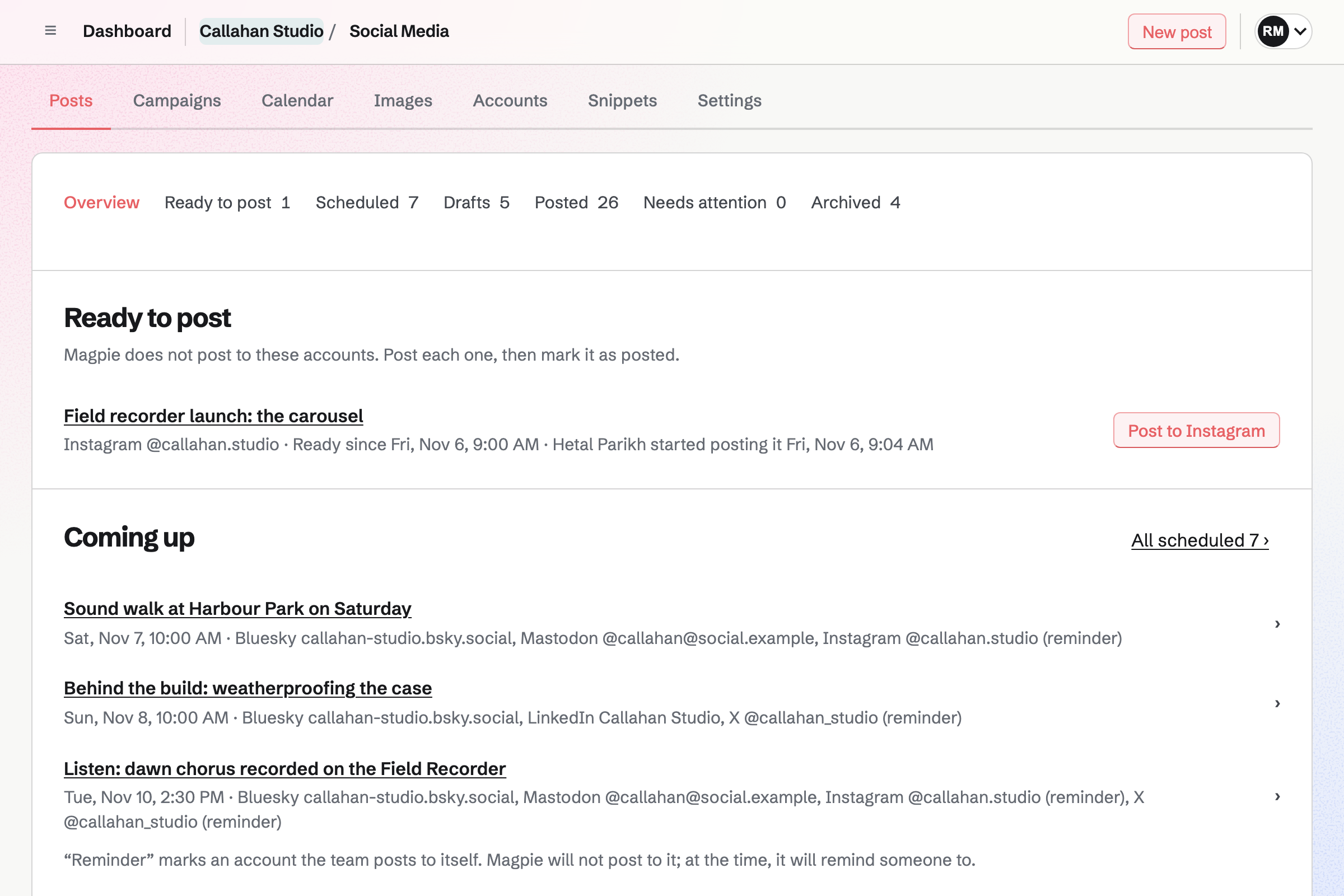
Yes, for a business that posts to Bluesky, Mastodon, LinkedIn and X. Magpie keeps those posts beside the rest of its work. Magpie schedules them, keeps posting times and campaigns, and prepares pictures in each network's shape.
Consider keeping Hootsuite if you post to Facebook, TikTok, YouTube or Pinterest, or post video. Keep it too for one inbox of comments, reports on results, or AI captions. Hootsuite does each of these better than Magpie does today.
How much does Hootsuite cost?
Hootsuite has Standard, Professional, Advanced and Enterprise plans, priced per user, per month, billed yearly. There is a 14-day trial and no free plan. Standard connects 10 social accounts; Professional and above have no limit. The prices are on Hootsuite's plans page.
How much does Magpie cost?
Magpie has a Free plan and paid plans, each covering every area. Social Media has no limit on accounts or scheduled posts on any plan. A free team has 3 people. The Team plan is one price for up to 25. The prices are on Magpie's pricing page.
Which networks does Magpie publish to?
Bluesky, Mastodon and LinkedIn personal profiles, by themselves at the time you set. For X and Instagram, Magpie prepares the post and emails a reminder at its time. A phone then shares the text and pictures. Hootsuite publishes to Facebook, Instagram, X, LinkedIn, Threads, TikTok, YouTube, Pinterest and Bluesky.
Does Magpie post to Facebook or Instagram?
No for Facebook: Facebook Pages cannot be added, because publishing needs a Meta app approved through Meta's App Review. Instagram is posted by hand: Magpie prepares the caption and up to 20 pictures and reminds the team. Hootsuite publishes to both by itself.
Can Magpie post to a LinkedIn company page?
No. Magpie publishes to a LinkedIn personal profile, with a link card or pictures. Its access is renewed about every two months. Company pages are on Magpie's roadmap. Hootsuite publishes to company, showcase and university pages and to personal profiles.
Does Magpie schedule videos or Reels?
No. Social Media posts take text, a link and pictures. Video posts are on Magpie's roadmap. Hootsuite schedules videos, Reels, TikToks and YouTube Shorts, with captions.
Does Magpie have AI to write posts?
No. Social Media has no writing help, and the assistant can search posts but not write them. Snippets keep saved text, such as hashtags, to insert into a post. Hootsuite's Wisdom drafts captions, changes their tone and adapts a post for each network, on every plan.
Does Magpie have social media analytics?
No. Magpie collects no likes, reach or follower figures from the networks. Each published post links to its copy on the network. Analytics are on Magpie's roadmap. Hootsuite shows results for each post and account, with reports and competitor benchmarks.
Can I reply to comments and messages in Magpie?
No. Magpie reads no comments or direct messages from the networks. They are answered in each network's own app. Hootsuite's inbox gathers both from every network, on every plan.
Can Magpie send a message to people who comment a keyword?
Partly. An offer gives a post a word to comment, such as DOG, and a message that ends with the offer's link. You send the message to each commenter yourself, because Magpie reads no comments. The link's page takes their email address, and Magpie emails them your file. Hootsuite replies and sends the message by itself on Instagram, on Professional and above.
Does Hootsuite have a shop, booking pages or a newsletter?
No. Hootsuite covers social media, and content from other software comes through its app directory. Magpie includes Store, Meetings, Appointments, Invoicing and the Newsletter. Each starts a post with a button.
Does Magpie have a content calendar?
Yes. Calendar in Social Media shows scheduled and published posts by month or as a list. Show posts in Calendar puts them in Calendar beside the team's events. There is no week view. A post's time is changed on the post, not by dragging. Hootsuite's calendar has a week view and drag.
Can posts be approved before they go out in Magpie?
Partly. By default only team admins schedule and publish, so an editor's drafts wait for an admin. There is no request for approval, and nobody is told a draft is waiting. Hootsuite's approvals send a post through one or several approvers, on Advanced and Enterprise.
Does Magpie have a link-in-bio page?
Yes. Link-In-Bio List is a page of links, headings, text and social profiles, on every plan. It links to the team's Store, Supporters page or website, and counts views and clicks. It can show at a domain of your own. Hootsuite's Hootbio needs a paid plan.
Does Magpie have a phone app for social media?
Social Media works in a phone's browser. The posting page shares X and Instagram posts from the phone's share sheet. The Magpie app writes and schedules posts with photos from the phone. It is not yet in the App Store or Google Play. Hootsuite has apps for iPhone and Android.
Can I use Hootsuite and Magpie together?
Yes. Hootsuite can publish to the networks while Magpie runs the shop, bookings and newsletter. The posts link to them. A campaign's links can carry tracking, so your web analytics show which posts sent visitors.
How do I move from Hootsuite to Magpie?
In Social Media, add Bluesky, Mastodon and LinkedIn by signing in on each network. Add X and Instagram by name. Set the team's posting times, then write or copy each scheduled post into a new post. Magpie has no import of posts, so do this before your Hootsuite plan ends.
What is included in Magpie's Free plan?
Social Media, with no limit on accounts or scheduled posts. Also Link-In-Bio List, booking pages, Invoicing, Store, a website, the Newsletter and Forms. A free team has 3 people. A paid plan adds the API, email at your domain and a larger team.