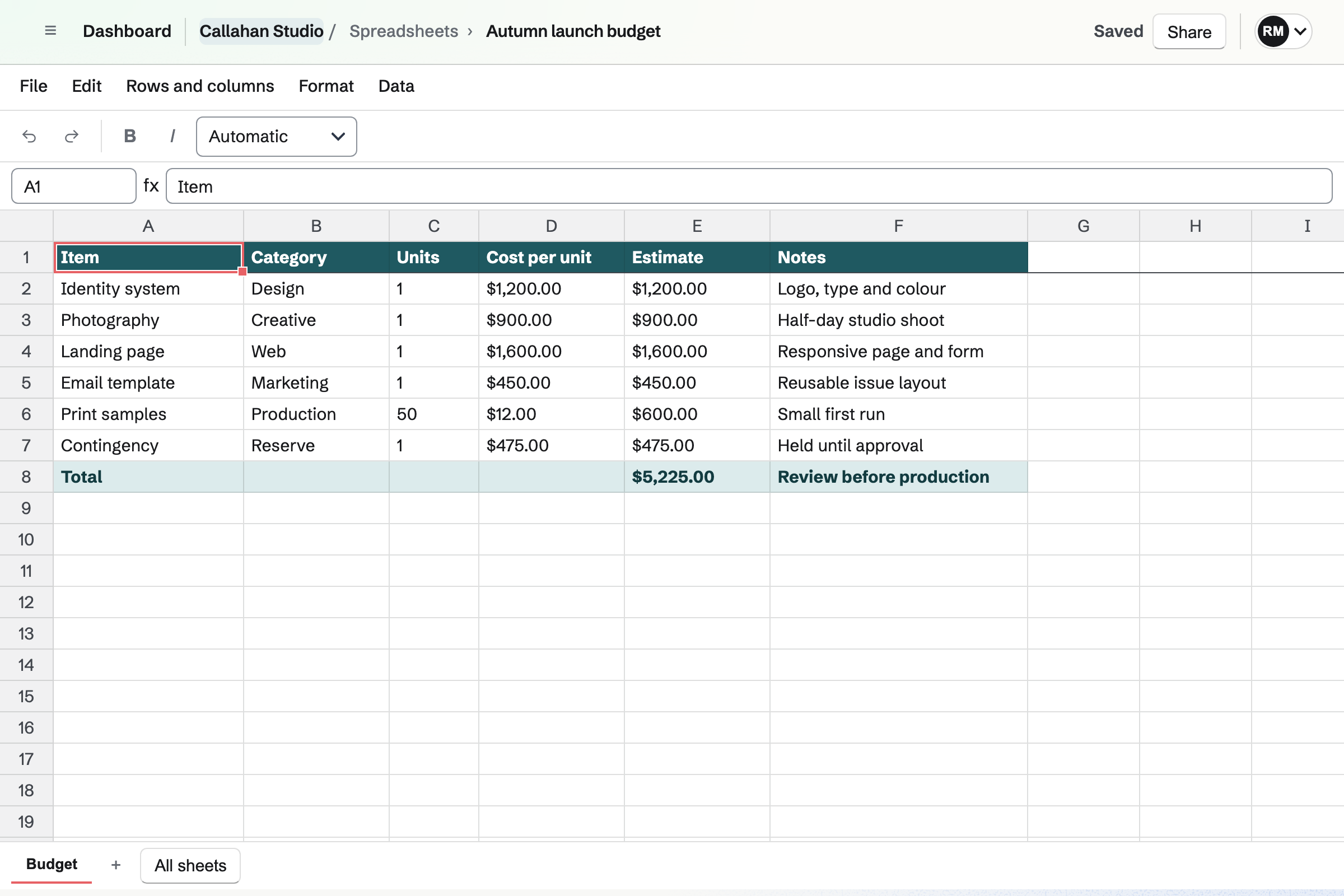
What is the difference between Google Sheets and Magpie?
Google Sheets is a spreadsheet, free with a Google account and part of Google Workspace. Magpie is one subscription for a small business's software. Its Spreadsheets area is one of many, beside invoicing, booking pages, email and a shop. Google Sheets does much more inside a spreadsheet; Magpie does more around it.
Does Magpie replace Google Sheets?
Yes, for lists and calculations: a price list, a budget, a stock count or a rota. Magpie has formulas, several sheets, tables, dropdowns, conditional formatting and filter views. It adds the invoicing, booking and email the business was buying elsewhere.
Consider keeping Google Sheets if you need charts or pivot tables, or several people editing at once with comments. Keep it if you open Excel files, print sheets or work offline. Google Sheets does each of these better than Magpie does today.
How much does Google Sheets cost?
Google Sheets is free with a Google account. A business pays for a Workspace plan: Business Starter, Standard, Plus or Enterprise, priced per user each month. Gemini in Sheets comes with Standard and above, and AppSheet with every Business plan. The prices are on Google's pricing page.
How much does Magpie cost?
Magpie has a Free plan and paid plans, each covering every area. Personal is on Free or Pro. A team is on Free or the Team plan, one price for up to 25 people. Magpie takes 4% of Store sales and 4% of paid forms. The prices are on Magpie's pricing page.
Can Magpie make charts?
No. Neither the website nor the Magpie app has a way to make or show a chart. Charts in Spreadsheets are on Magpie's roadmap. Google Sheets makes line, area, column, bar, pie, scatter, waterfall, histogram and treemap charts from the selected cells.
Does Magpie have pivot tables?
No. Totals by group are written with SUMIFS, COUNTIFS or UNIQUE formulas instead. Pivot tables are on Magpie's roadmap. Google Sheets sums up the selected data by chosen rows, columns and values. The pivot table refreshes when the data changes.
Can several people edit a Magpie spreadsheet at once?
No. Each save is checked against the latest version. When someone else has changed the spreadsheet, you reload before carrying on. Nobody sees another person's edits as they happen. Live editing together is on Magpie's roadmap. In Google Sheets several people edit at once and see each other's changes.
Can I comment on cells in Magpie?
No. Spreadsheets have no comments, so the Commenter role can do what a Viewer can. Comments are on Magpie's roadmap. Google Sheets attaches a discussion to cells, emails the people you mention and turns a comment into their task.
Does Magpie keep a history of a spreadsheet?
No. Undo and Redo reach the changes made since you opened the spreadsheet. There is no list of earlier versions or of who changed a cell. Version history is on Magpie's roadmap. Google Sheets restores earlier versions and lists one cell's earlier values.
Can I open an Excel file in Magpie?
Not as an Excel file. Import makes a spreadsheet from a CSV or TSV file of one sheet, up to 5 MB. Save each Excel sheet as CSV first; formulas, formatting and the other sheets are left behind. Excel import is on Magpie's roadmap. Google Sheets opens .xlsx, .xls and .ods files.
Can I download a Magpie spreadsheet as Excel or PDF?
No. File, Export CSV downloads the sheet you are on as CSV, with each formula's last result. There is no Excel download, print layout or PDF. Both are on Magpie's roadmap. Google Sheets downloads Excel files and PDFs and prints with page setup.
Can I share a Magpie spreadsheet with a link?
No. A spreadsheet opens for its team's members and the people added under Share. Someone outside the team is emailed an invitation and gets a free account if needed. They join as a guest who sees only that spreadsheet. Google Sheets can let anyone with the link view, comment or edit.
Does Magpie have AI like Gemini in Sheets?
Partly. The assistant on Dashboard makes a spreadsheet from CSV text it writes, or changes cells, once you confirm it. It cannot read a sheet's cells, so it cannot explain your data or write a formula for it. Gemini works inside a Google Sheet on eligible plans.
Does Magpie have the functions I use in Google Sheets?
Most everyday ones. Magpie has about 170 functions, including SUMIFS, XLOOKUP, INDEX and MATCH, FILTER, UNIQUE, LET and LAMBDA. QUERY, IMPORTRANGE, INDIRECT, OFFSET, the regular expression functions and SPARKLINE are missing, and a cell using one shows #NAME?. Google Sheets has about 500.
Can Magpie hide a row or drag it to a new place?
Partly. Grouped rows or columns collapse out of view, but a single row cannot be hidden. Rows and columns move by cut and paste, not by dragging. Both are on Magpie's roadmap. Google Sheets hides a row from its right-click menu and moves rows by dragging.
Does Google Sheets save filter views for people who can only view?
No. A Google Sheets viewer gets a temporary filter view that is not saved. In Magpie, Viewers and Commenters save named filter views of their own, which stay for the next visit.
Does Google Sheets do invoices or take payments?
No. Google Workspace's pricing page lists email, a calendar, meetings, files, documents and spreadsheets, and no invoices or shop. Magpie has Invoicing, Store and paid Forms, which take payment by card through the team's own Stripe account.
Can form responses go into a Magpie spreadsheet?
Not by themselves. Forms exports its responses as CSV, which Spreadsheets imports as a copy; new responses do not reach it. Responses in a spreadsheet are on Magpie's roadmap. A Google Form sends its responses to a new or existing sheet.
Does Magpie have an app for my phone?
No. Spreadsheets opens in a phone's browser, but the editor is laid out for a computer. The Magpie app edits spreadsheets and calculates formulas on the phone. It is not yet in the App Store or Google Play. Google Sheets has apps for iPhone and Android.
Can I use Google Sheets and Magpie together?
Yes. A team can keep its reports in Google Sheets while Magpie runs its bookings, invoices, email and shop. A CSV file imports into Magpie, and a Magpie sheet exported as CSV opens in Google Sheets.
How do I move from Google Sheets to Magpie?
Save each sheet as a CSV or TSV file. Then select Import on Magpie's Spreadsheets page and choose the file. Each file becomes a spreadsheet of one sheet. Formulas come across as their results, so write the ones you need again in Magpie.
What is included in Magpie's Free plan?
Spreadsheets, Documents, Notes, Kanban Boards, To-dos, Forms, Calendar, booking pages, Invoicing and most other areas. It has a team of 3, 10 guests and 5 GB of storage. Mail is not on the Free plan: email at your domain needs Pro or the Team plan.