What is the difference between Notion and Magpie?
Notion builds a team's wiki, projects and records from pages and databases. It adds a calendar, forms, sites and AI. Magpie is one subscription for a small business's software, with an area for each kind of work. Beside Documents, Notes and Kanban Boards it has invoicing, booking pages, email and a shop. Notion does more inside a page and a database; Magpie does more around them.
Does Magpie replace Notion?
Yes, for a team that writes documents, keeps notes and runs work on boards and To-dos. Magpie has each of these, with comments, suggestions, writing together and version history. It adds the invoicing, booking and email the business was buying elsewhere.
Consider keeping Notion if your wiki needs pages inside pages. Keep it if you track work in databases with relations, views and charts. Keep it too if you need apps that work offline, or single sign-on. Notion does each of these better than Magpie does today.
How much does Notion cost?
Notion has four plans: Free, Plus, Business and Enterprise. The paid plans are priced per member each month, and Enterprise is priced on request. Business adds Notion Agent, AI Meeting Notes and single sign-on. A custom domain for a site is a paid add-on on any plan. The prices are on Notion's pricing page.
How much does Magpie cost?
Magpie has a Free plan and paid plans, each covering every area. Personal is on Free or Pro. A team is on Free or the Team plan, one price for up to 25 people. Magpie takes 4% of Store sales and 4% of paid forms. The prices are on Magpie's pricing page.
Can I put a page inside a page in Magpie?
No. Documents are a flat list in Personal or a team. A Document links to another, and Search finds both. Sub-pages are on Magpie's roadmap. In Notion any page can hold sub-pages.
Does Magpie have databases like Notion?
No. Magpie has no database whose records show as a table, a board, a timeline and a calendar at once. A spreadsheet is a grid with filter views. Kanban Boards, Calendar, Contacts and Issues each keep their own records. Notion's databases also link records with relations and total them with rollups.
Can Magpie make charts?
No. Neither the website nor the Magpie app has a way to make or show a chart. Charts in Spreadsheets are on Magpie's roadmap. Notion draws bar, line, donut and number charts from a database, one chart on the Free plan.
Can several people write in a Magpie document at once?
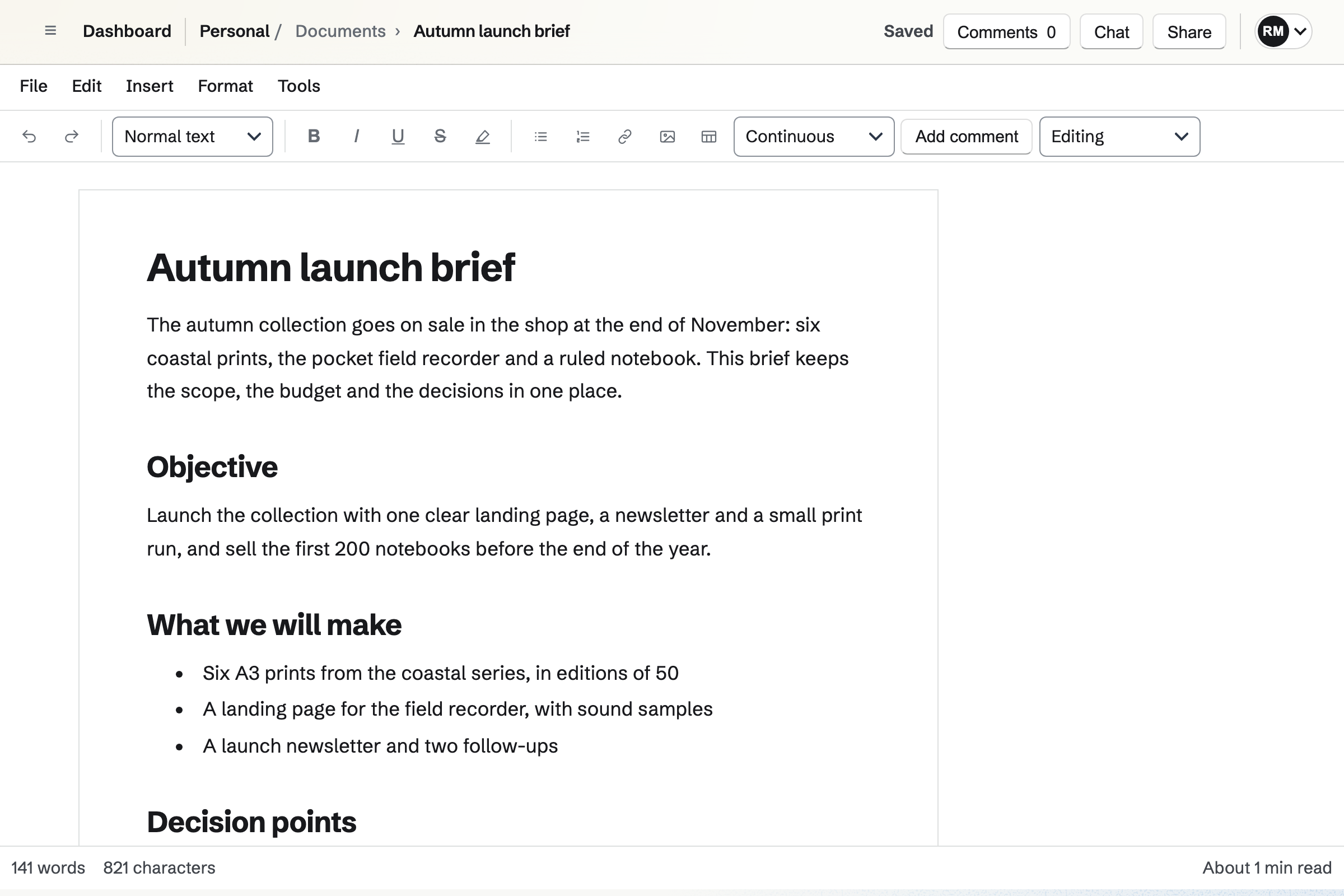
Yes, since 3 November 2026. Everyone who can edit a Document writes in it at the same time. Each person's typing appears for the others about a second later, with their cursor and name in their colour. Changes to the same paragraph are merged, so both people's words are kept.
Does Magpie have toggles, callouts or synced blocks?
No. A Document has quotes and code blocks; nothing folds away or is boxed. A paragraph belongs to one document. All three are on Magpie's roadmap. Notion has toggle lists, callouts and synced blocks.
Does Magpie have automations?
In Issues only. Issues has automation rules for its statuses and fields; a Kanban board or a spreadsheet is changed by hand. Automations for Kanban Boards are on Magpie's roadmap. Notion's database automations run on a paid plan. They edit properties, add pages, or send an email, a webhook or a Slack message.
Does Magpie have AI meeting notes?
No. Video Chat holds the call, and notes are written in Notes or Documents by hand. Meeting notes are on Magpie's roadmap. Notion's AI Meeting Notes records a meeting and writes notes and follow-ups, on the Business plan.
Does Magpie have a desktop or phone app?
No. Magpie is used in a browser on a computer or a phone. The Magpie app for iPhone, iPad and Android is built but not yet in the App Store or Google Play. Notion has apps for Mac, Windows, iPhone and Android.
Can I use Magpie offline?
No. Magpie needs a connection; a save that fails keeps your text in the editor to try again. Offline editing is on Magpie's roadmap. Notion's desktop and phone apps open, edit and create pages offline.
Does Notion have email at my own domain?
No. Notion's plans cover its pages, calendar and AI, and none hosts email. Magpie's Mail hosts a domain's email on a paid plan. It has mailboxes, aliases, a catch-all and a shared team mailbox, and mail counts in the team's storage.
Does Notion have team chat?
No. Notion connects Slack and Microsoft Teams. Magpie's Team chat has channels, direct messages and threads, and a guest can be invited into one channel.
Does Notion do invoices or take payments?
No. Notion's forms send responses to a database and take no payment. Magpie has Invoicing, Store and paid Forms, which take payment by card through the team's own Stripe account.
Can I publish a page anyone reads without an account?
Yes, in both. In Notion, anyone with the link views a published page. In Magpie, a Document's link opens without signing in, to read or to edit, as its editors choose. The reading page is kept out of search engines. A website, a Store, a booking page or a podcast is open to everyone too. Publishing a Document as a web page is on Magpie's roadmap.
Can I connect Claude or ChatGPT to Magpie?
Yes. Connected apps gives Claude, ChatGPT, Cursor or another app the assistant's tools through MCP, for the areas you choose. It reads only unless you allow changes. The Free plan has 2 connected apps. Notion's hosted MCP server connects the same apps to a Notion account.
Can I use Notion and Magpie together?
Yes. A team can keep its wiki and databases in Notion while Magpie runs its bookings, invoices, email and shop. A Notion page can link to a Magpie booking page, a form or an invoice.
How do I move from Notion to Magpie?
Export your pages from Notion as Markdown or HTML, and databases as CSV. Import each page file into Documents, which reads .md and .html files. A CSV file of up to 5 MB imports as a new spreadsheet.
What is included in Magpie's Free plan?
Documents, Notes, Spreadsheets, Kanban Boards, To-dos, Issues, Forms, Calendar, booking pages, Invoicing and most other areas. It has a team of 3, 10 guests, 5 GB of storage and 1 website. Mail is not on the Free plan: email at your domain needs Pro or the Team plan.